A common question from our partners, is "how do I add more images to an existing Photo Gallery?"
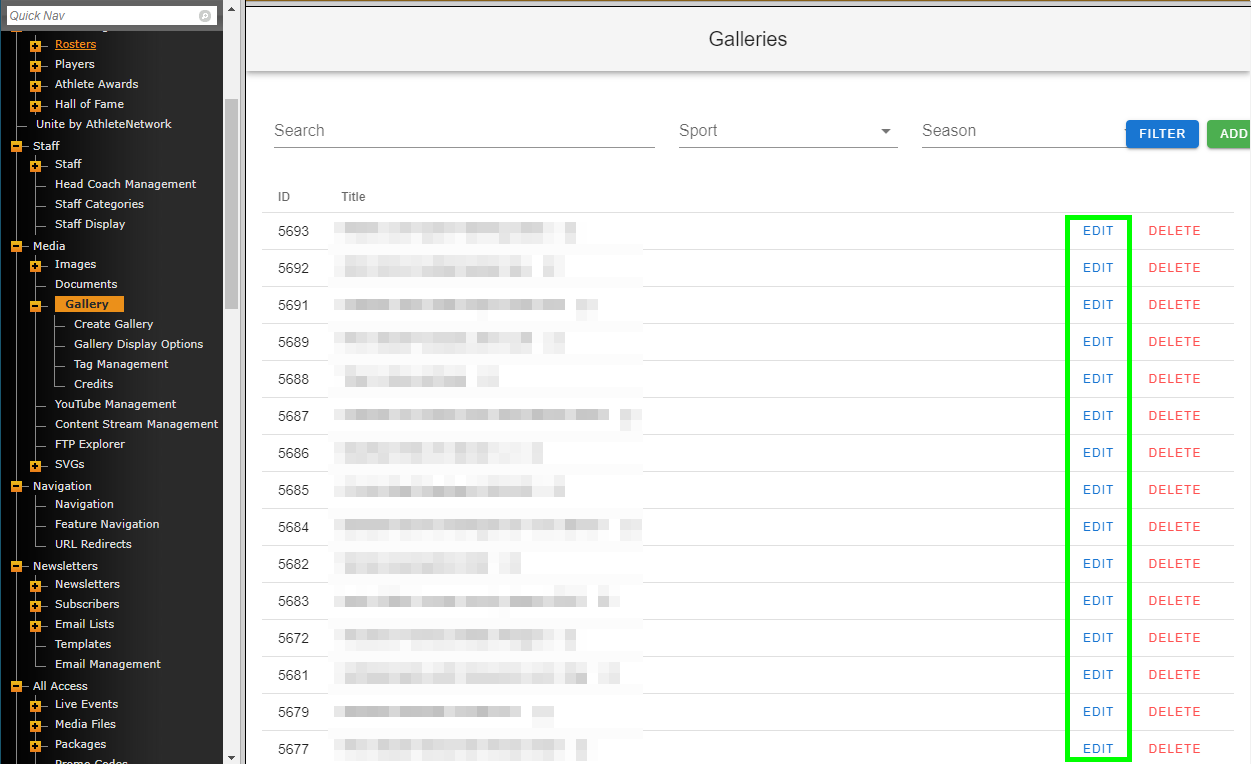
It's very easy to do this, all you'll need to do is click "EDIT" on any previously created galleries, navigate to the "Upload" section and upload your additional images. From there you can advance to "Image Order" and adjust the gallery order with those new images before saving the gallery.
Was this article helpful?
That’s Great!
Thank you for your feedback
Sorry! We couldn't be helpful
Thank you for your feedback
Feedback sent
We appreciate your effort and will try to fix the article