To create a photo gallery, you will follow a few simple steps from the admin side of your SIDEARM site.
Start by going to Media>Gallery>Create Gallery
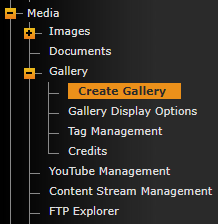
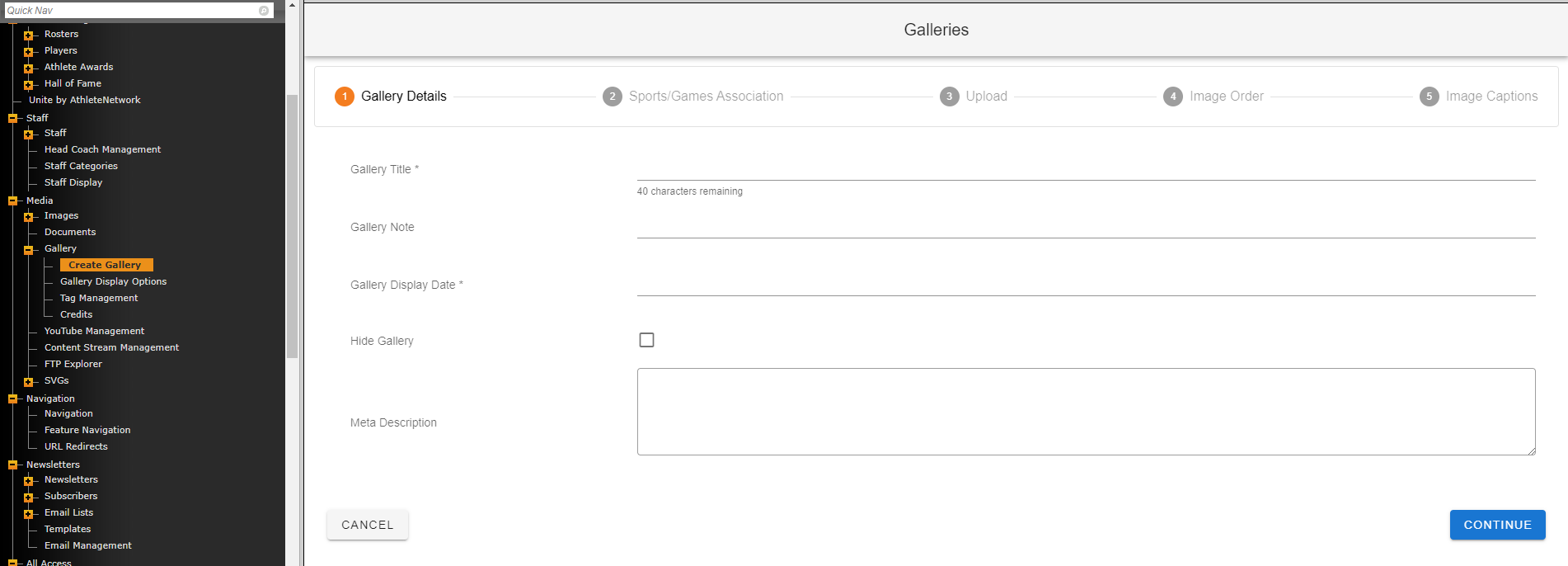
From there, simply follow the 5 steps of the gallery creation process before saving.
In step 1 "Gallery Details" only "Gallery Title" and "Gallery Display Date" are required.
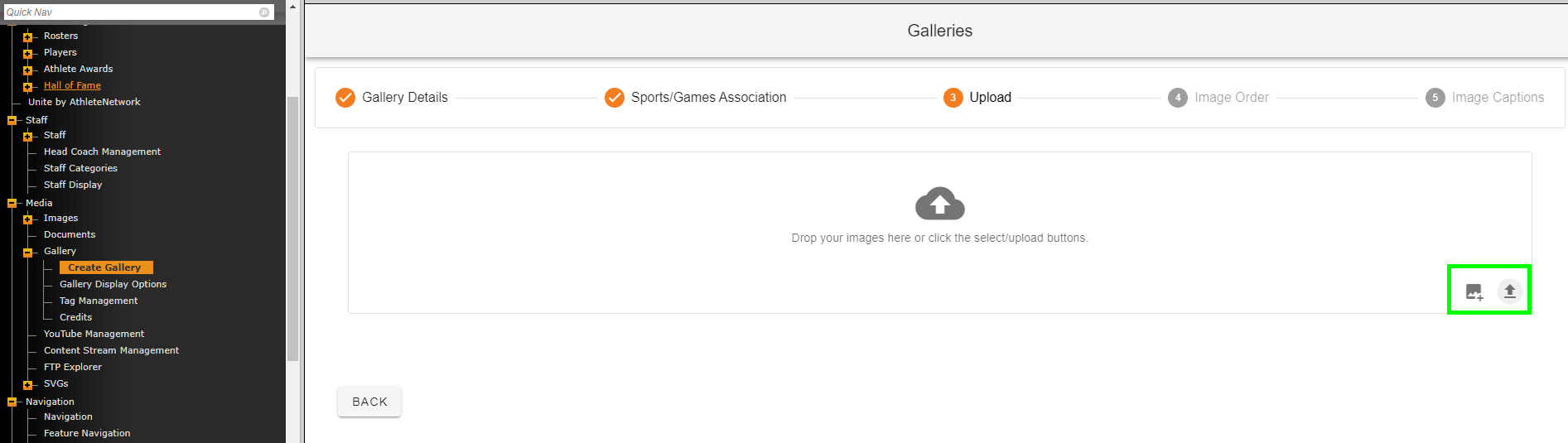
In step 3 "Upload" you'll drag/drop images right from your computer or you can use the options at the bottom-right to pull from Images or to select images from your computer.
Was this article helpful?
That’s Great!
Thank you for your feedback
Sorry! We couldn't be helpful
Thank you for your feedback
Feedback sent
We appreciate your effort and will try to fix the article