We've completely revamped the front-end view of our photo galleries and there are many different combinations you can try to see what you like best!
See below for how to set this up and take a look at the different screenshots:
Head to Media > Gallery > Gallery Display Options
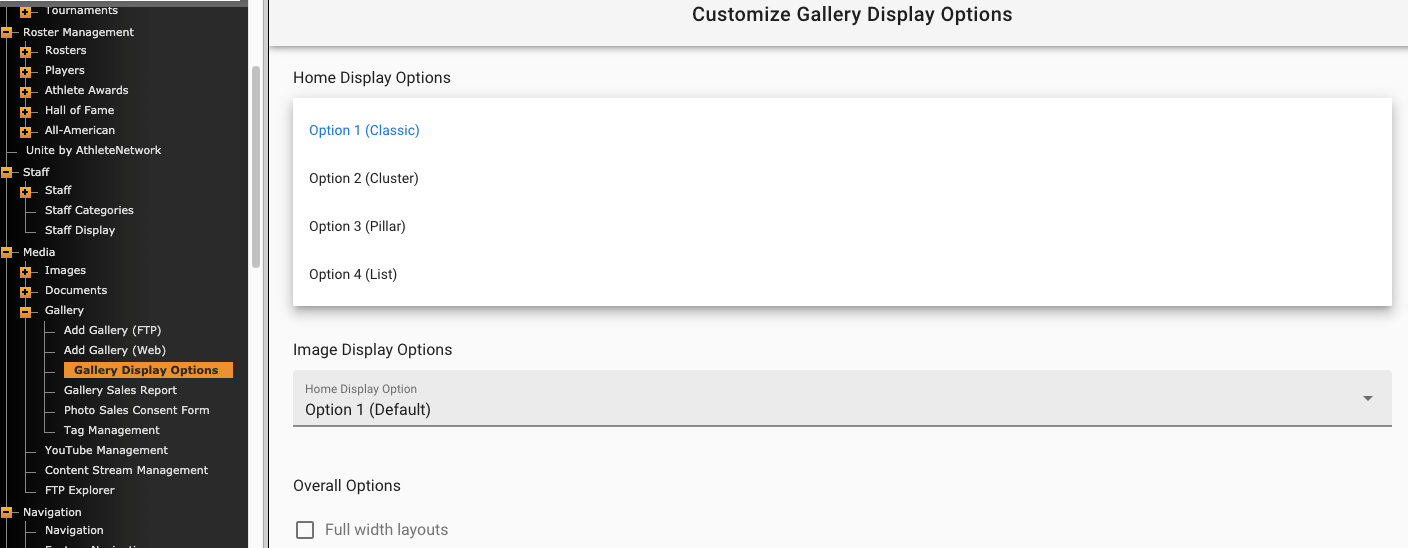
First, there are four different "Home Display Options" to choose from, this will impact your /galleries page:
Example: https://njcugothicknights.com/galleries/
#1 Classic
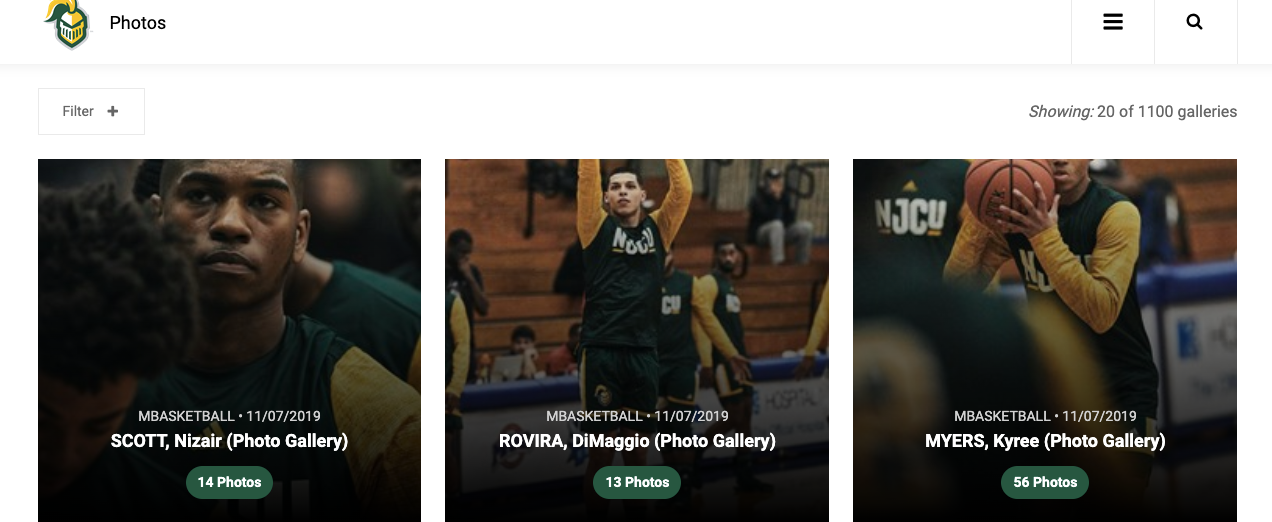
#2 Cluster
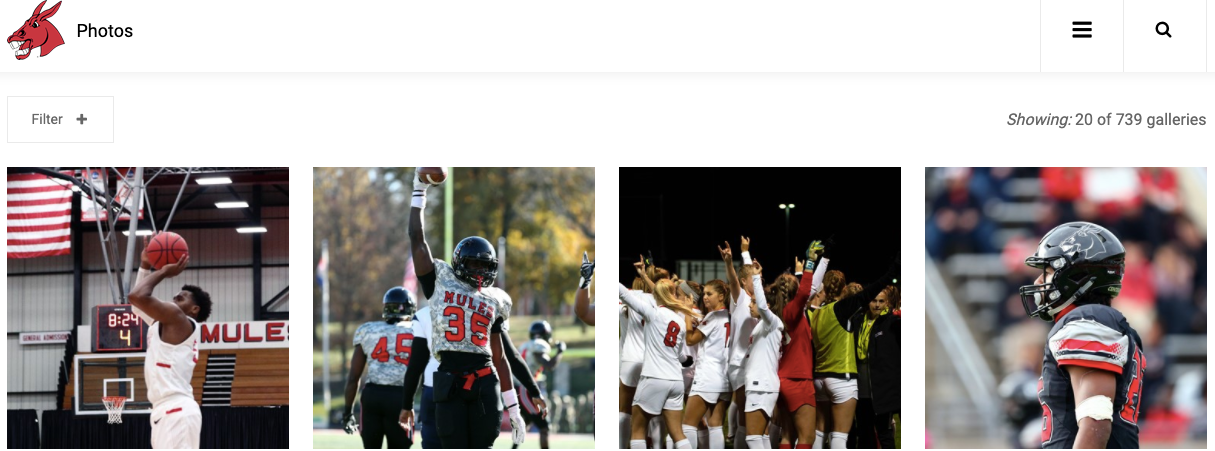
#3 Pillar
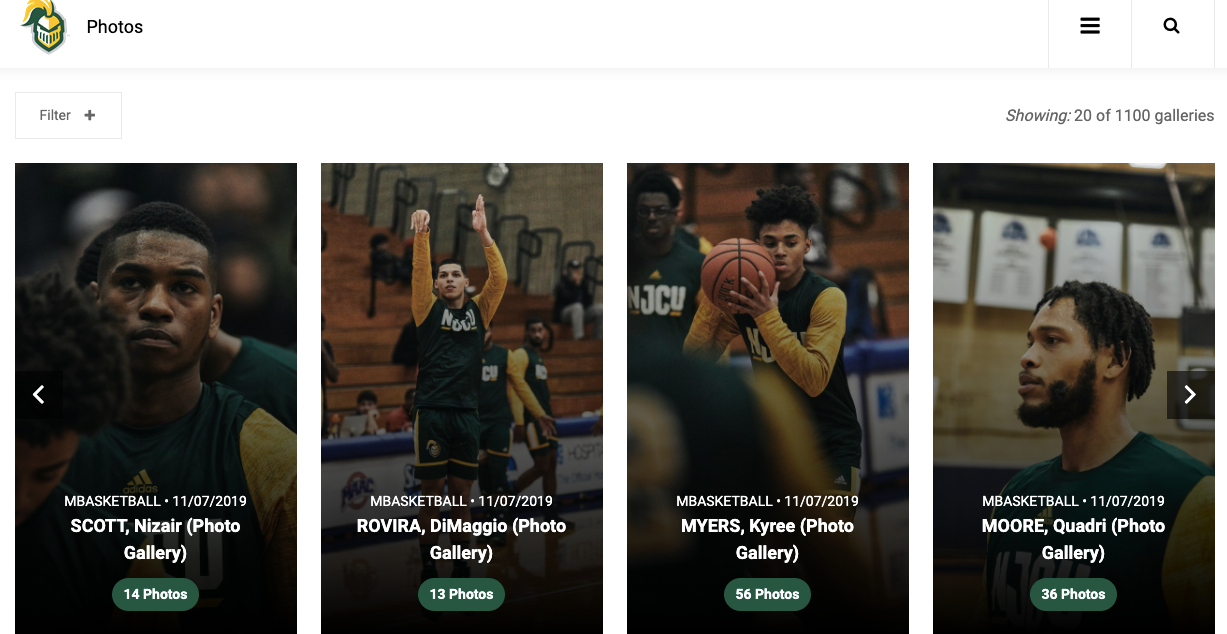
#4 List
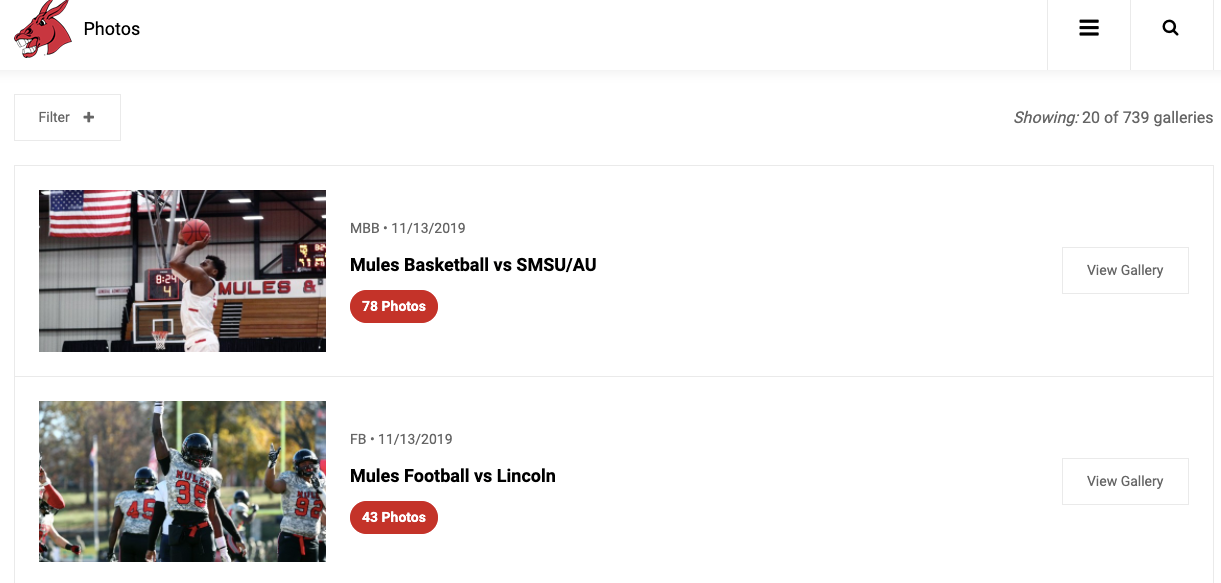 Next, you can choose from six "Image Display Options" for when users click in the specific photo gallery:
#1 Large Featured
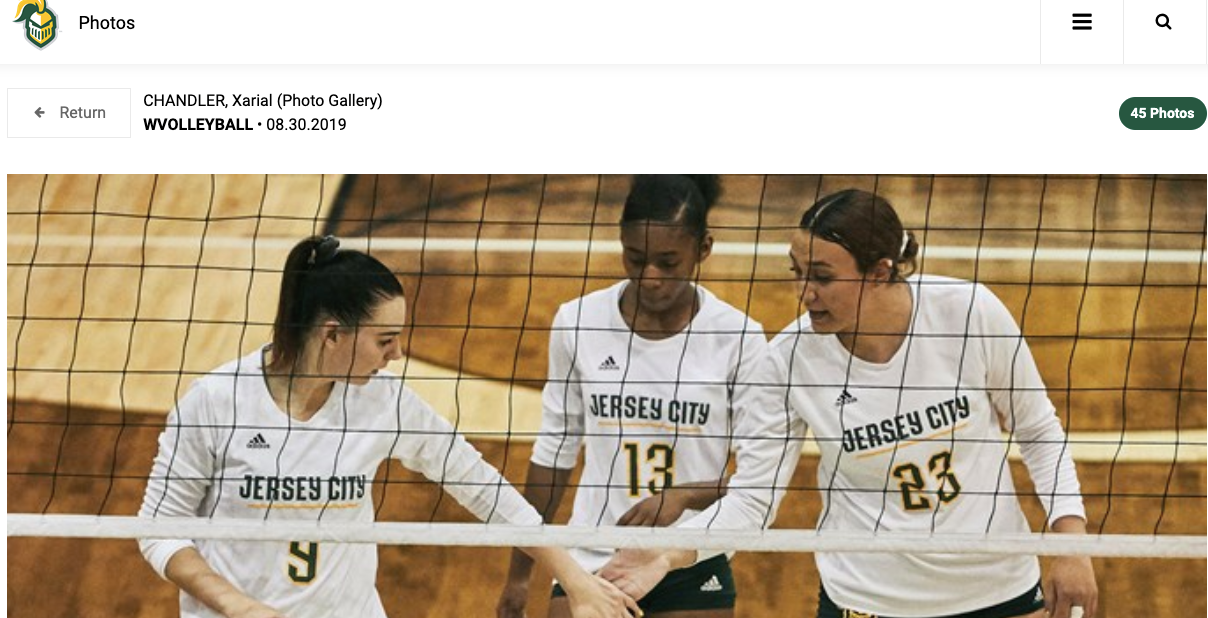
#2 Alternating Squares
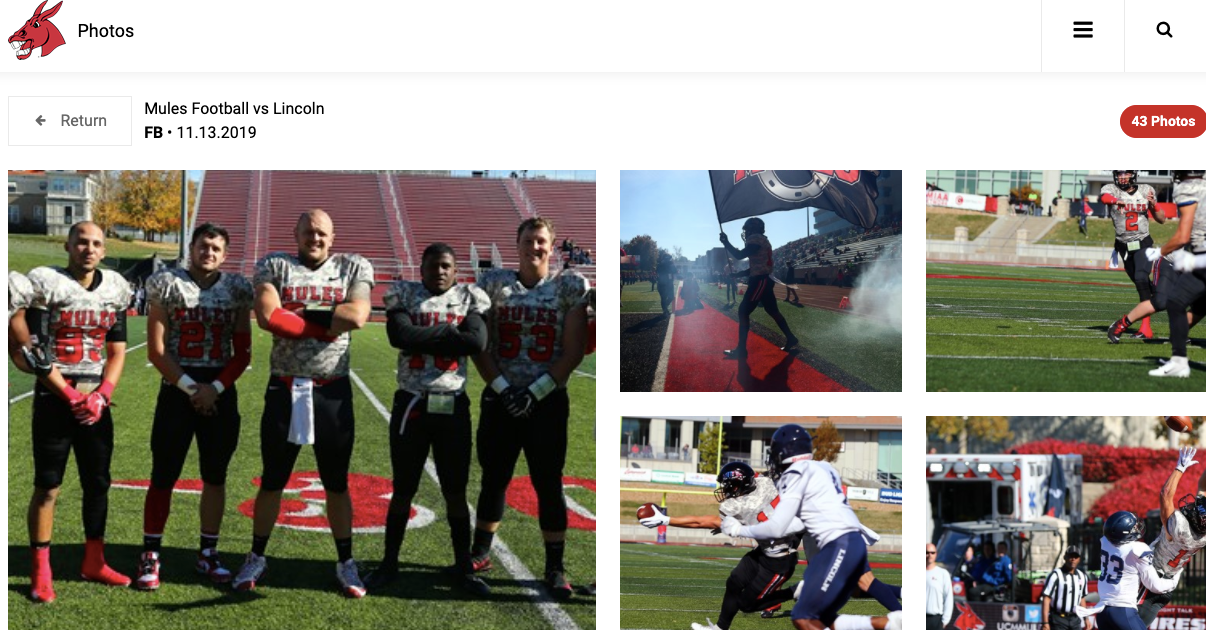
#3 Cards
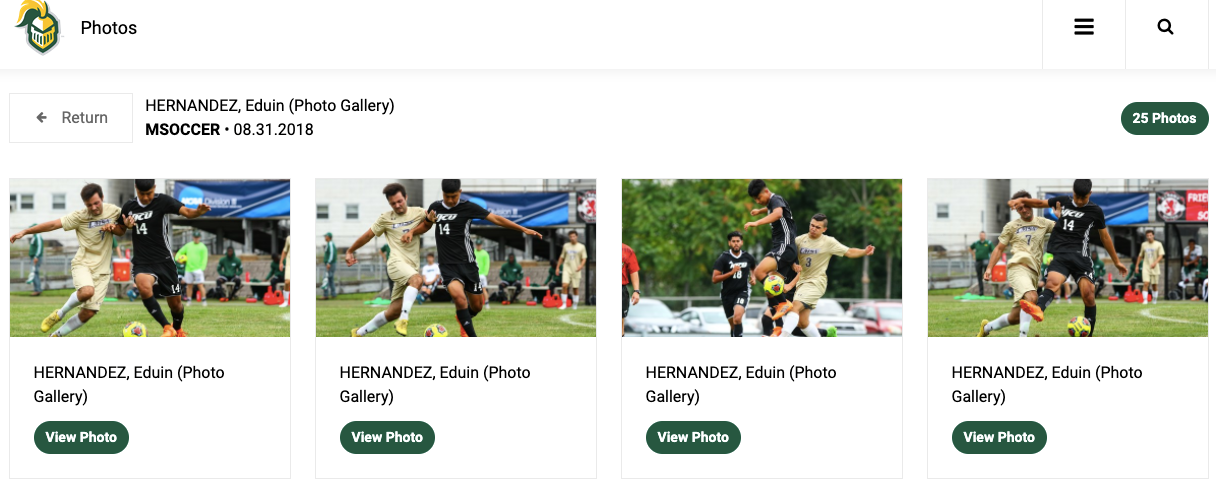
#4 Media Wall
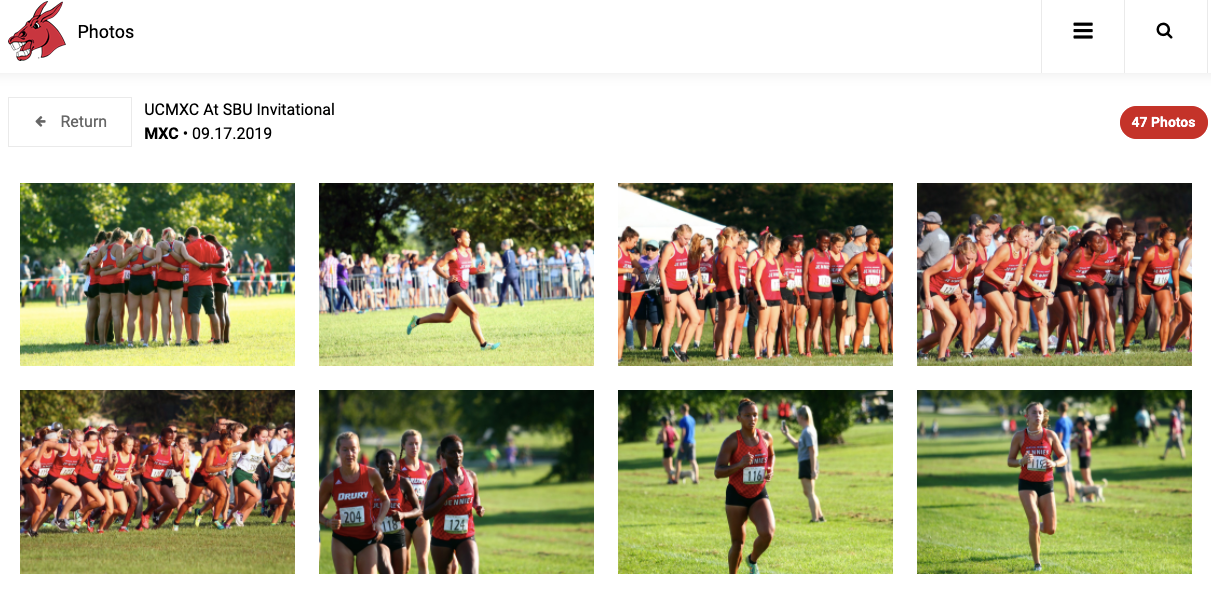
#5 Stream
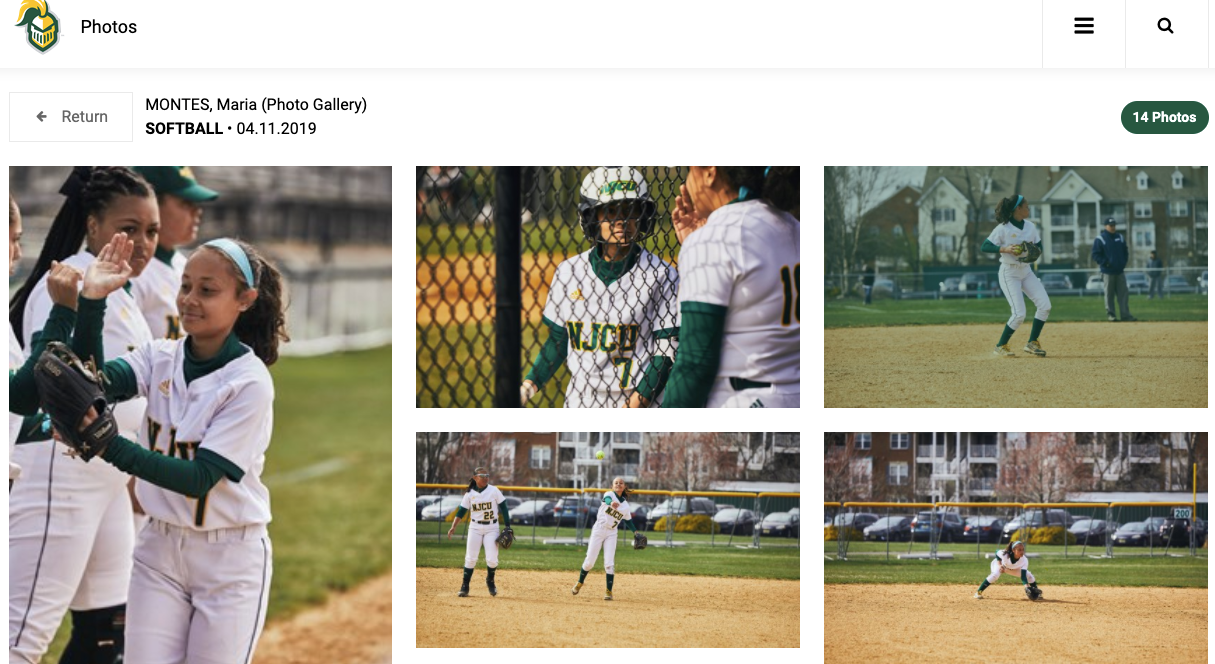
#6 Scroller (navigating through gallery with mouse)
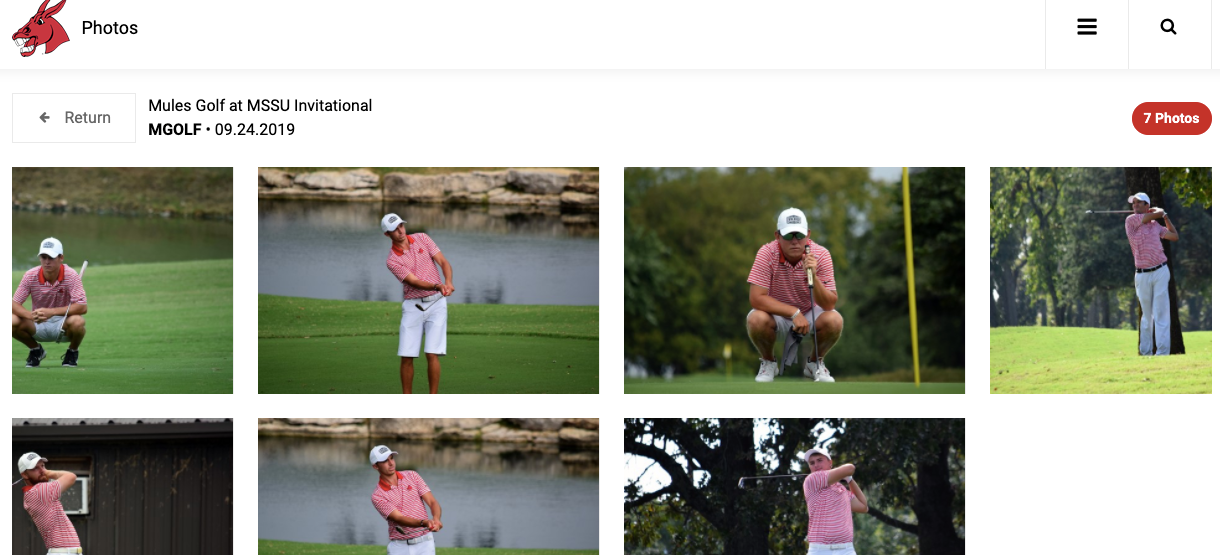
All images and styles are available in a "full-width" layout as well by checking that box at the bottom in "Overall Options"
Was this article helpful?
That’s Great!
Thank you for your feedback
Sorry! We couldn't be helpful
Thank you for your feedback
Feedback sent
We appreciate your effort and will try to fix the article