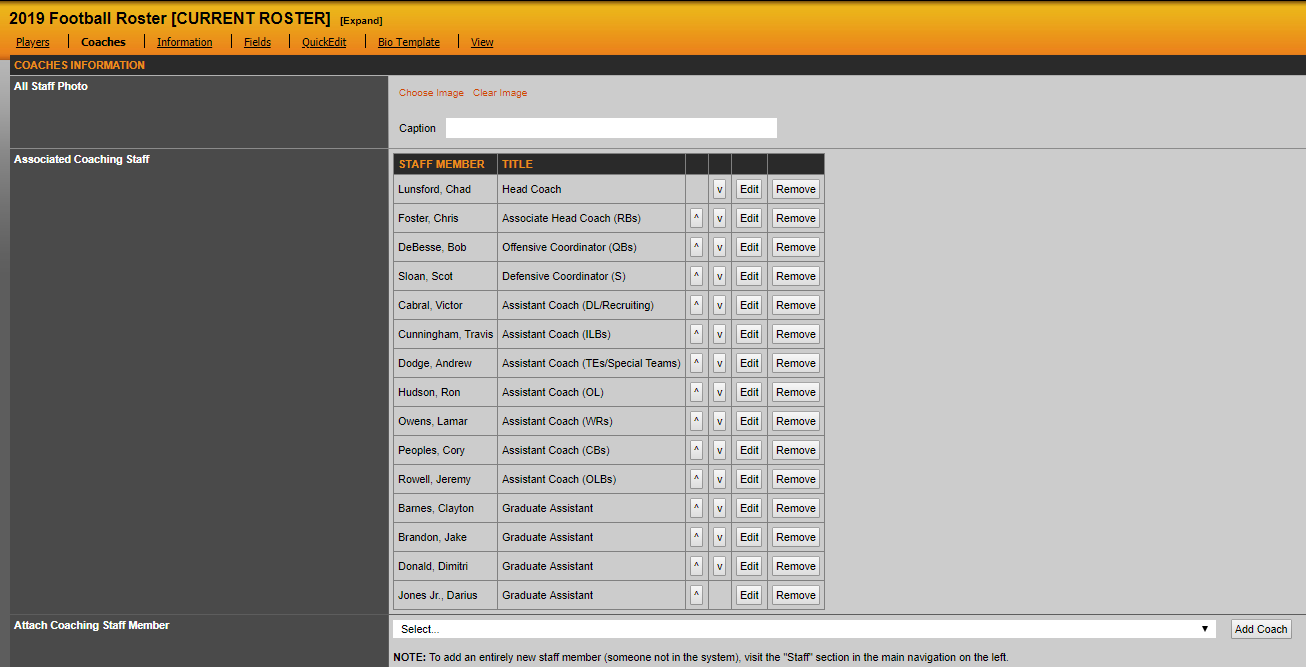
To add your staff member to a roster click the coaches tab in a current roster. Once there you can attached a staff member by selecting them off the drop down list and hitting add member
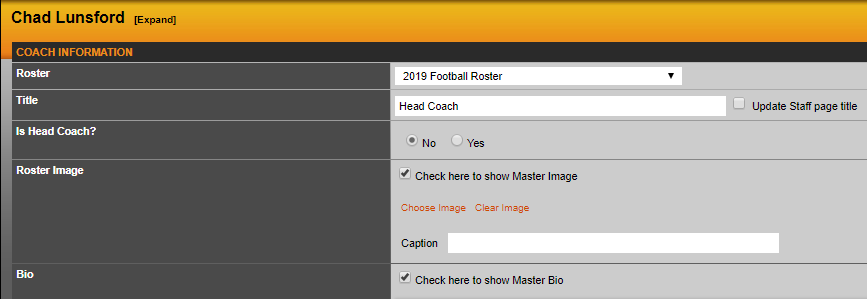
You can then give the staff member the title you want to appear on that roster (it will default to their title in the staff directory). If you want a different head shot and bio to appear when the staff member's name is clicked on via the roster (than it is on the staff directory) enter that information here.
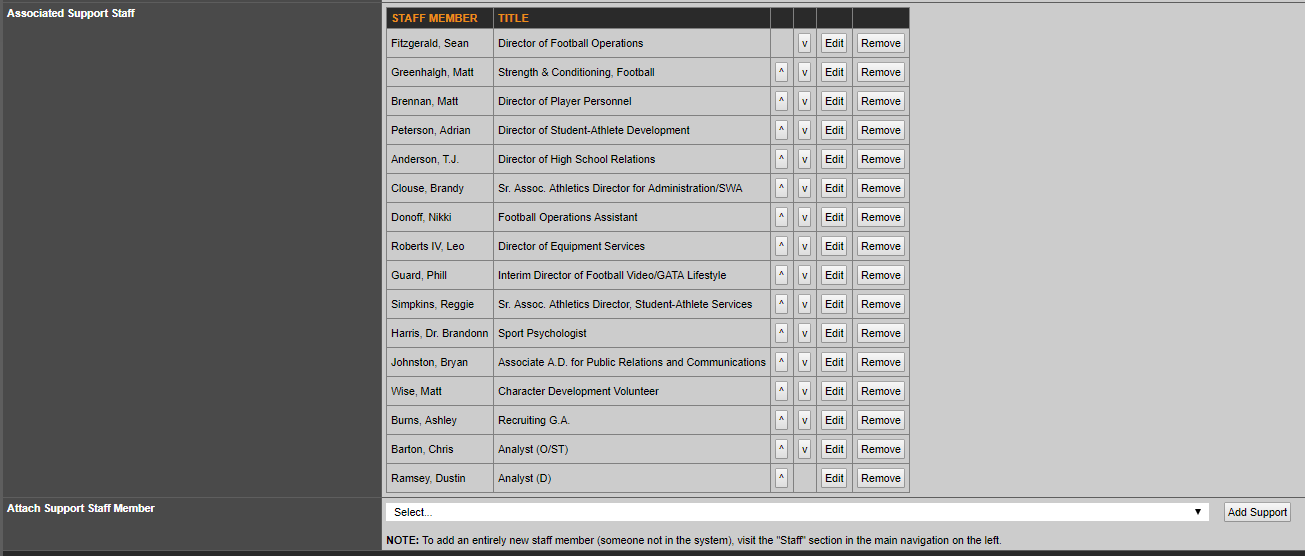
You also have the ability to select support staff members to your roster from this location, as well. That option appears directly below your associated coaching staff.
Was this article helpful?
That’s Great!
Thank you for your feedback
Sorry! We couldn't be helpful
Thank you for your feedback
Feedback sent
We appreciate your effort and will try to fix the article