We have added the option to separate support staff members such as team managers or trainers who you would like to have displayed on roster pages, from the coaches list.
To do so, go to the coaches tab of an individual roster and there is the option for support staff now listed.
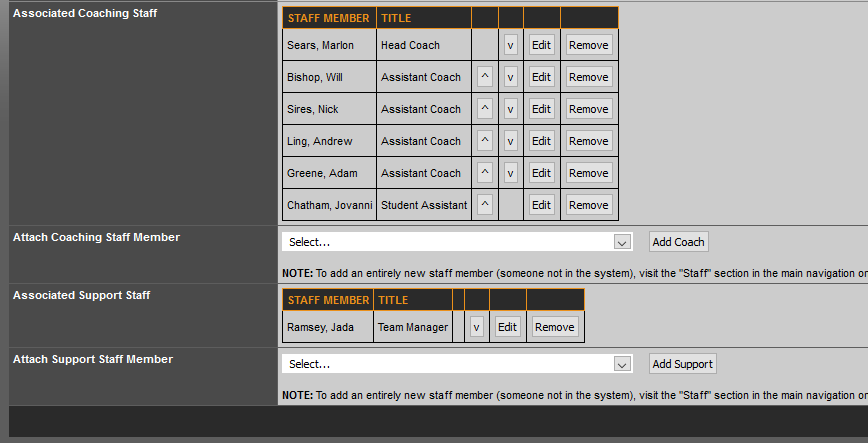
You can then choose them from the list and click add support just like you would a coach.
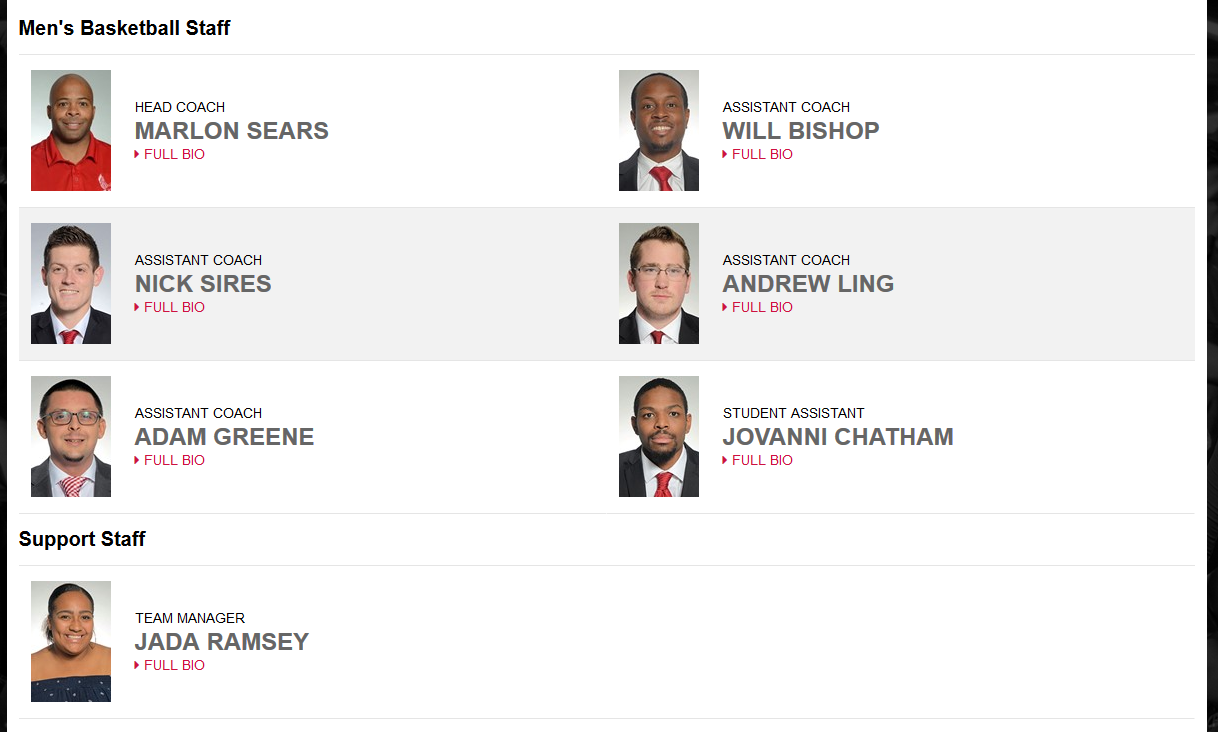
After doing so, they will appear on the roster page in their own category.
Was this article helpful?
That’s Great!
Thank you for your feedback
Sorry! We couldn't be helpful
Thank you for your feedback
Feedback sent
We appreciate your effort and will try to fix the article