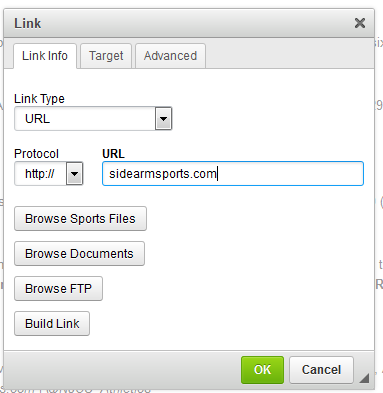
To insert a link into a story, click on the  Link button in the Story Editor, which will open the Insert a Link Menu seen below.
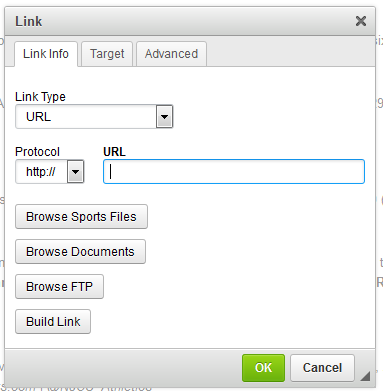
In SIDEARM, you always have five options to choose from when inserting a link:
1. Pasting in a direct URL, which can be to an internal or external page.
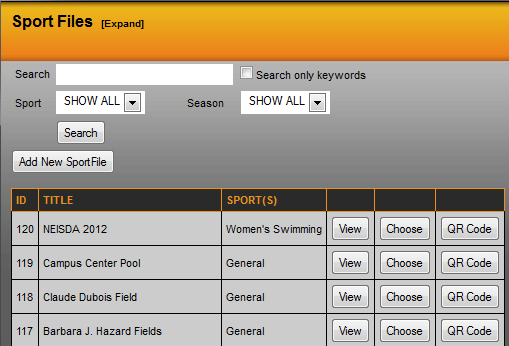
2. Browse Sports files, which allows you to link to a Sports File.
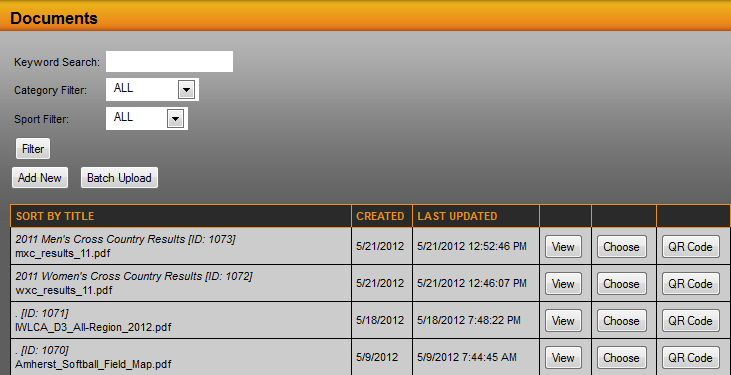
3. Browse Documents, which will allow you to choose a document uploaded to SIDEARM.
4. Browse FTP, which will allow you to link to items stored on the site's FTP.
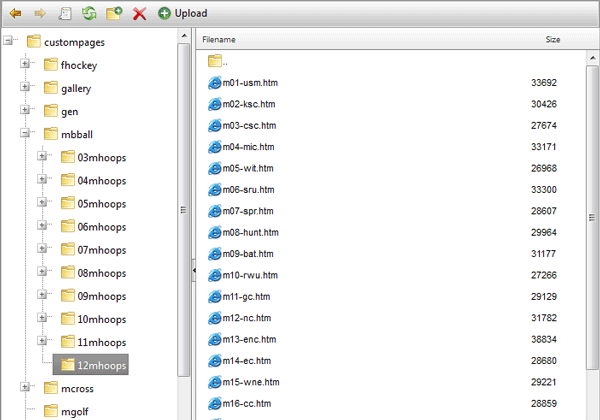
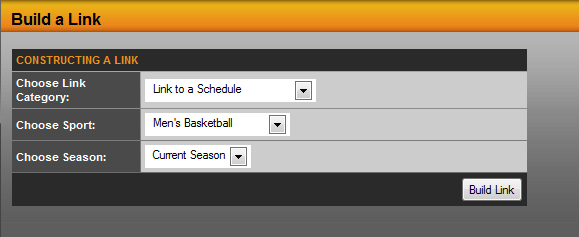
5. Build Link, which will generate a link to items created within SIDEARM.
Was this article helpful?
That’s Great!
Thank you for your feedback
Sorry! We couldn't be helpful
Thank you for your feedback
Feedback sent
We appreciate your effort and will try to fix the article