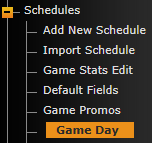
SIDEARM now has a Game Day features that can be found on your site by going to Schedules>Game Day.
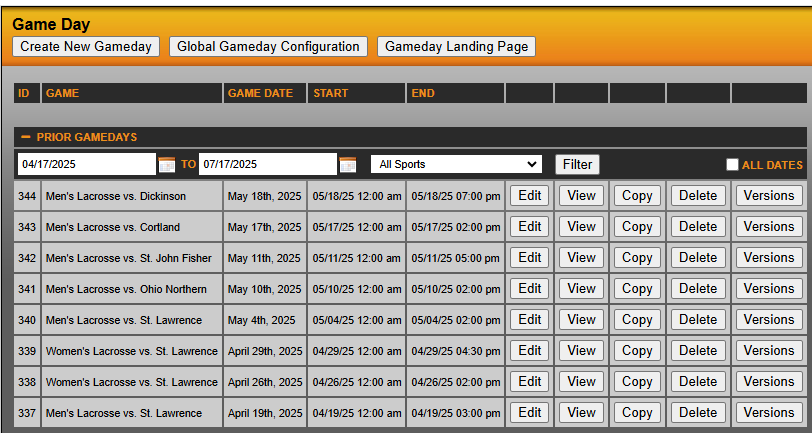
You will then be brought to a screen where you can click "+ Prior Gamedays" to see your previous gameday entries. To make a new entry, click "Create New Gameday" button in top-right corner of screen.
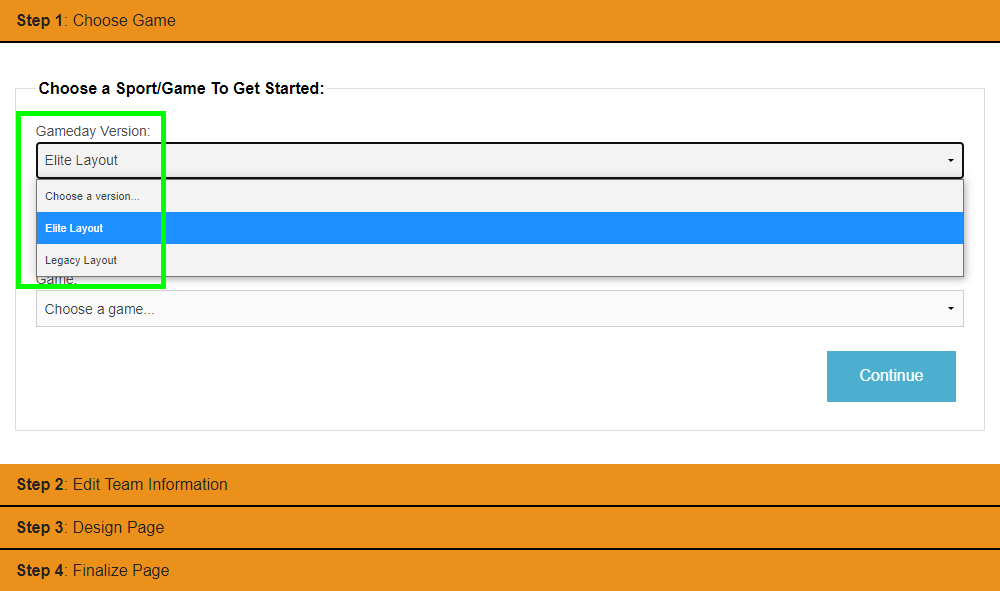
Once "Create New Gameday" is selected, you will see a screen starting with Step 1: Choose Game. New pages will default to Elite by default, but this can be adjusted in Step 1 :
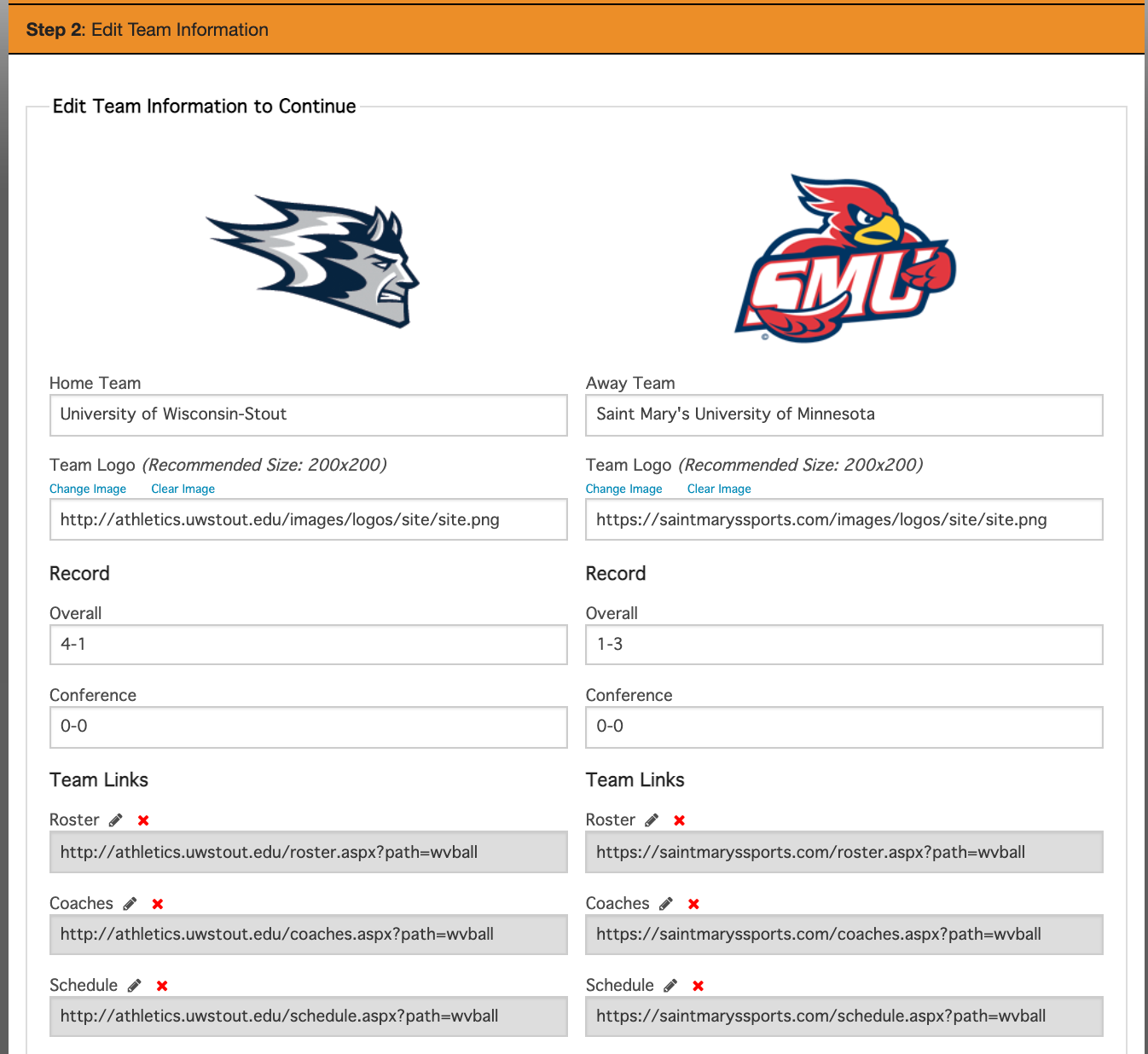
Step 2 Edit Team Information:
In Step 2 you will fill out information such as Overall/Conference record and Team Links that aren't already populated (information should auto-populate if opponent is in your database and/or is a SIDEARM school).
Click on the  button to edit the Roster/Coaches/Schedule/Stats links. You can also click the orange Add Link option at the bottom of the fields to add custom links.
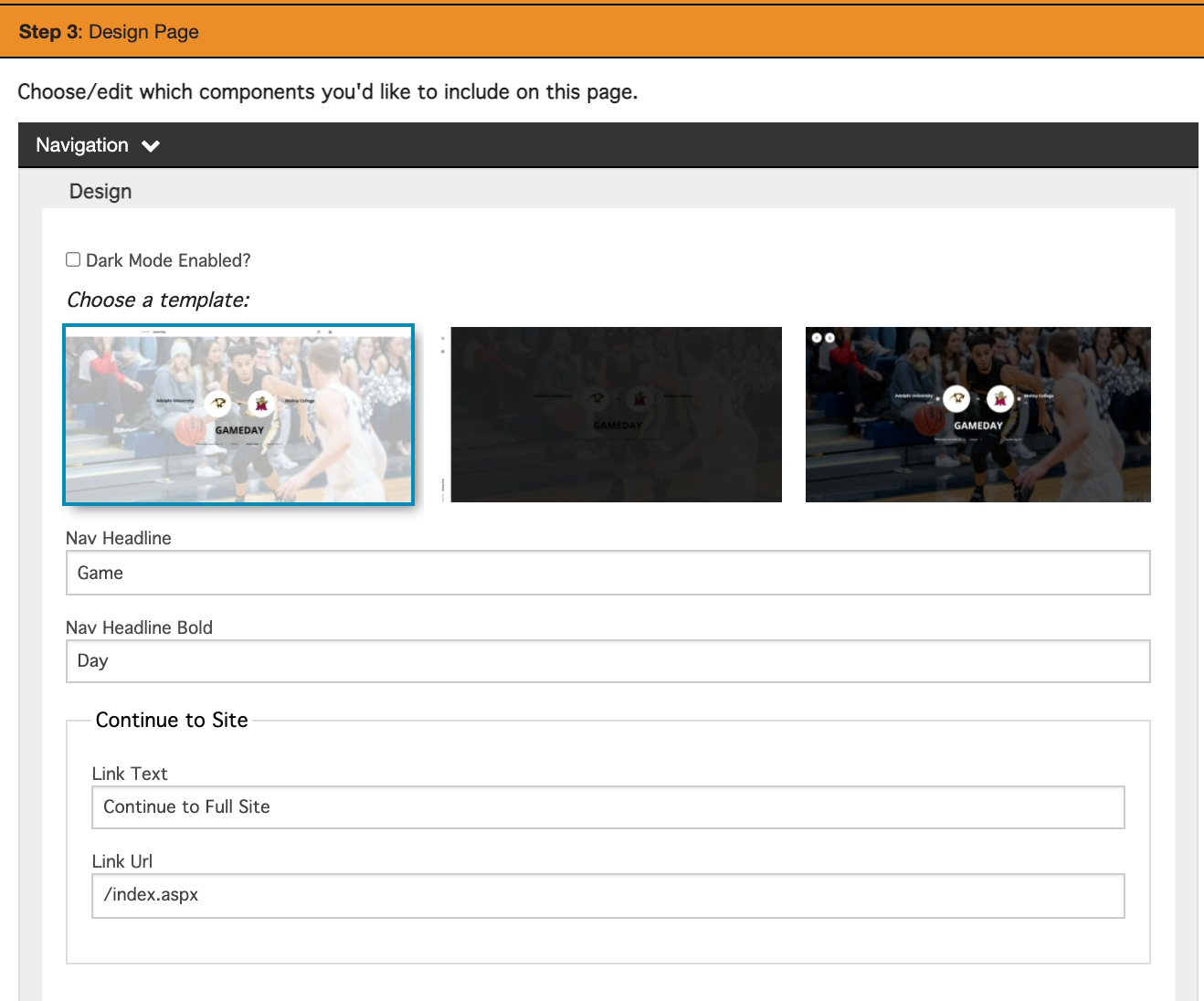
Step 3 Design Page :
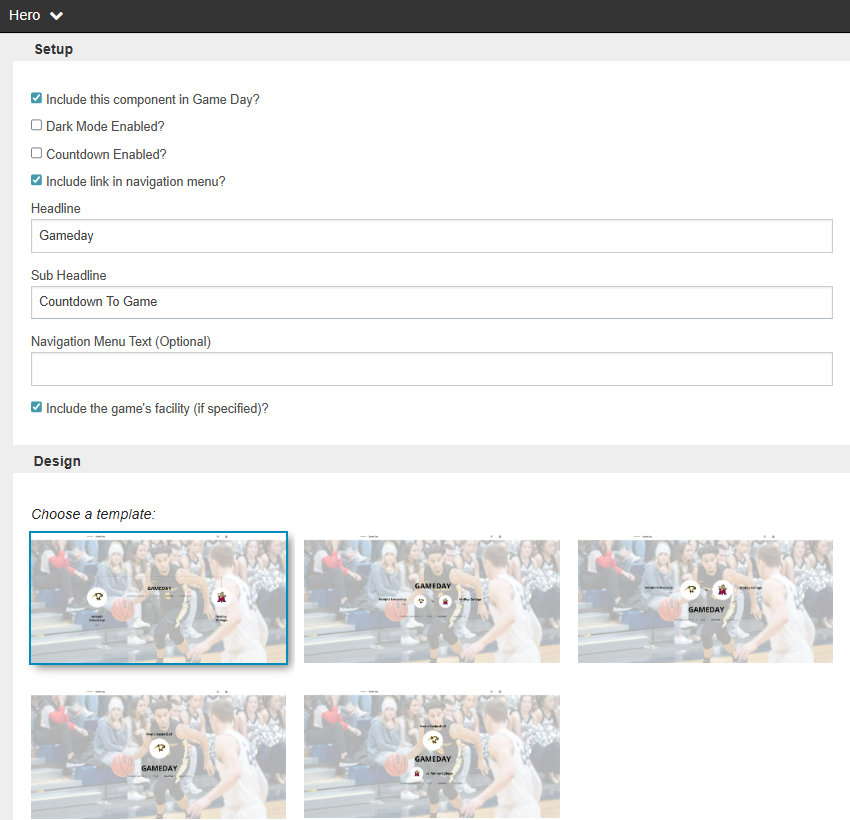
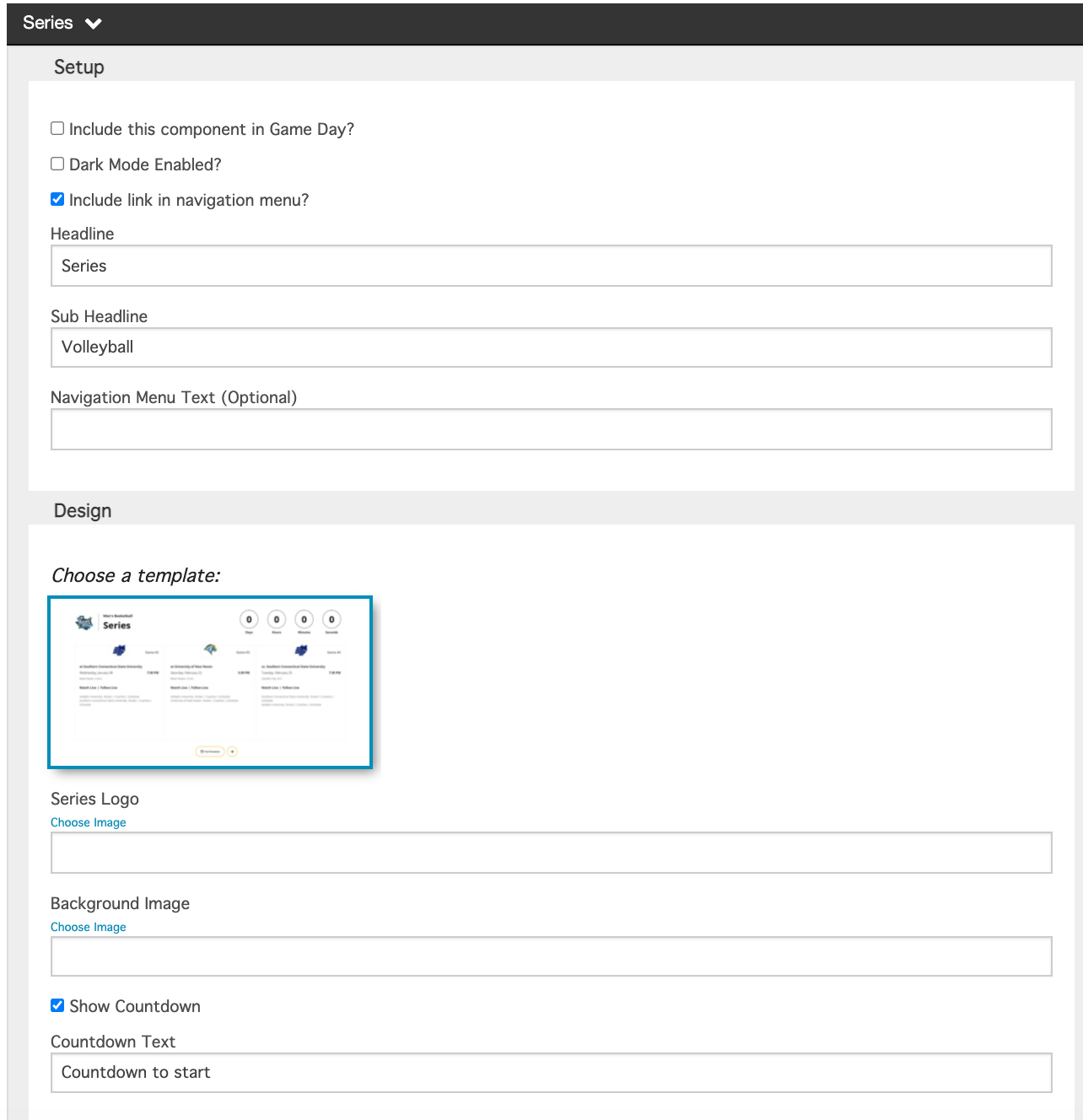
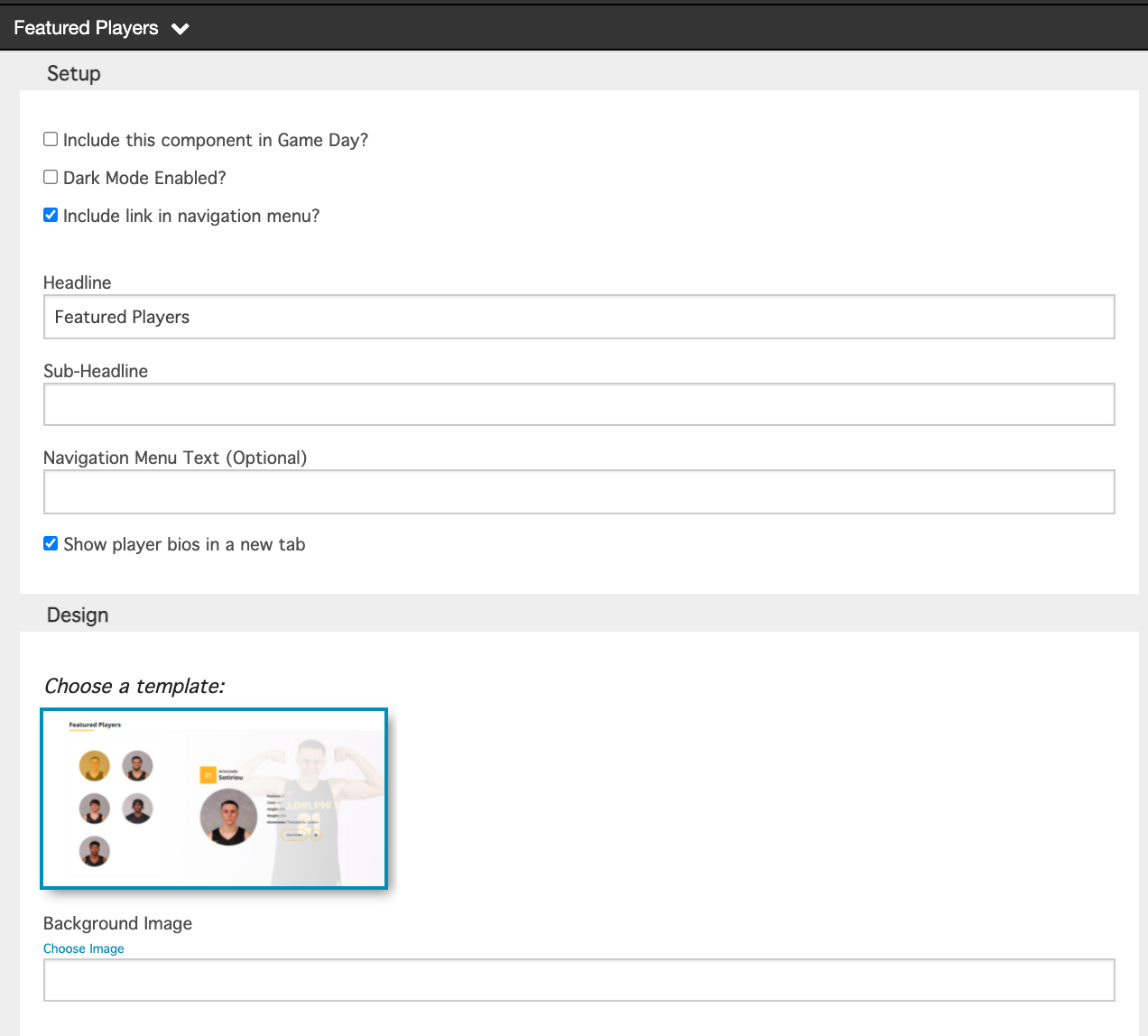
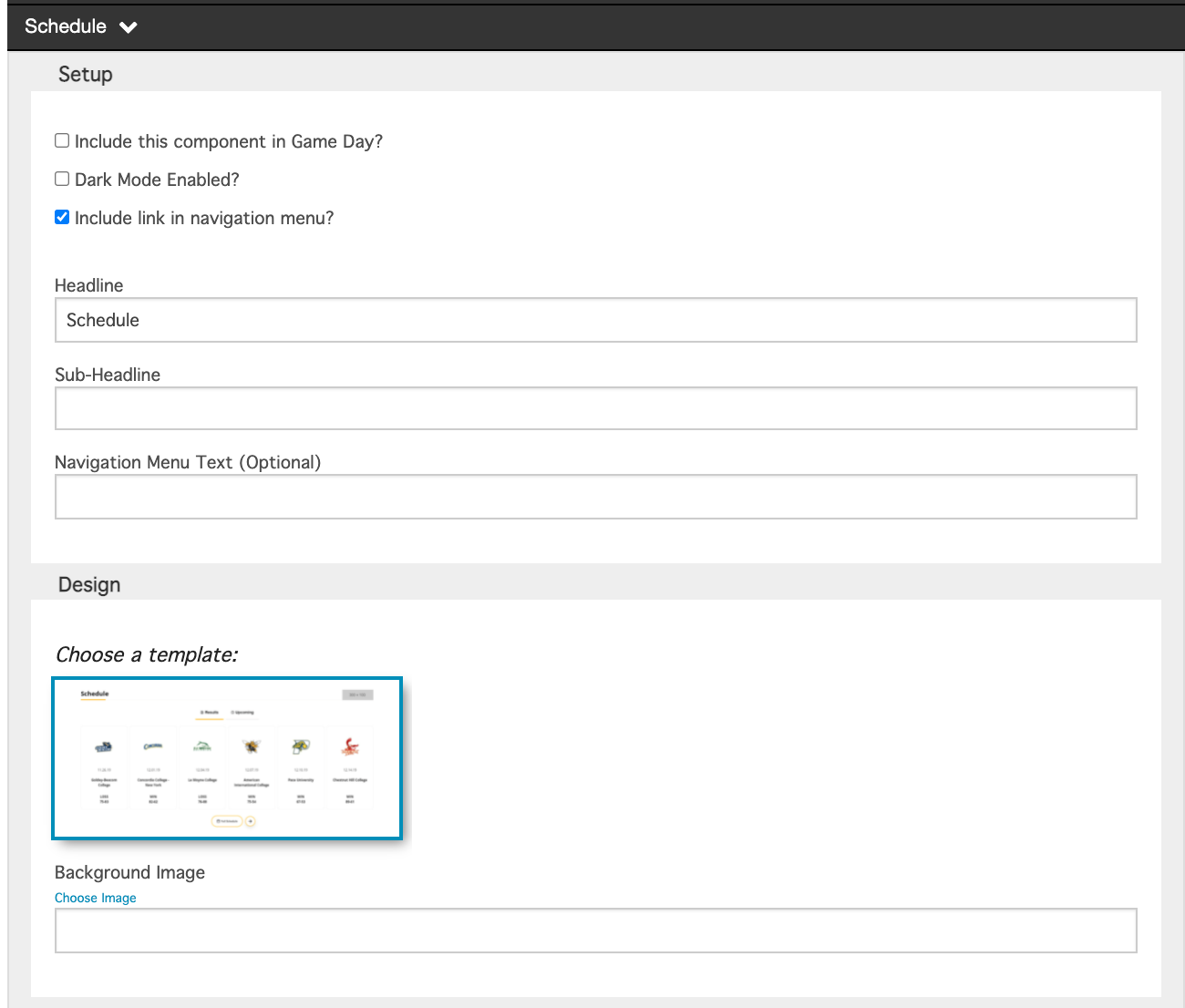
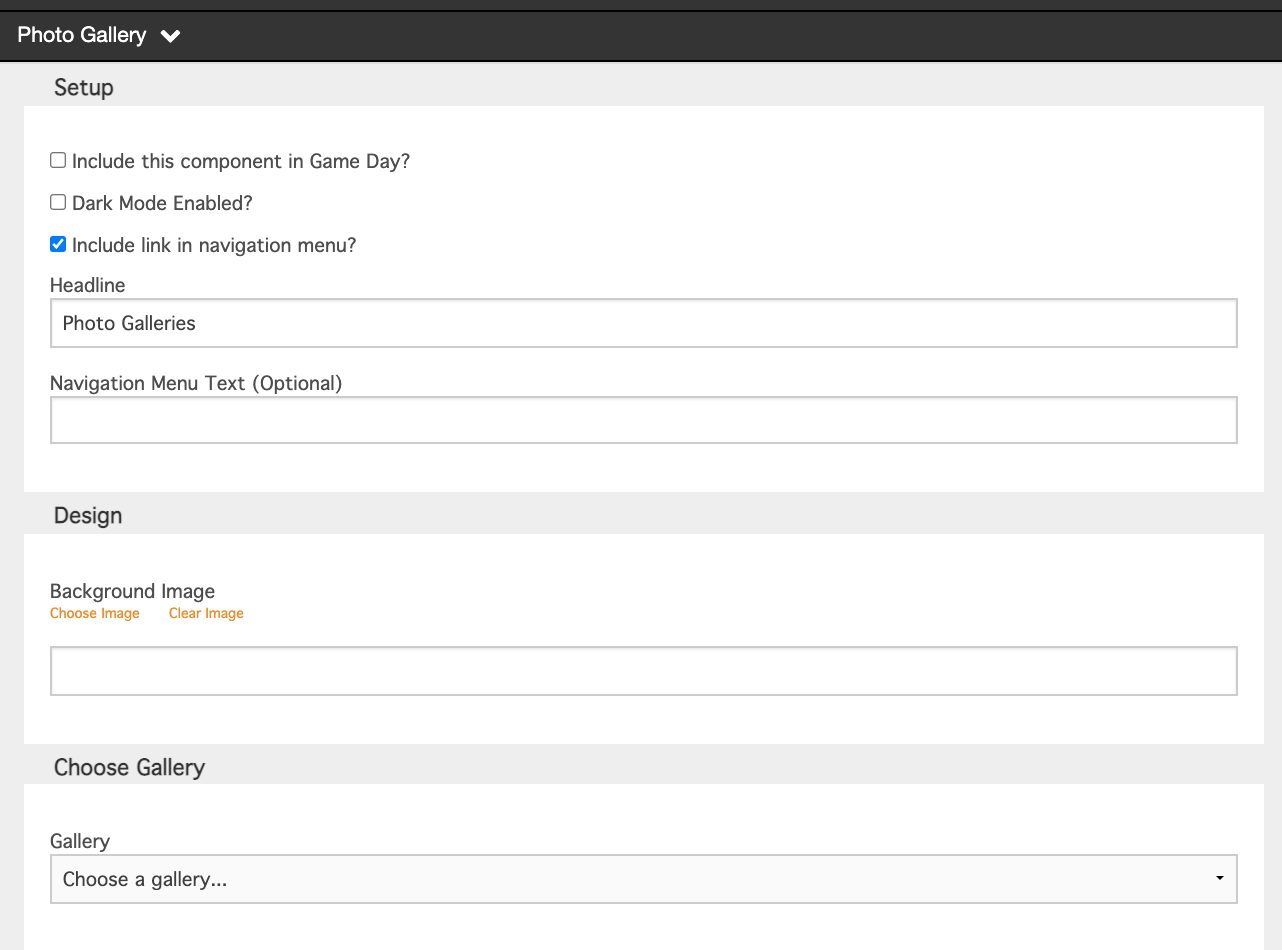
Step 3 is made up of numerous customizable sections. They are as follows:
Navigation
Hero
Series
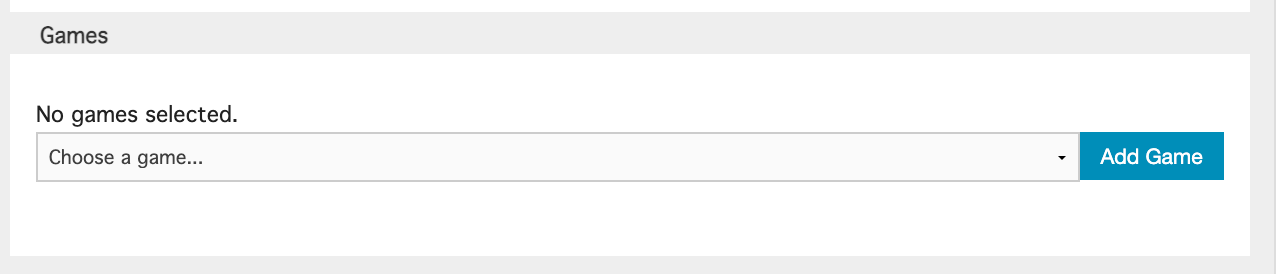
Media Coverage
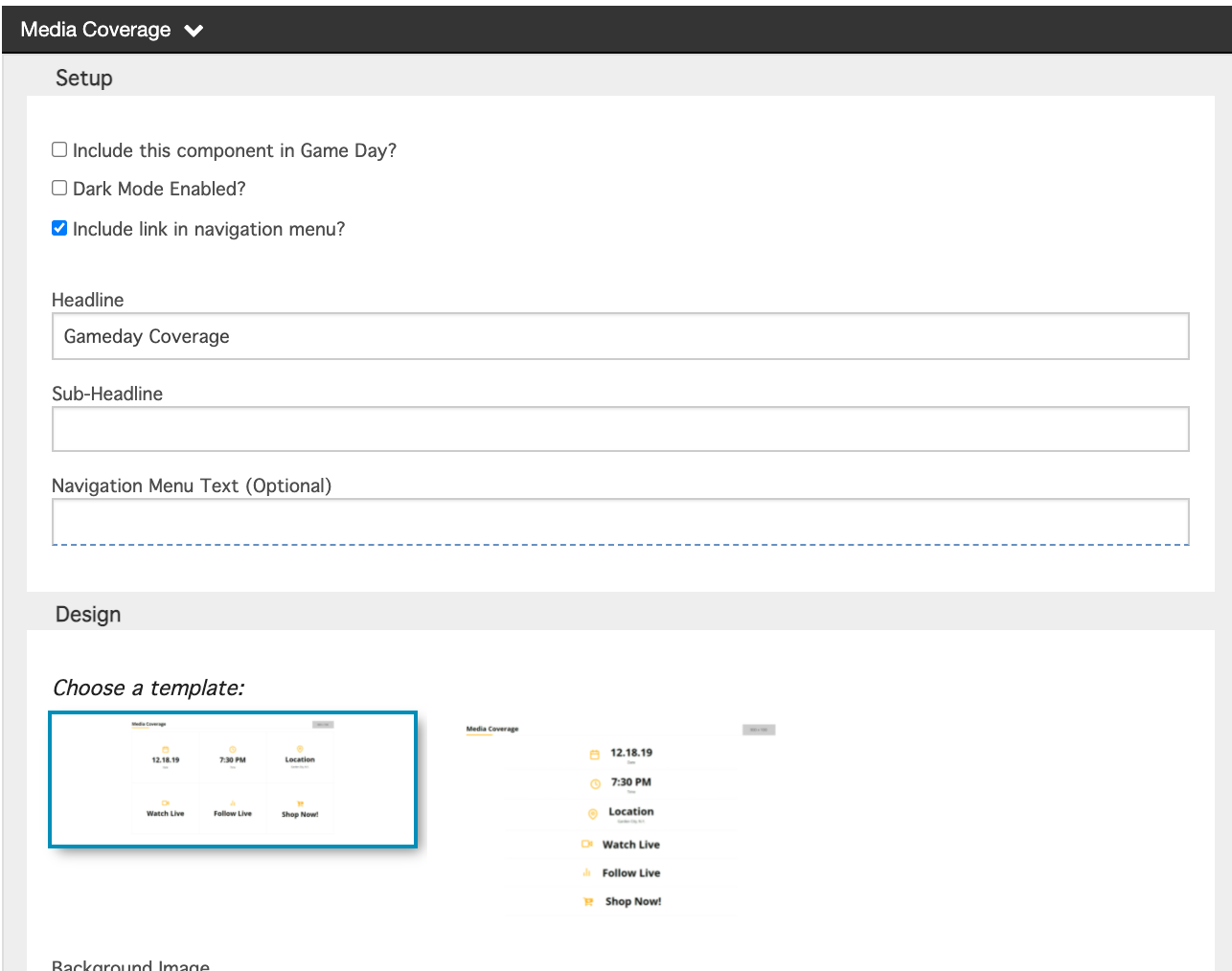
Content Stream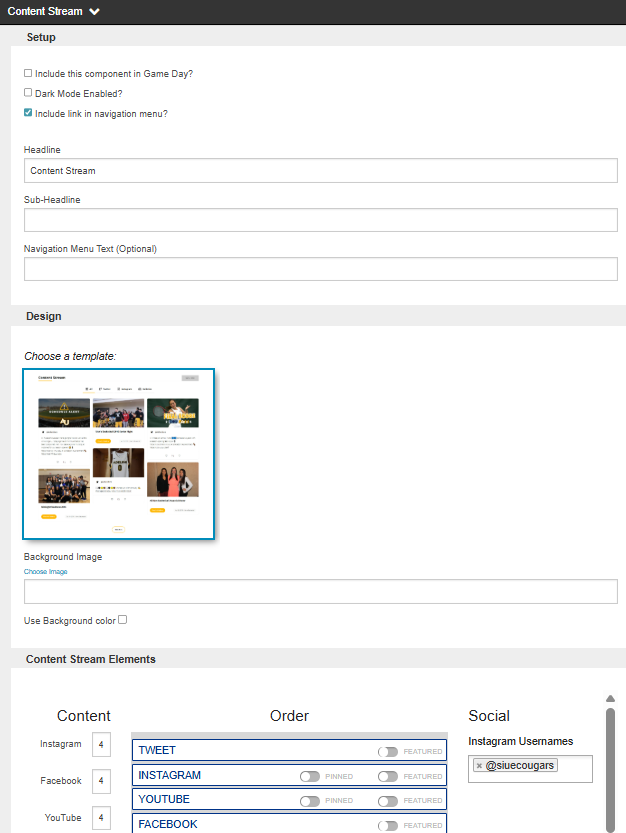
Videos
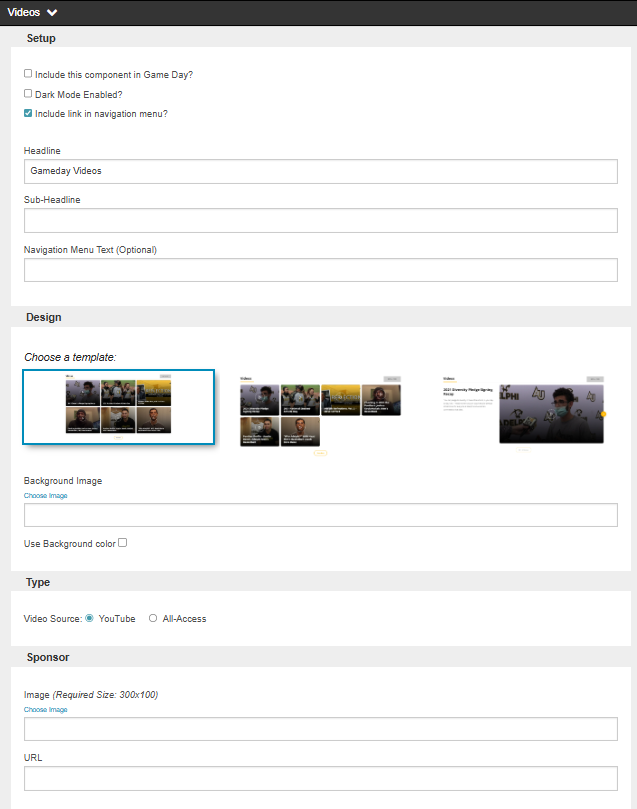
Roster
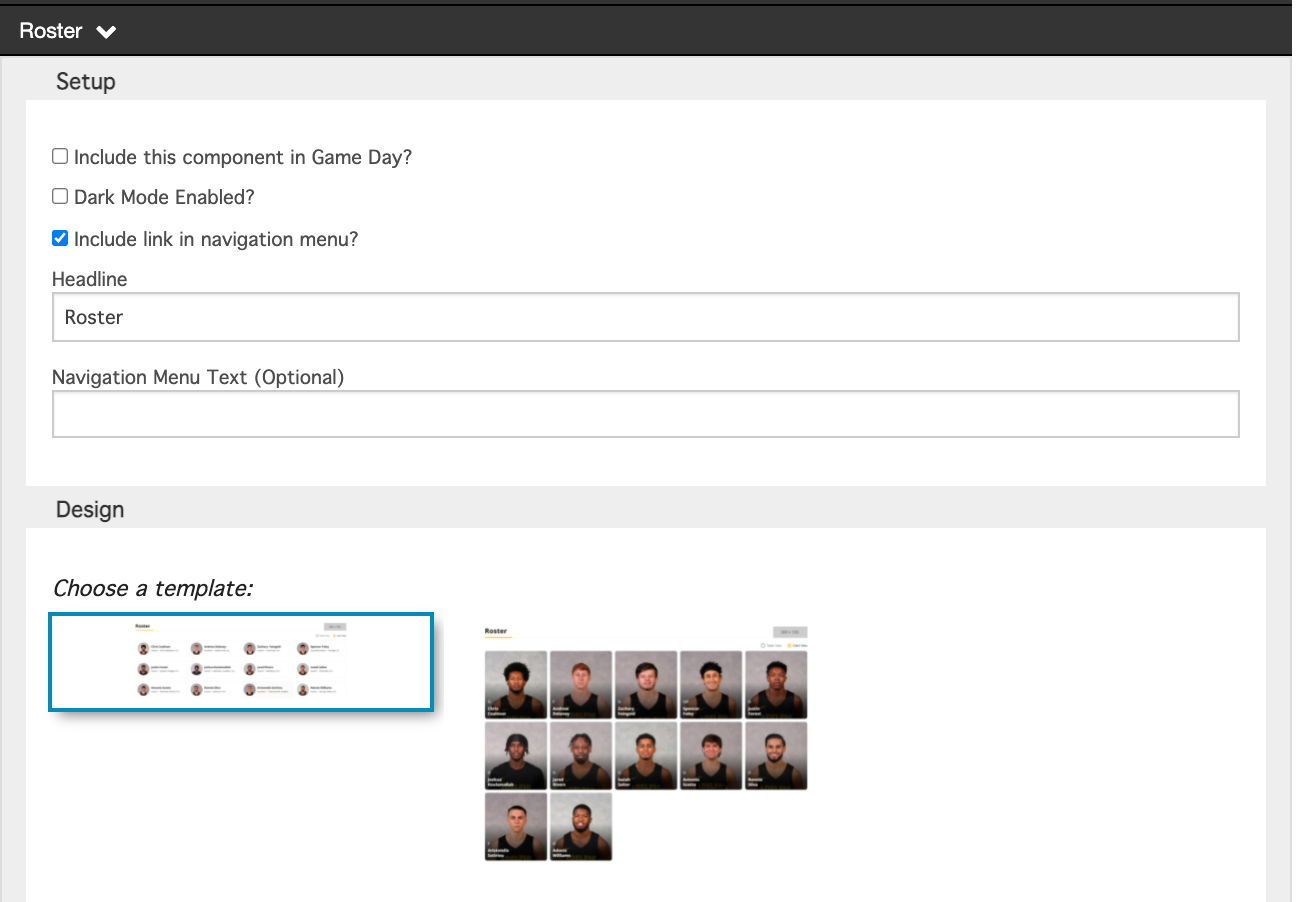
Featured Players
Schedule
Featured Stories
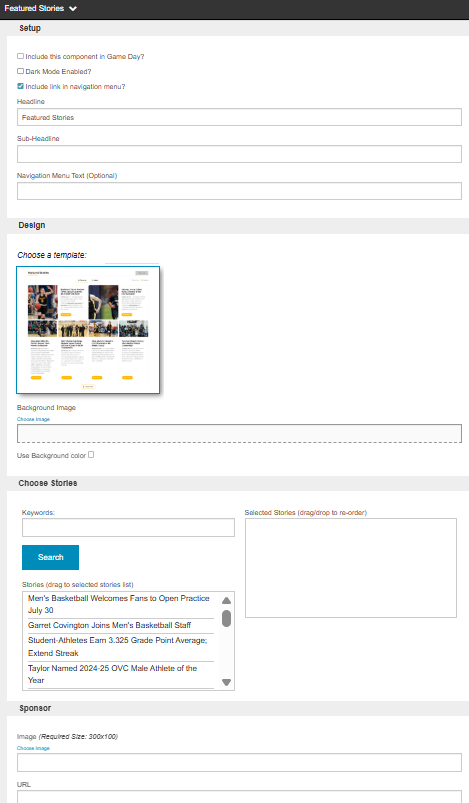
Photo Gallery
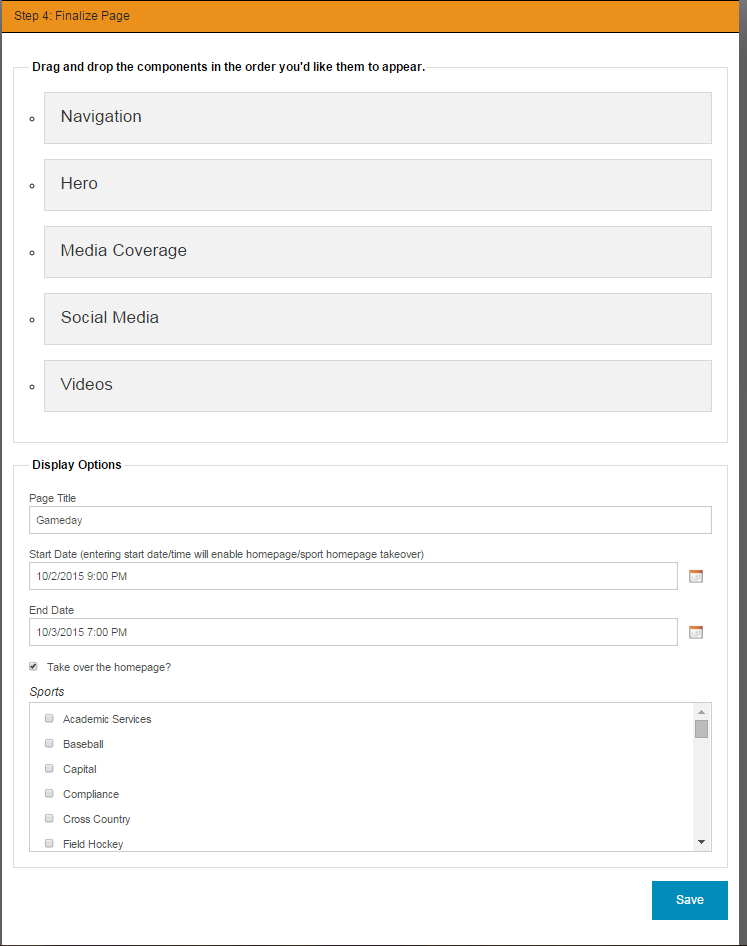
Step 4: Finalize Page
In the final step before you Game Day feature is complete you have several options to customize the format.
You can drag and drop the components to change the order.
Update the Display Options, including the Page Title/Start Date/End Date/Take over the Homepage?/Pick which specific sport pages to show on.
Was this article helpful?
That’s Great!
Thank you for your feedback
Sorry! We couldn't be helpful
Thank you for your feedback
Feedback sent
We appreciate your effort and will try to fix the article