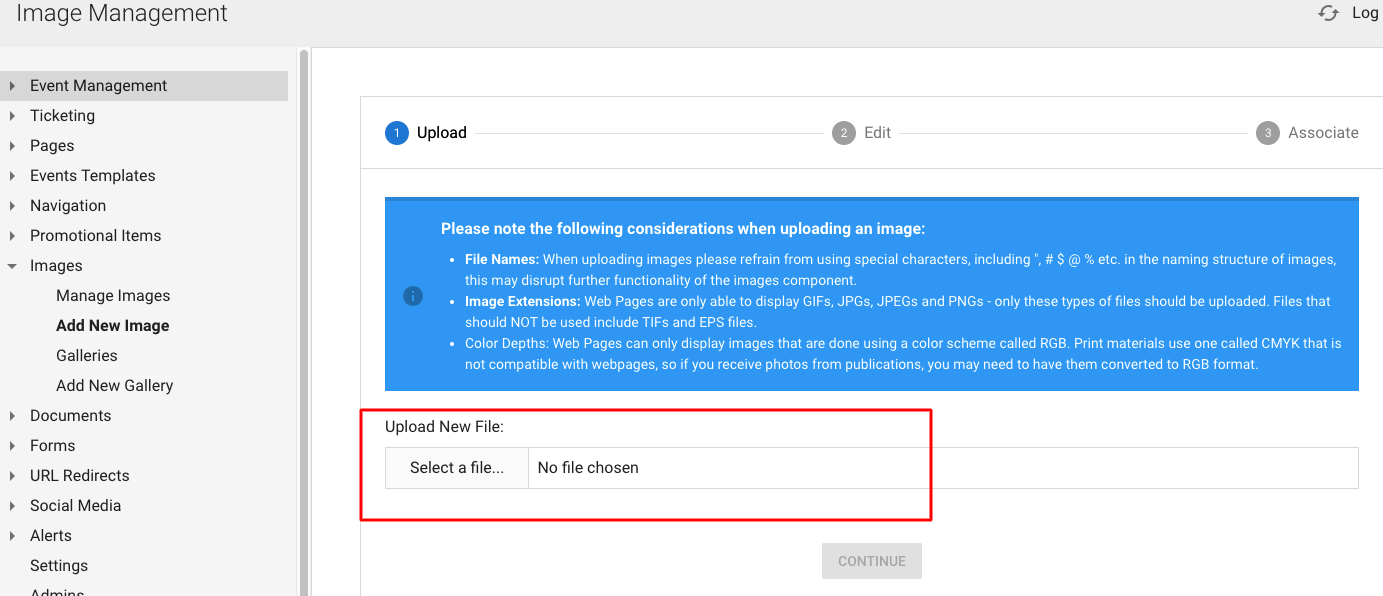
To add an image into the back-end of your site go to Images > Add New Image
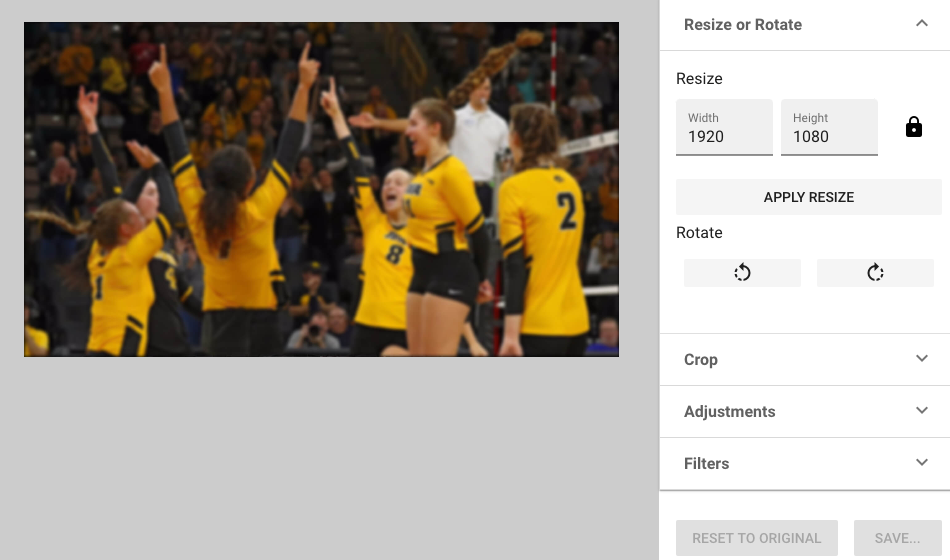
In step 2, you'll have the option to use a mini photo editor to crop, re-size, use a filter, adjust brightness or contrast, etc.
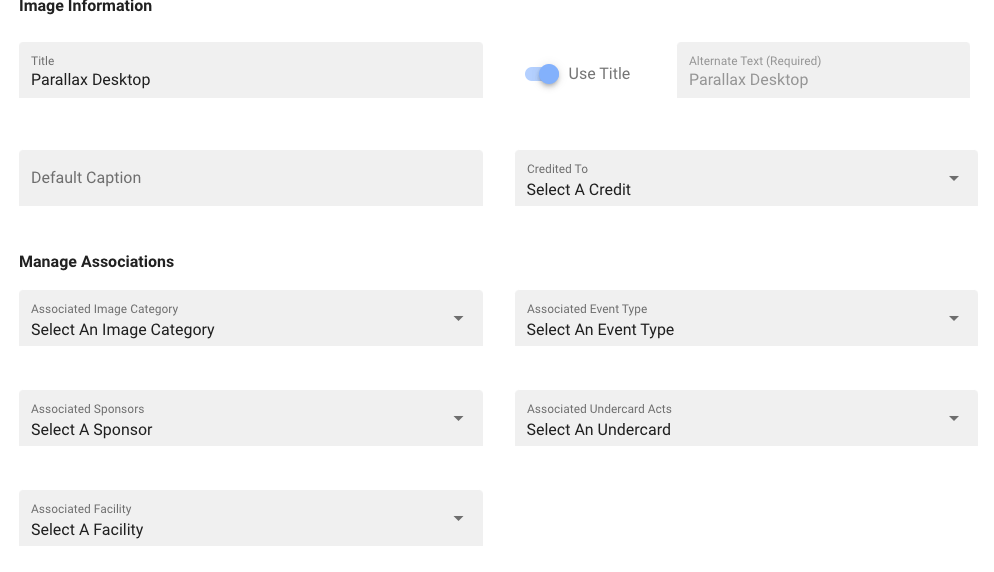
Lastly, give the image a title, association and there are some additional items you can add:
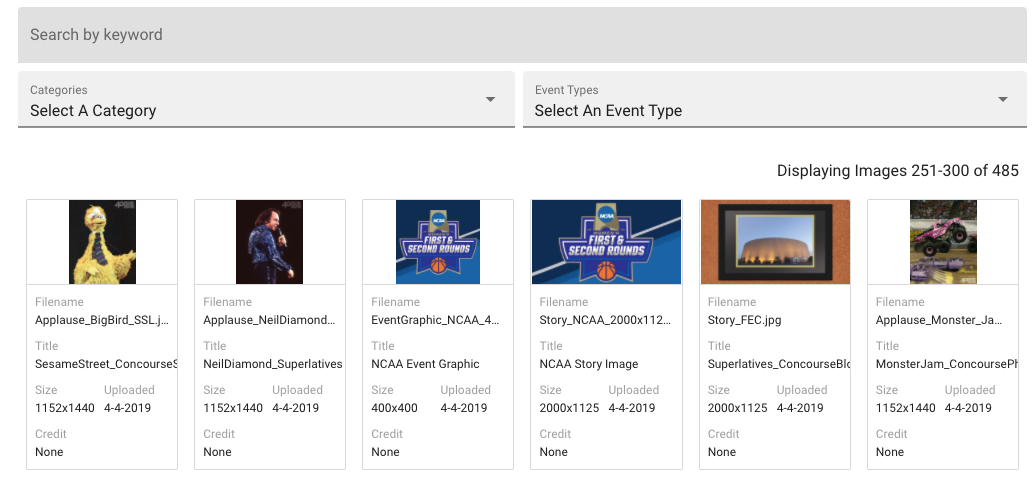
If you click "Manage Images", you can view or search for any image you've uploaded to your website back-end:
Was this article helpful?
That’s Great!
Thank you for your feedback
Sorry! We couldn't be helpful
Thank you for your feedback
Feedback sent
We appreciate your effort and will try to fix the article