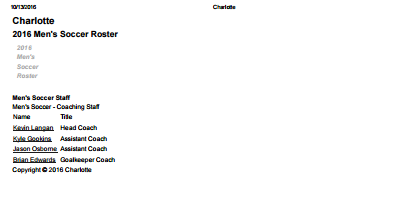
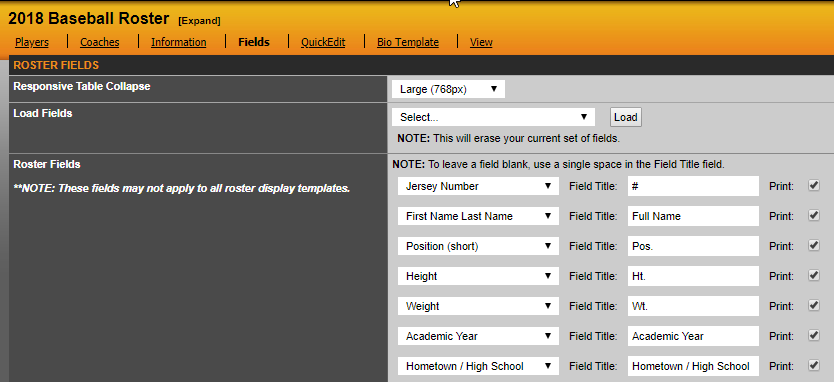
To ensure your rosters and schedule will print with all content you will need to make sure the 'display fields' are filled out on the back-end for each specific roster. The print feature pulls directly from those display fields, so if they are not filled out, it will only print with the coaching staff. See example below:
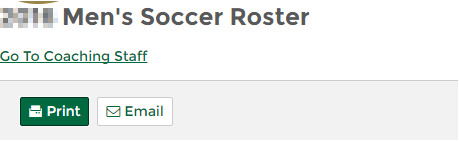
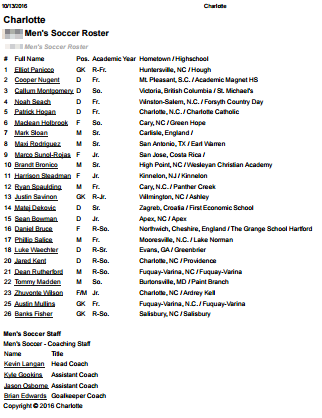
Now, once 'display fields' are added:
Was this article helpful?
That’s Great!
Thank you for your feedback
Sorry! We couldn't be helpful
Thank you for your feedback
Feedback sent
We appreciate your effort and will try to fix the article