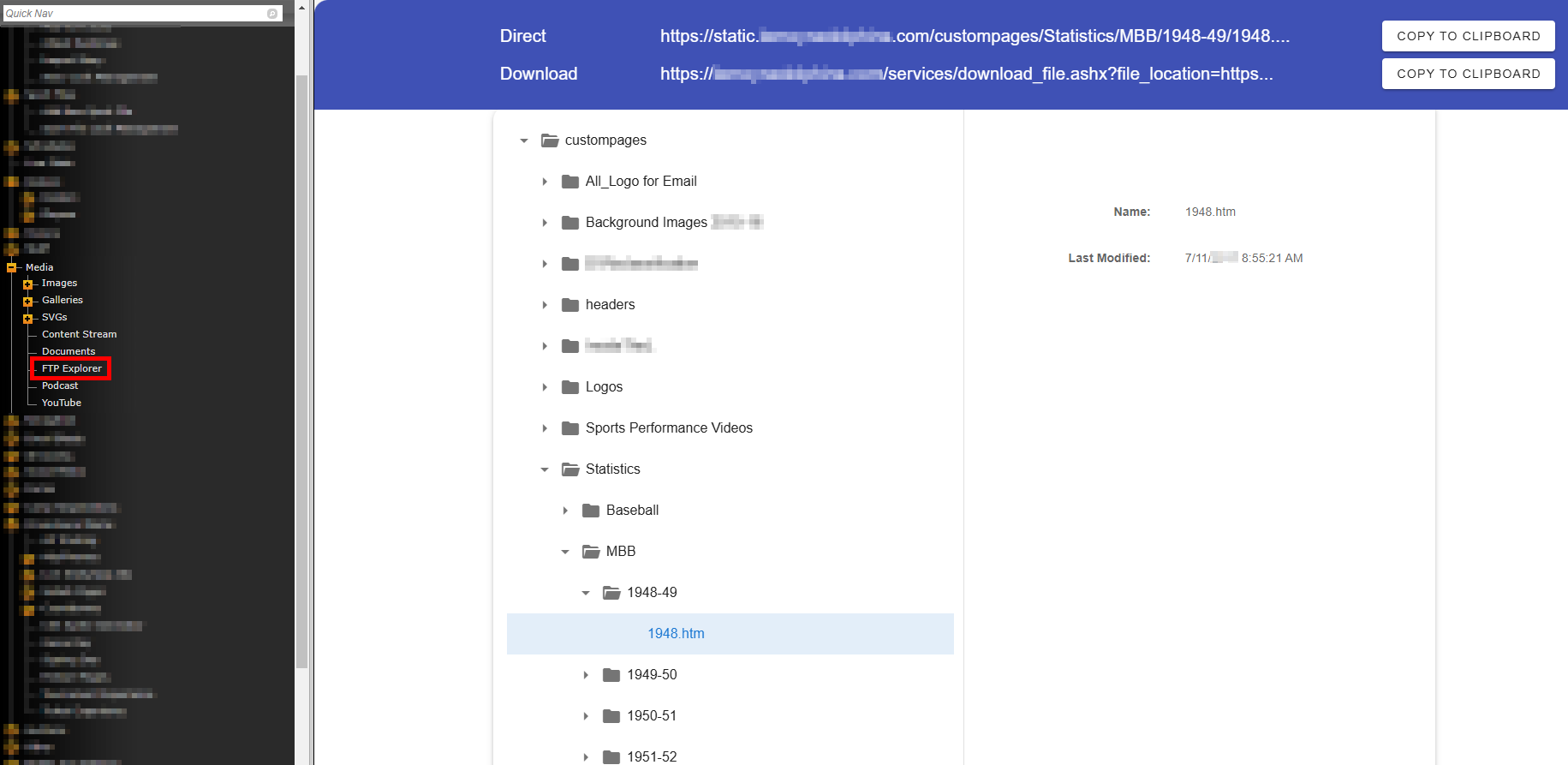
To browse the files uploaded to your static FTP, log into your CMS and navigate to Media>FTP Explorer.
You can click on your folders/files to drill down to the specific file you want to link.
Once you click on the file, you'll see a "Direct" and "Download" version of the URL. The "Direct" link is typically used to display the content in the user's browser, while the "Download" version can be used to download graphics/PDFs/etc. to the user's device.
Was this article helpful?
That’s Great!
Thank you for your feedback
Sorry! We couldn't be helpful
Thank you for your feedback
Feedback sent
We appreciate your effort and will try to fix the article