SIDEARM has created a landing page for you to house your Digital Programs links! Once you've added an entry in the Digital Program portal, marking that entry as "Published" will automatically add that to Publications for you.
Once enabled by our team, you'll log into your CMS before navigating to Other>Publications to customize your Publications page.
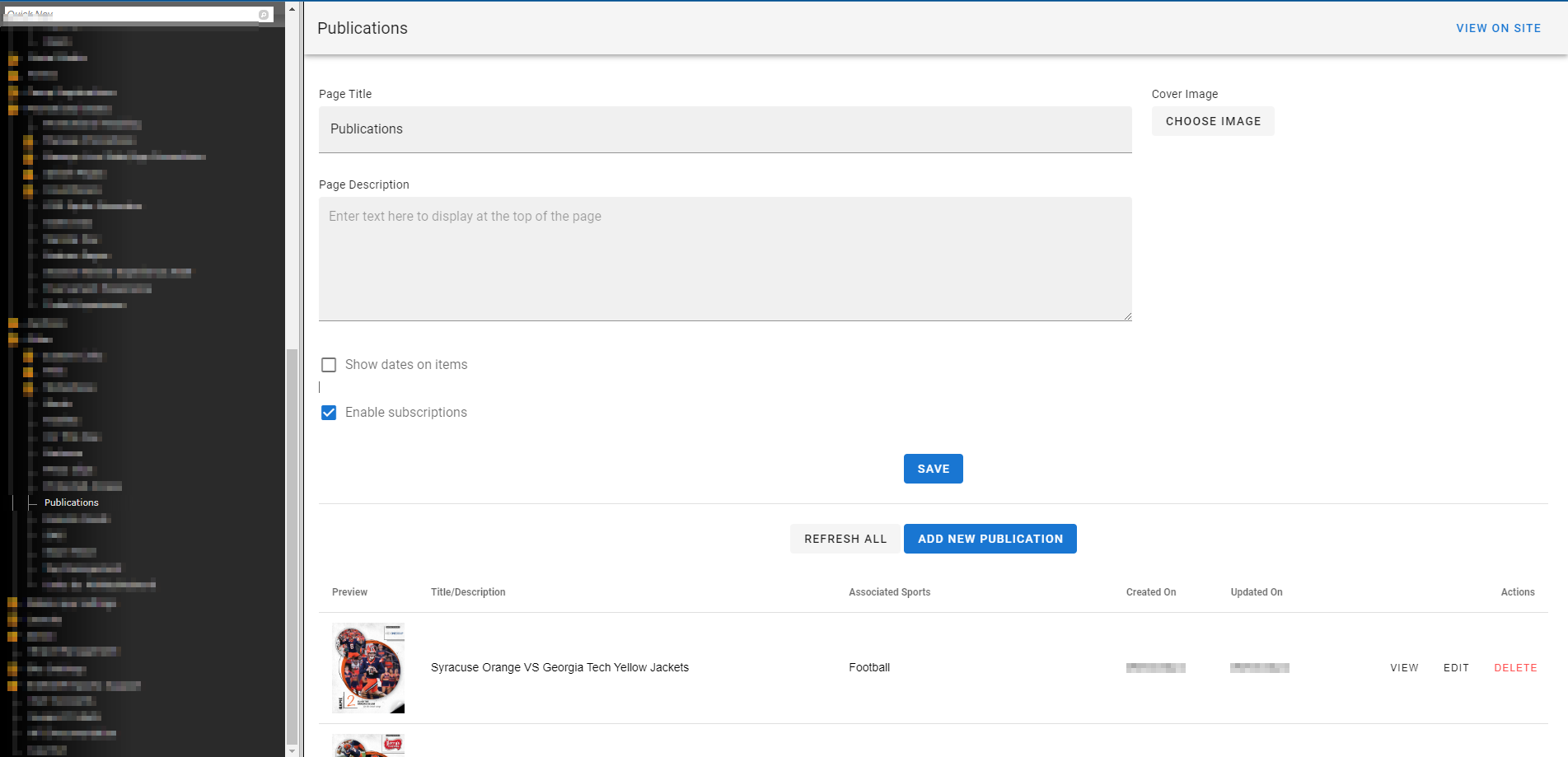
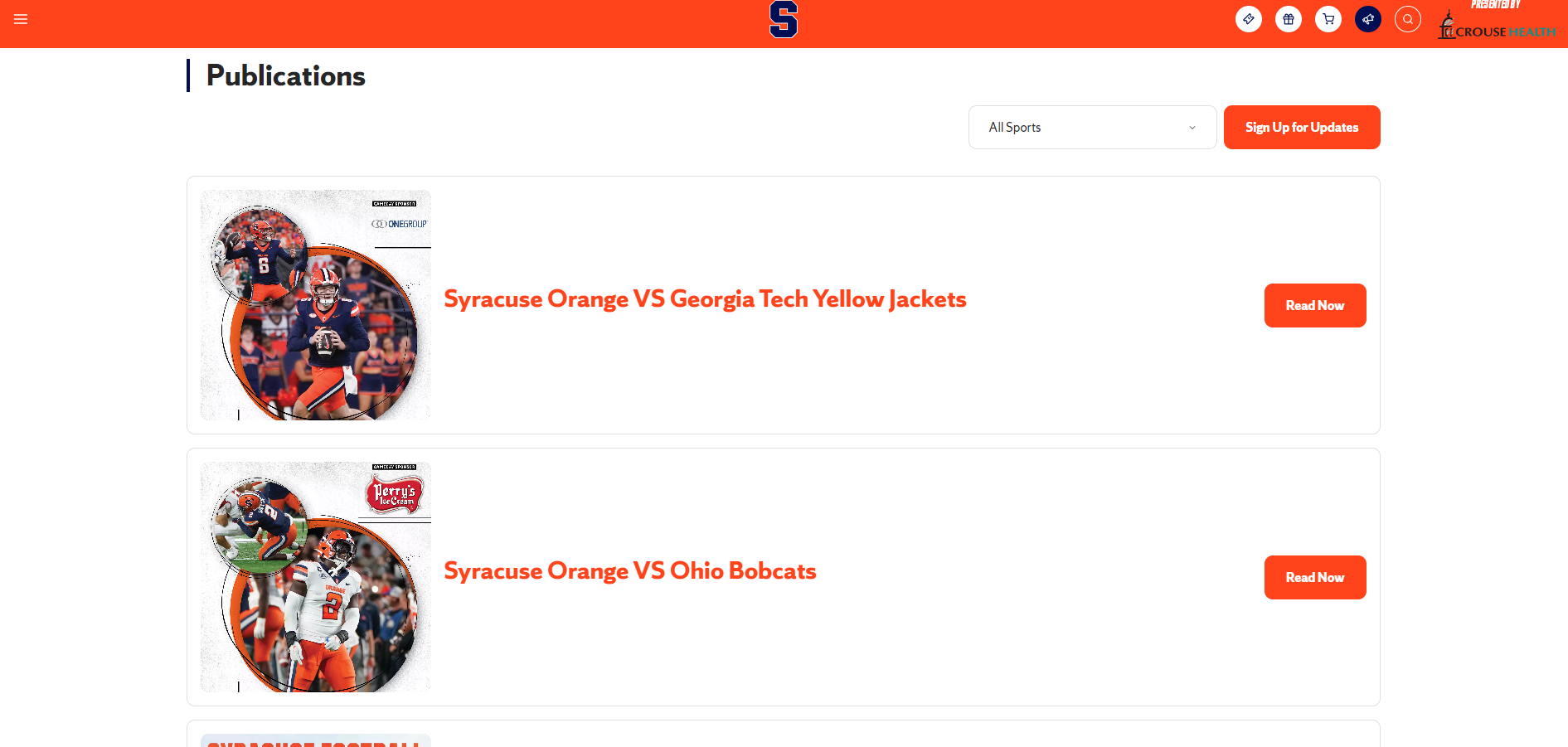
You can then click VIEW ON SITE from the CMS or you can apply /publications to the end of your site URL to see the live page.
Example: https://cuse.com/publications
Was this article helpful?
That’s Great!
Thank you for your feedback
Sorry! We couldn't be helpful
Thank you for your feedback
Feedback sent
We appreciate your effort and will try to fix the article