At the bottom of the Watch+ layout is an “All Shows” panel that will display by default on all pages. This panel also has a “show all” option which leads to a page show every series (ex https://uconnhuskies.com/watch/all-series).

The Manage Series Order allows the site admin to control the order in which the series appear. By default it, they will appear in alphabetical order.
Step 1: Adjust the Order
To adjust the order, simply drag and drop items from the right-side of the screen to the left. Then once on the left, can drag and drop to adjust the order and the numbers will also adjust accordingly.
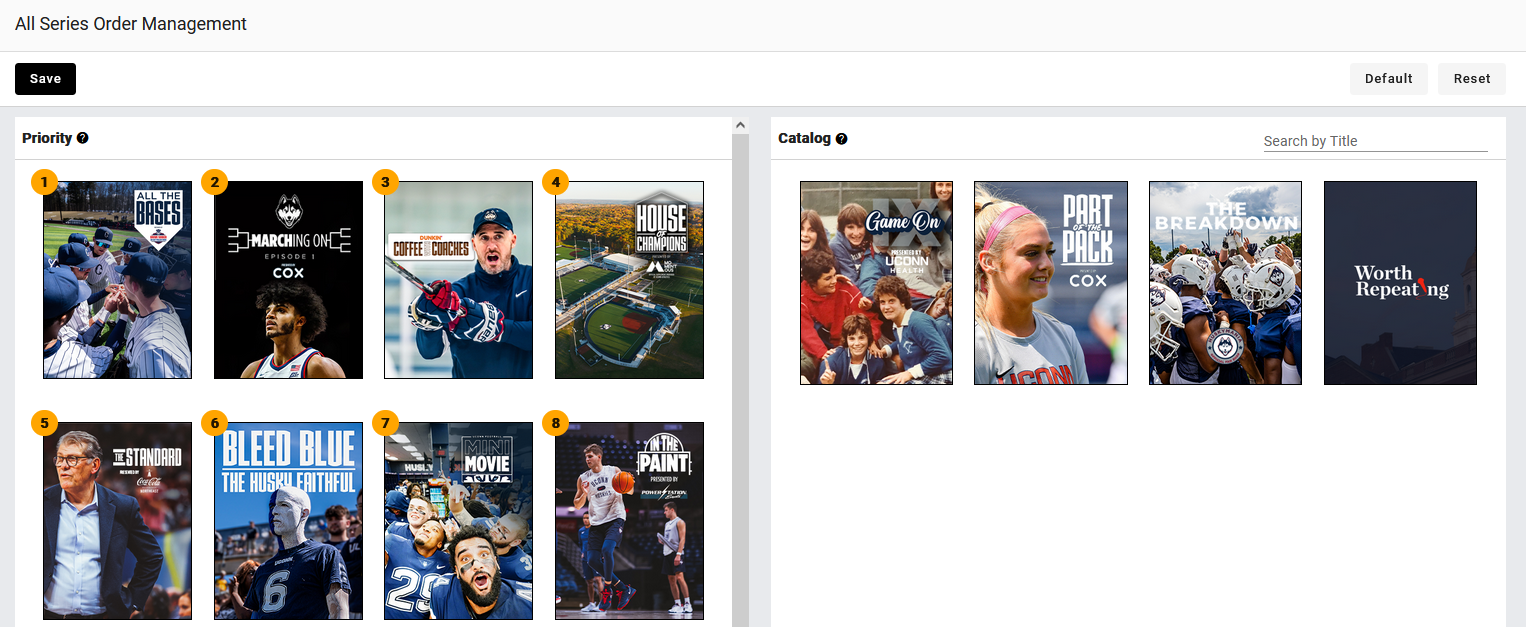
When finished, be sure to click the save button.
Was this article helpful?
That’s Great!
Thank you for your feedback
Sorry! We couldn't be helpful
Thank you for your feedback
Feedback sent
We appreciate your effort and will try to fix the article