To create a new page on your venue platform back-end, go to Pages > New Page:

Give the page a title and start adding content!

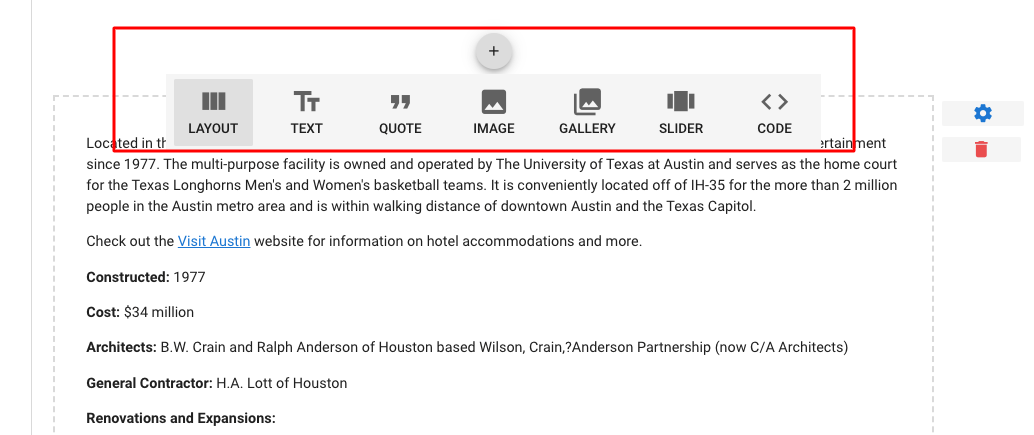
In the SIDEARM Venue Text Editor, you have the option to add simple text. block quotes, images, photo galleries, or image slideshows. Clicking the + button highlighted above will populate the options available to you. There is also a general "layout" button which provides additional options.
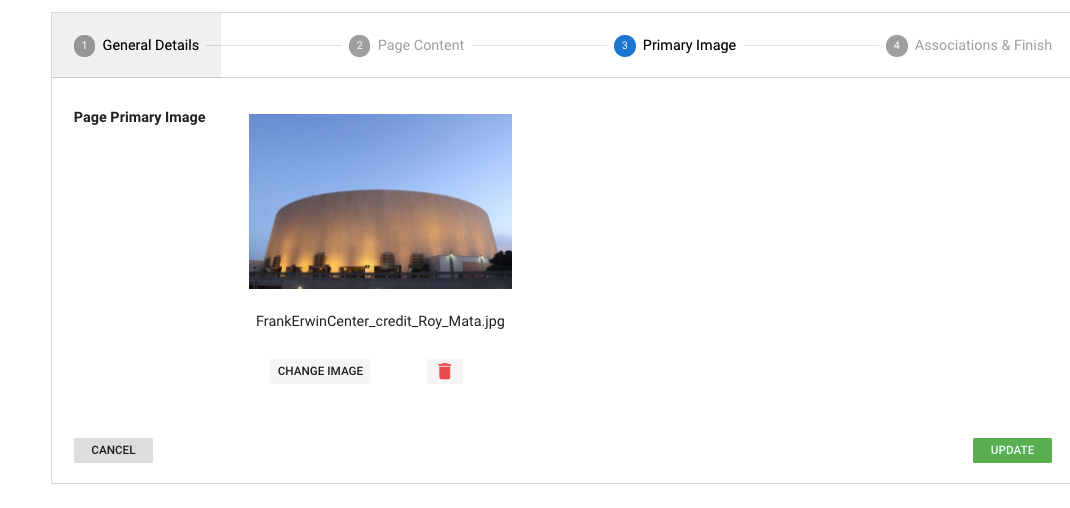
You can also add a primary image to "pages", but unlike events it is not required:
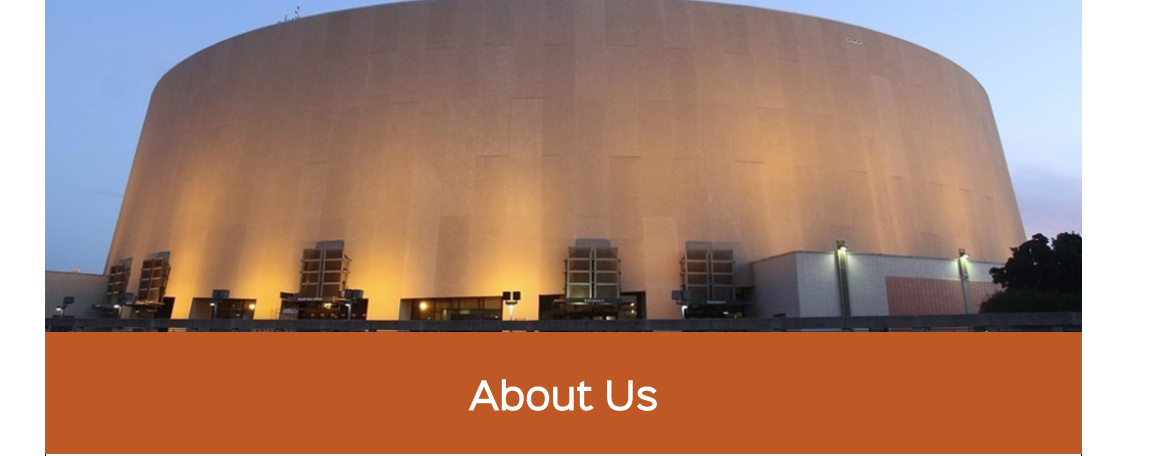
Front-End Look:
Was this article helpful?
That’s Great!
Thank you for your feedback
Sorry! We couldn't be helpful
Thank you for your feedback
Feedback sent
We appreciate your effort and will try to fix the article