To edit a current page you've already creating, click Pages > Manage Pages:
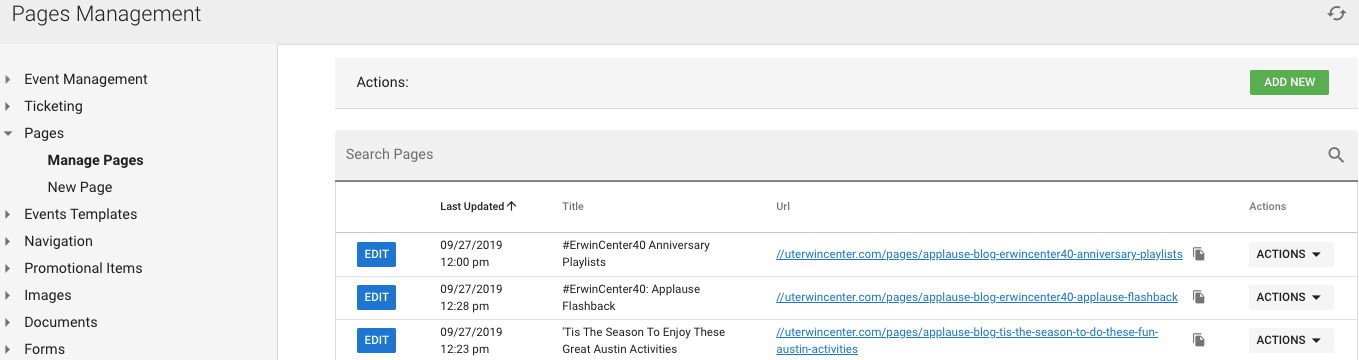
You have some options to the right in "Actions" to quickly View, Hide, or Delete.
To edit just click blue Edit button to left:
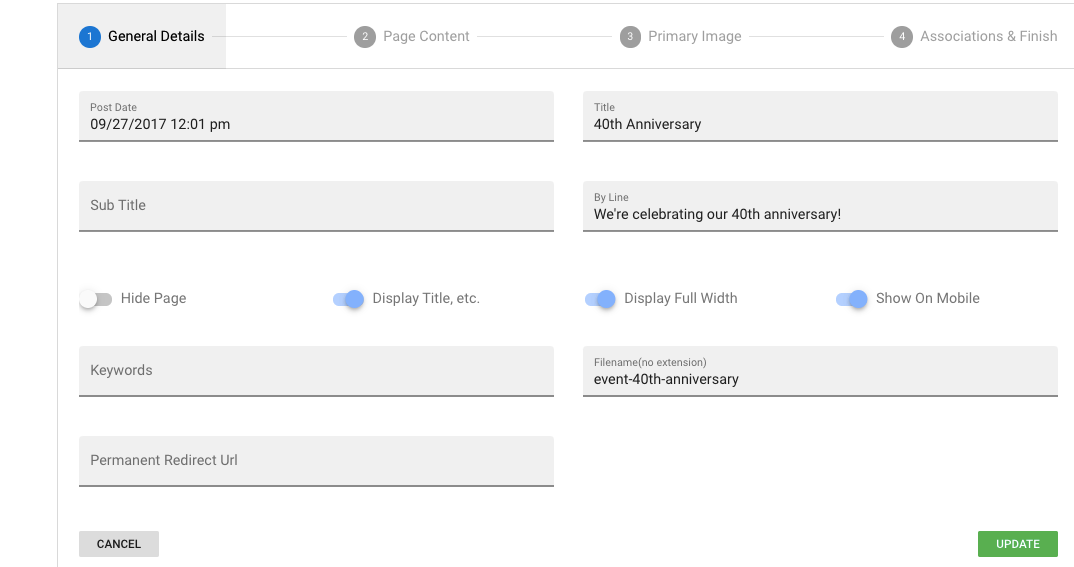
Make sure to save with clicking "Update" at the bottom right.
Was this article helpful?
That’s Great!
Thank you for your feedback
Sorry! We couldn't be helpful
Thank you for your feedback
Feedback sent
We appreciate your effort and will try to fix the article