To add a URL Redirect, follow the steps given below:
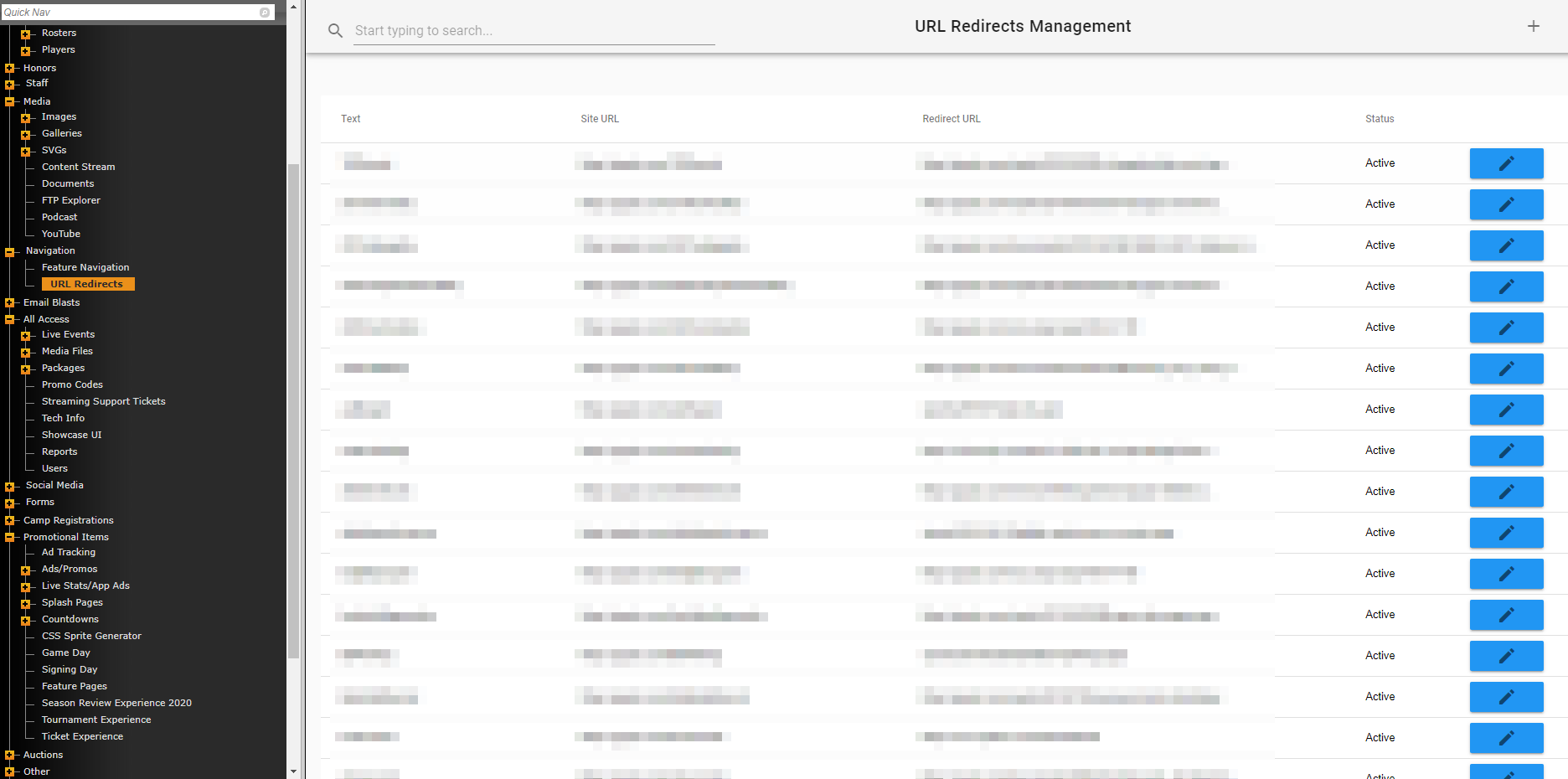
- Navigate to URL Redirects on the admin side of your site.
- Once there, you will see the "URL Redirects Management" landing page.
- You'll see a button at the top-right, "+", that allows you to create an initial/additional redirect.
When creating a new URL Redirect, you can copy/paste any URL into the "URL" field, use the "BUILD LINK" button to link to an internal page, or "BROWSE FTP" to link to your FTP.
You'll also see direct links for "Sports File" or "Document" since those are the most utilized options.
The final option is a checkbox for activating the URL Redirect.
Was this article helpful?
That’s Great!
Thank you for your feedback
Sorry! We couldn't be helpful
Thank you for your feedback
Feedback sent
We appreciate your effort and will try to fix the article