To add records to opponents in your system to display the remaining all-time data of games not in the software, you will need to go to the Opponents section, which can be found under site settings towards very bottom of backend.
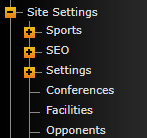
Click "Opponents" and then search for the one you wish to edit.
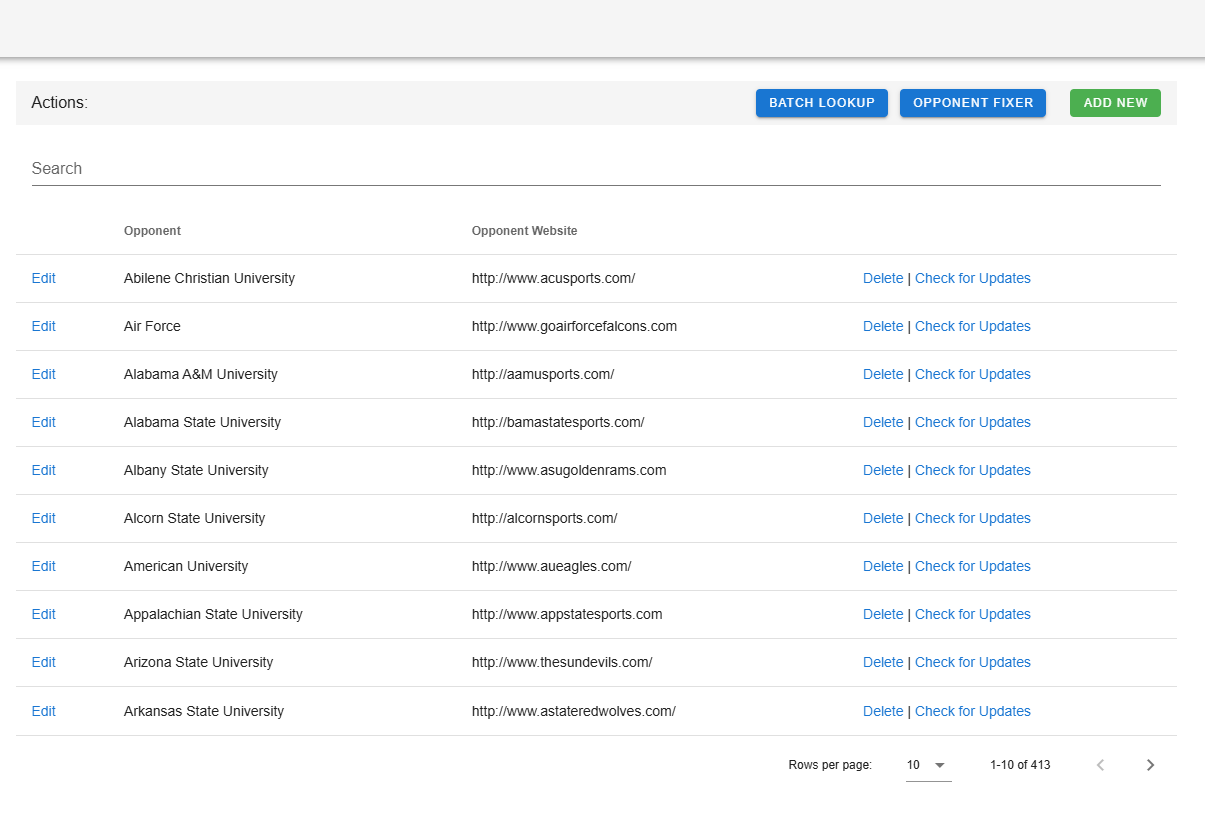
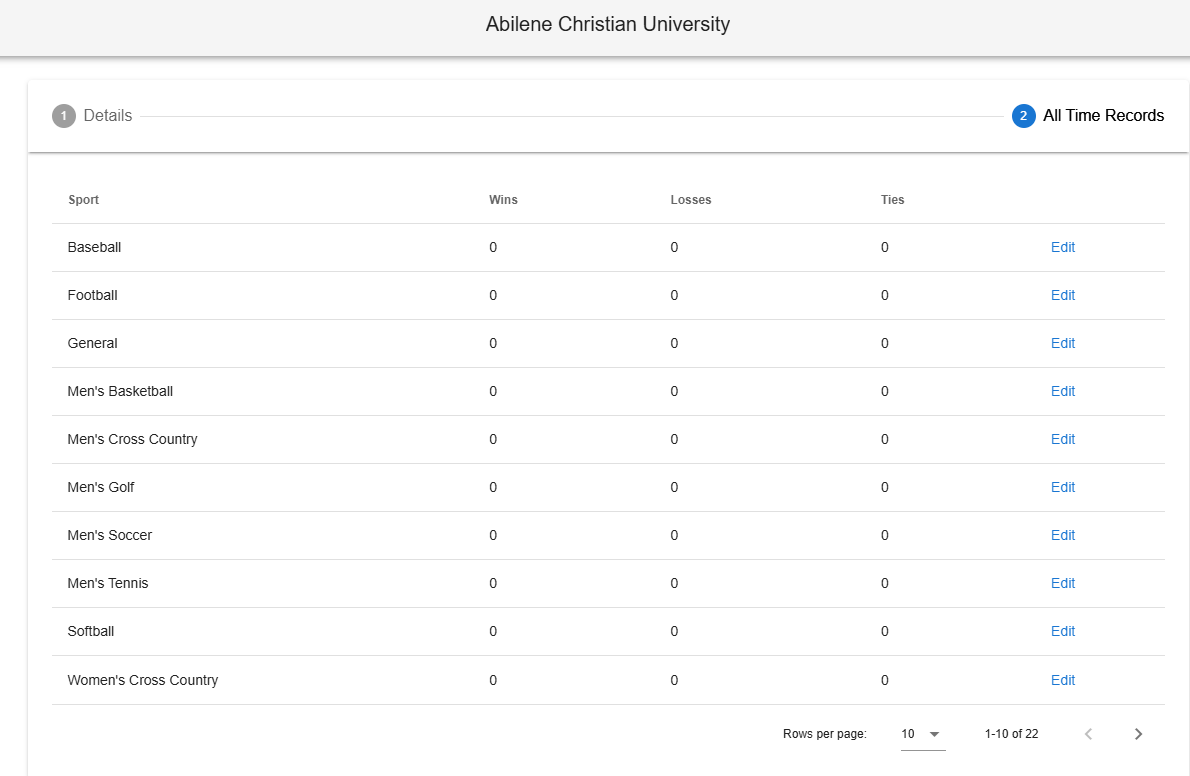
Click "edit" and then "All Time Records" tab. You will see a list of sports, here you can edit a sport and enter in the difference for wins, losses, and ties. By difference, we mean if you are 5-2 all-time against that opponent, but based on the schedules in SIDEARM, you are only 4-1, enter one win and one loss into the area for that sport.
Was this article helpful?
That’s Great!
Thank you for your feedback
Sorry! We couldn't be helpful
Thank you for your feedback
Feedback sent
We appreciate your effort and will try to fix the article