If you have created a template that you would like to save and use for future blasts, simply type the name into the Template Name Box and then hit the Save Template button.
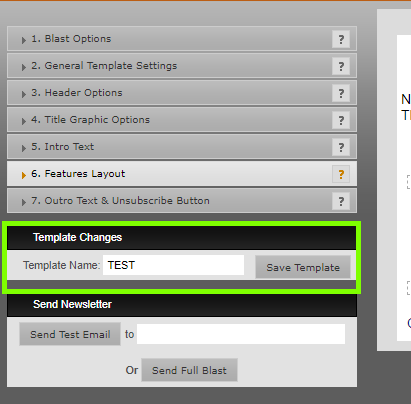
If there are saved templates on the site, you can click on the 'Template Name' field and you saved templates will appear in a list. If you want to load a previous template, just click it and it'll load up.

Was this article helpful?
That’s Great!
Thank you for your feedback
Sorry! We couldn't be helpful
Thank you for your feedback
Feedback sent
We appreciate your effort and will try to fix the article