To select a story template, on the finish tab of a story, locate the Template Type section and then choose one of the options from the dropdown menu.
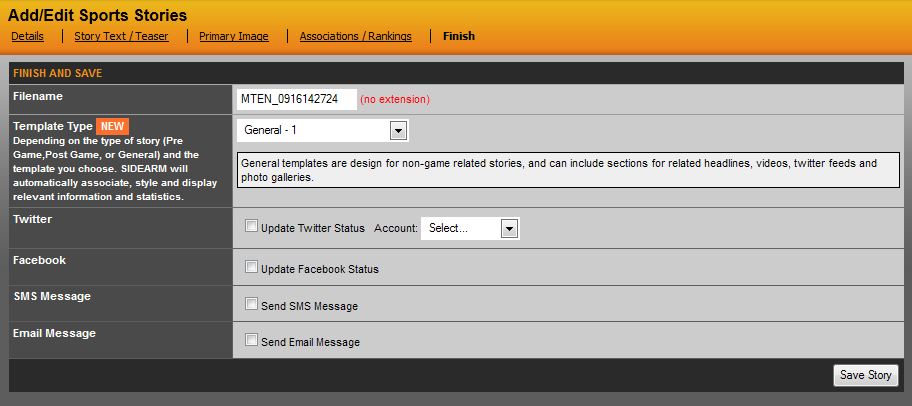
Currently, there are nine general story templates and two postgame templates.
Postgame 1: Example
Postgame 2: Example
Postgame 3: Example
Note: The postgame story template are only available for stories that are associated to a game that already has a XML file uploaded.
Once a template is selected, you can save the story. If by chance you want to try a different template after saving a story, you can always edit, click on Finish and change the template. You can also choose to not have a template to use your default story style, so the templates are not required to save a story.
Was this article helpful?
That’s Great!
Thank you for your feedback
Sorry! We couldn't be helpful
Thank you for your feedback
Feedback sent
We appreciate your effort and will try to fix the article