Administrators can export an Email List into an Excel file for transfer to another application such as an individual email client address book or internal athletic database.
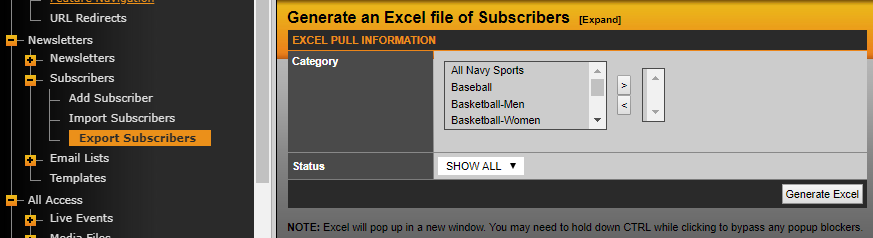
You select the category of the Email List you want to export by double-clicking on the list or using the arrows to add or remove lists along with the status of the subscriber and hit Generate Excel. Excel will pop up in a new window or you may need to hold down CTRL while clicking to bypass any popup blockers.
Was this article helpful?
That’s Great!
Thank you for your feedback
Sorry! We couldn't be helpful
Thank you for your feedback
Feedback sent
We appreciate your effort and will try to fix the article