To add new standings, expand the standings menu and click on 'add new standings'.
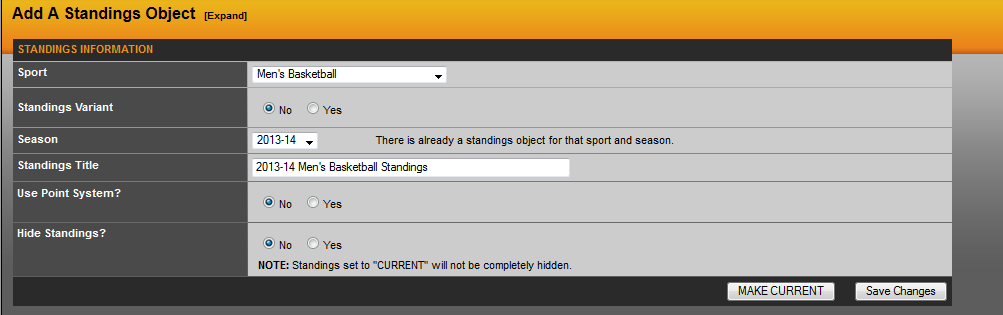
In most cases, you will just need to follow the simple steps of choosing the sport and choose the season. This will name the standings for you as well.
After filling out those first two steps, you will want to click 'Save Changes'. Note: Always hit 'Save Changes' first. If you click 'Make Current' first, the standings will not be saved and not appear in the software.
Was this article helpful?
That’s Great!
Thank you for your feedback
Sorry! We couldn't be helpful
Thank you for your feedback
Feedback sent
We appreciate your effort and will try to fix the article