Click the bullet next to Staff and then select Import Staff. To upload the staff
list in its existing document (excel), click Browse and then choose the
document.
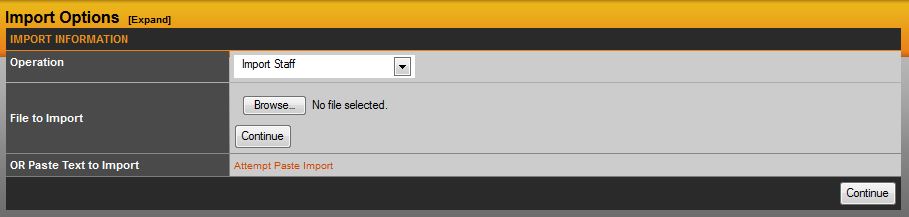
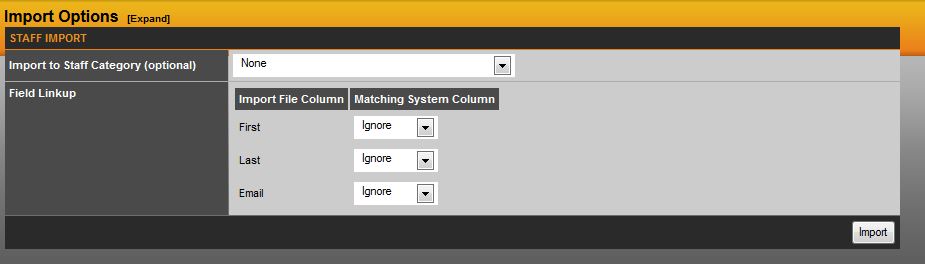
Once you have completed this section, select Continue to be brought to the Staff Import page. Here you can import to staff category and which field you would like it to link up to. When this section is complete, click Import and you will be brought back to the staff list main page.
Was this article helpful?
That’s Great!
Thank you for your feedback
Sorry! We couldn't be helpful
Thank you for your feedback
Feedback sent
We appreciate your effort and will try to fix the article