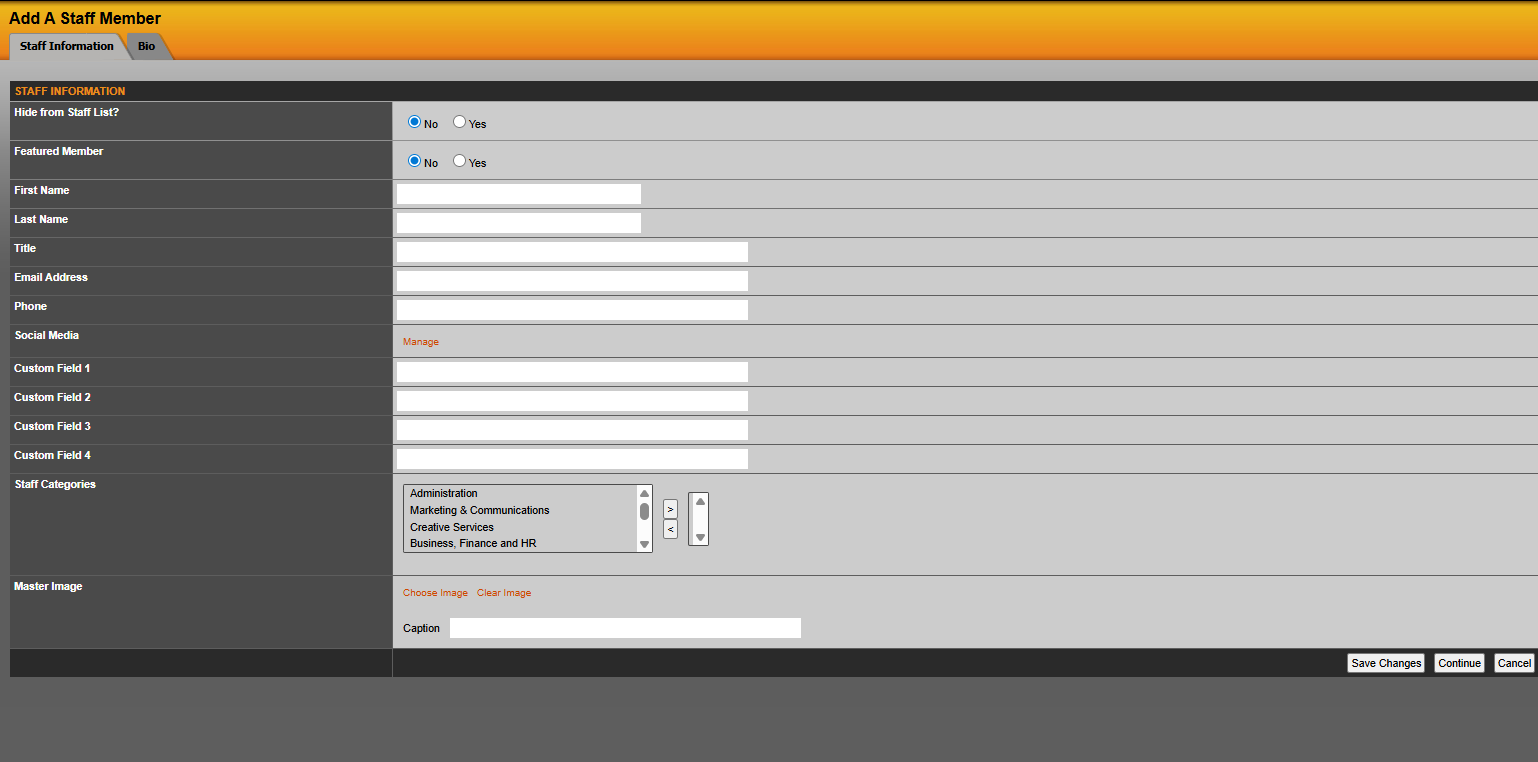
To add a new staff member go to staff > staff > add new staff. You will then be prompted to fill in the various fields such as first and last name, title, email address, phone number and extension, department/staff category, and master image (head shot). Select save changes when the above information is complete.
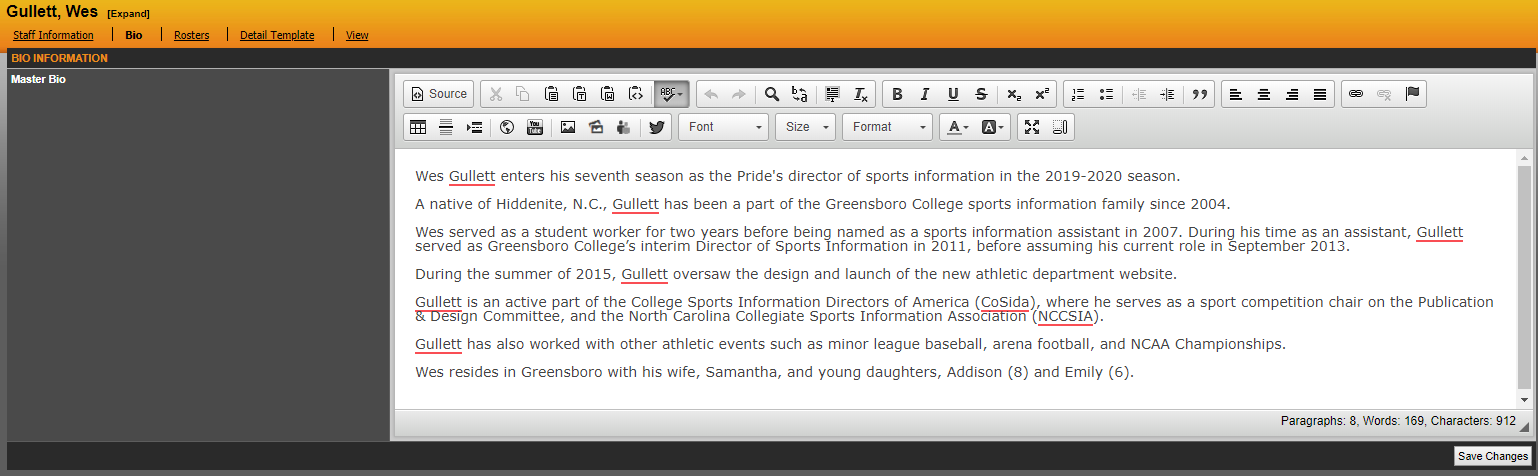
To create a bio for your staff member click on the bio tab.
To add your staff member to a roster click the rosters tab and add to roster. Once there you will need to select the roster you are adding the staff member to and the title you want to appear on that roster.

Was this article helpful?
That’s Great!
Thank you for your feedback
Sorry! We couldn't be helpful
Thank you for your feedback
Feedback sent
We appreciate your effort and will try to fix the article