The batch upload option will allow you to either upload a Zip file that contains the images you want uploaded or you can choose to upload a few files individually at once. After clicking on add new image and selecting the batch option or the ZIP File option in the window that comes up, you will be brought to one of the below screens.
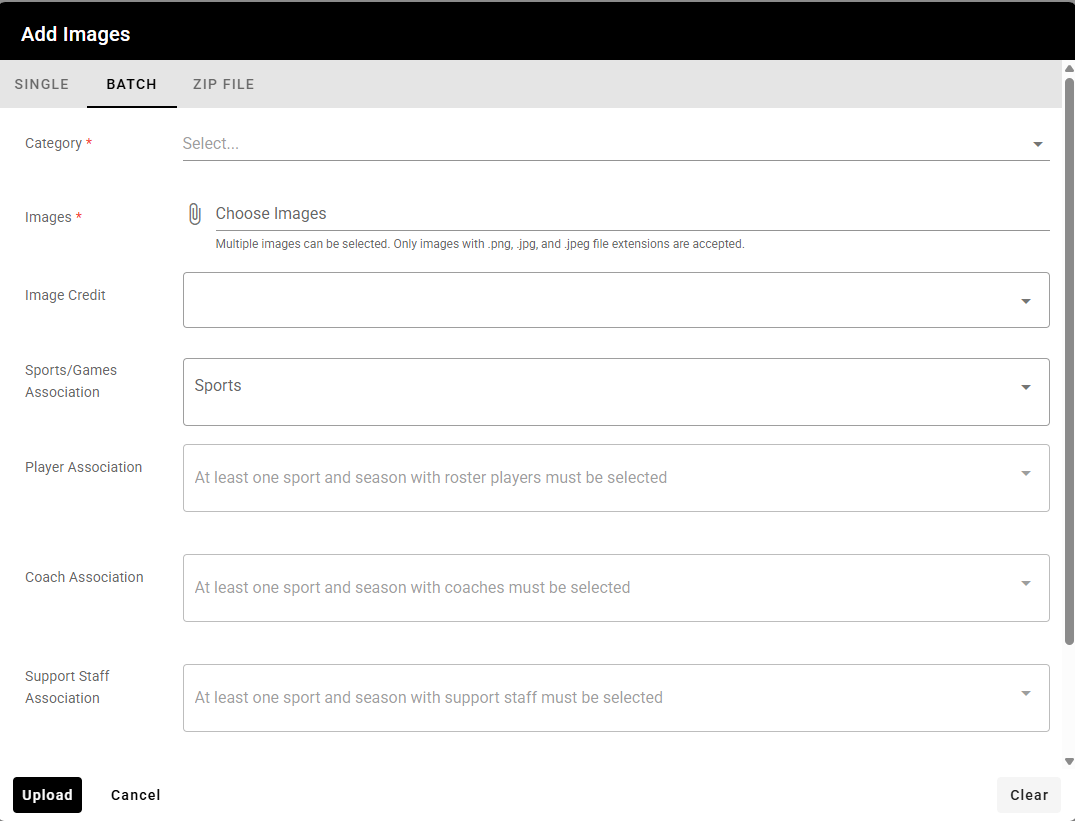
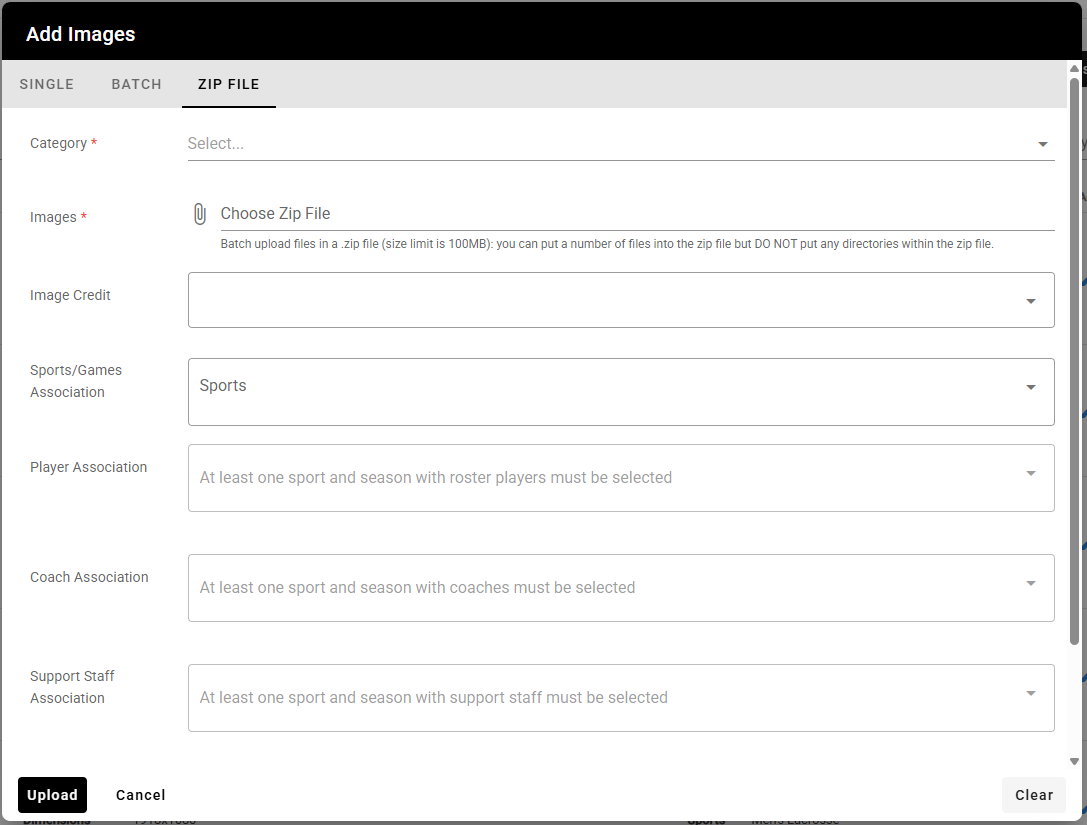
Just a reminder, the Zip file should contain just the images, no other files and no folders either.
Was this article helpful?
That’s Great!
Thank you for your feedback
Sorry! We couldn't be helpful
Thank you for your feedback
Feedback sent
We appreciate your effort and will try to fix the article