The batch edit metadata option will allow you enter the title, alternative text and photo credit of any of the images you have batch uploaded. After clicking on the batch edit metadata link located in media > images, you will be brought to the following screen:
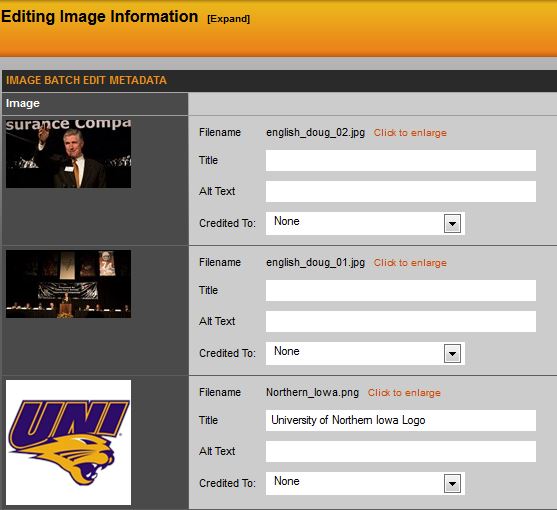
Here you can update the images you want, scroll to the bottom and hit update images.
Was this article helpful?
That’s Great!
Thank you for your feedback
Sorry! We couldn't be helpful
Thank you for your feedback
Feedback sent
We appreciate your effort and will try to fix the article