The admins section is where you will add user accounts for individuals who will have access to the back-end of the site.
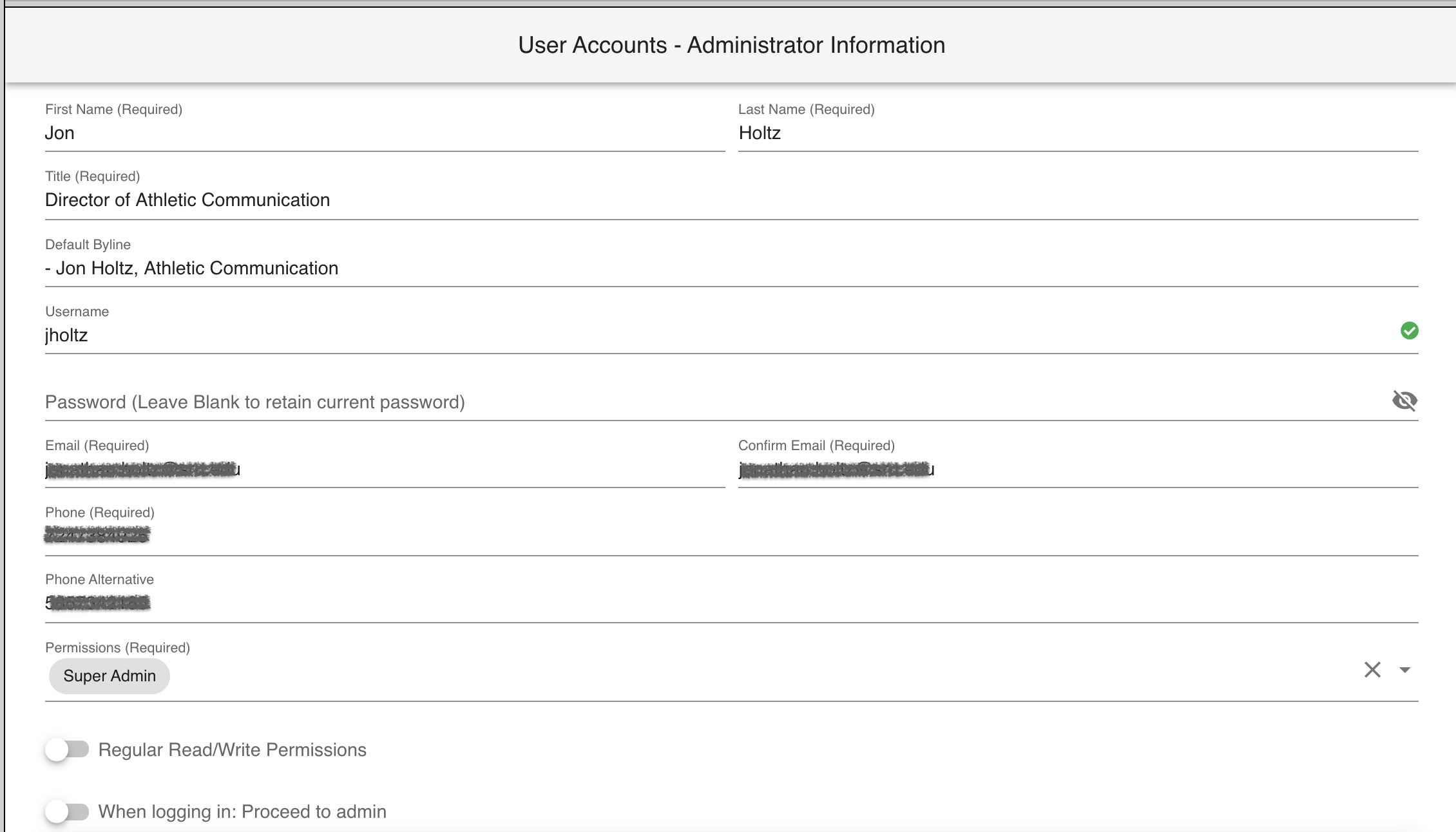
This section will also allow you to limit what a user could have access to. The options are broken down by the categories in SIDEARM such as Schedule Management, Roster Management and Media. If the user should have access to everything, leave those sections unchecked and only check Super Admin as shown below.
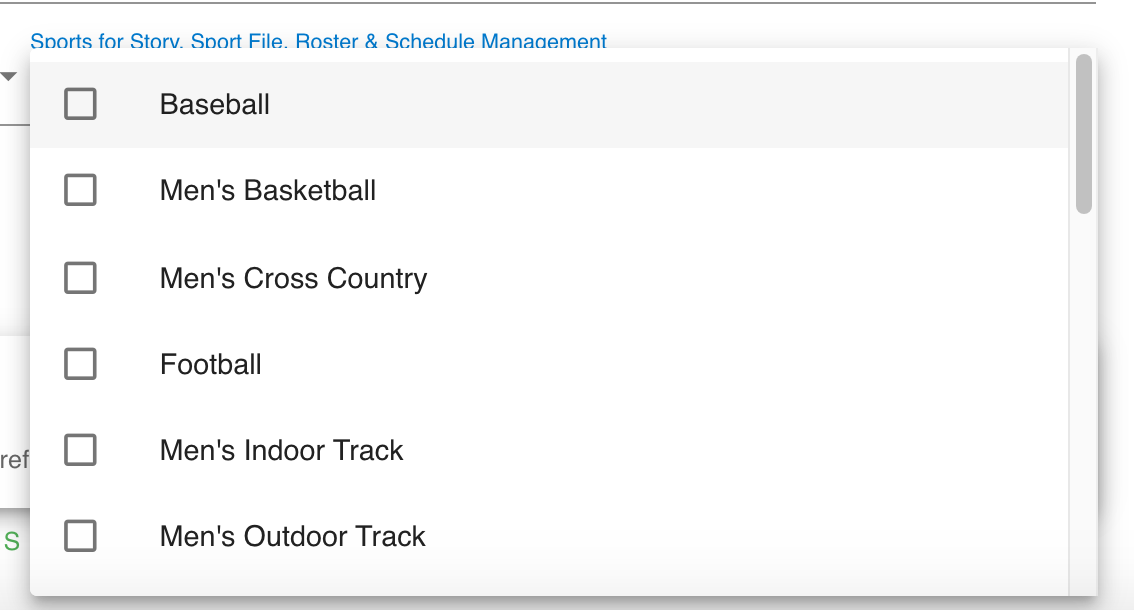
There is also a way to breakdown Story, Sportfile, Roster, and Schedule permissions by sport. You'll see a section to the right pop-up where you can allow users to only have access to items from that specific sport.
Was this article helpful?
That’s Great!
Thank you for your feedback
Sorry! We couldn't be helpful
Thank you for your feedback
Feedback sent
We appreciate your effort and will try to fix the article