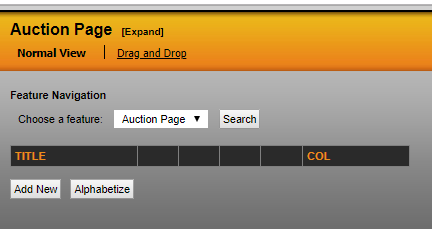
To manage the links that appear in the auction site navigation menu, go to the Navigation Management section, and select the 'feature navigation' tab.
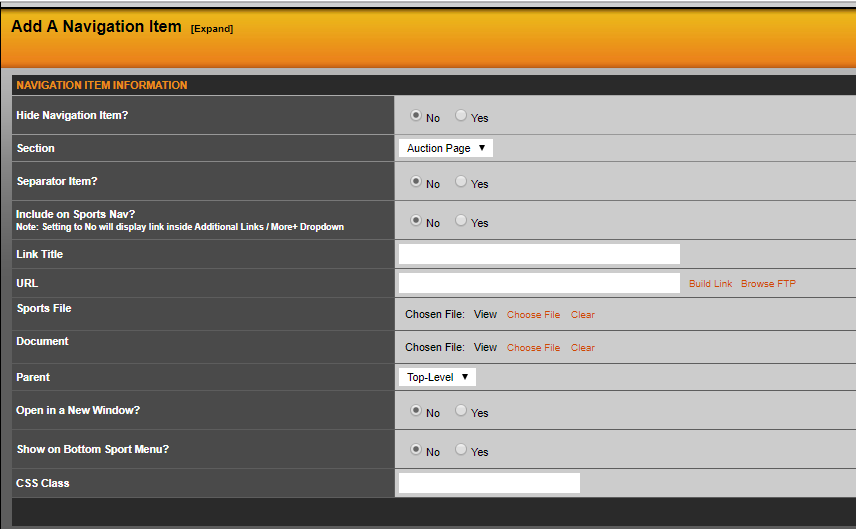
If you select “Include on Secondary/Top Nav?”, the link will display on the top horizontal menu. All other links will appear in the “More” dropdown menu, to the right of categories. When adding links to the top menu, you will only have a limited amount of space available. Please double check that as the site scales, all of your links fit nicely in this menu. If they do not fit, try moving some links to the dropdown menu.
Was this article helpful?
That’s Great!
Thank you for your feedback
Sorry! We couldn't be helpful
Thank you for your feedback
Feedback sent
We appreciate your effort and will try to fix the article