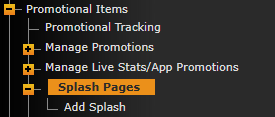
Go to Promotional Items>Splash Pages. Once there you can click Add Splash to get started.
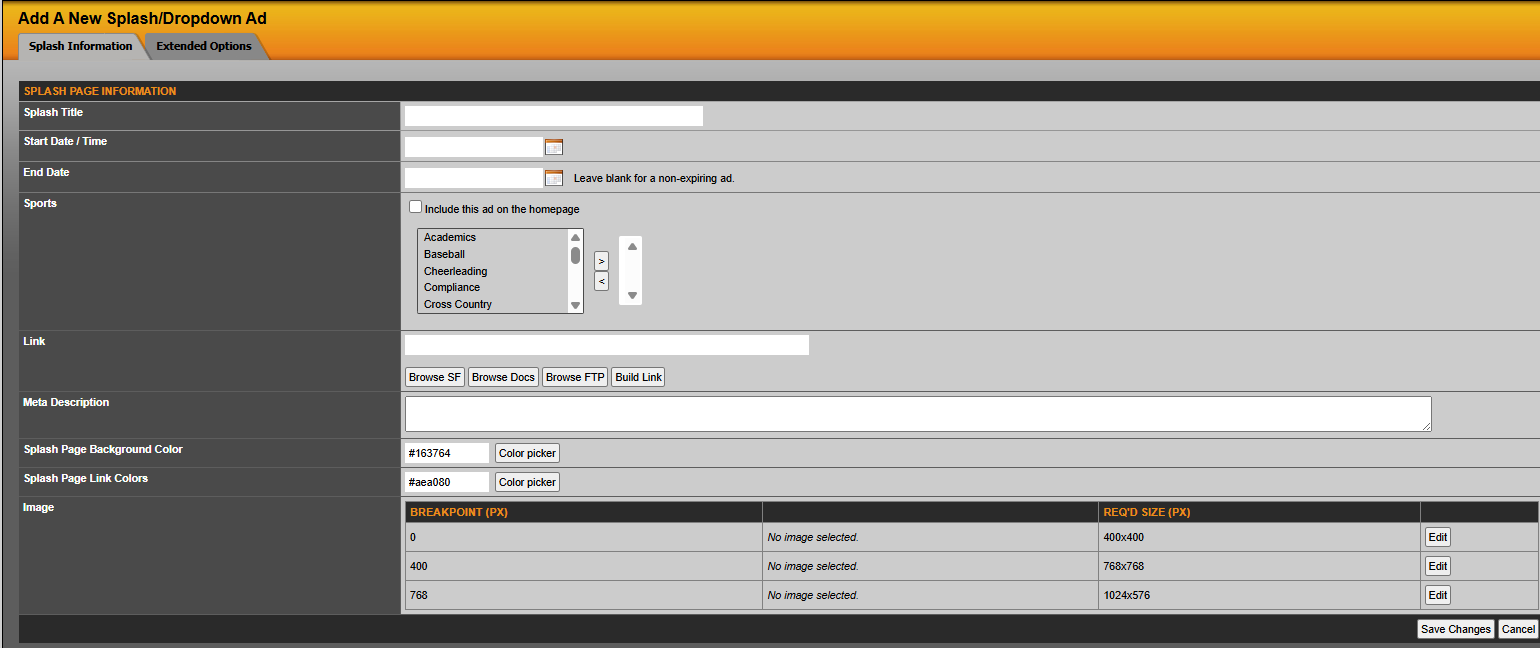
There you can set a start/end date. Pick if you want the splash page to overtake the homepage or a specific sports landing page. Add a link for when someone clicks on the graphic. Customize the colors and finally add your graphics.
There are three specific sizes list that you can upload. That will allow you to load an image that looks great on all screen sizes (desktop to mobile devices).
Was this article helpful?
That’s Great!
Thank you for your feedback
Sorry! We couldn't be helpful
Thank you for your feedback
Feedback sent
We appreciate your effort and will try to fix the article