Once you have gone in, created a facility, marked it as featured, added description data and associated images, you are then ready to setup the link for the front landing page. The link will always be /facilities and will give you a result like this:
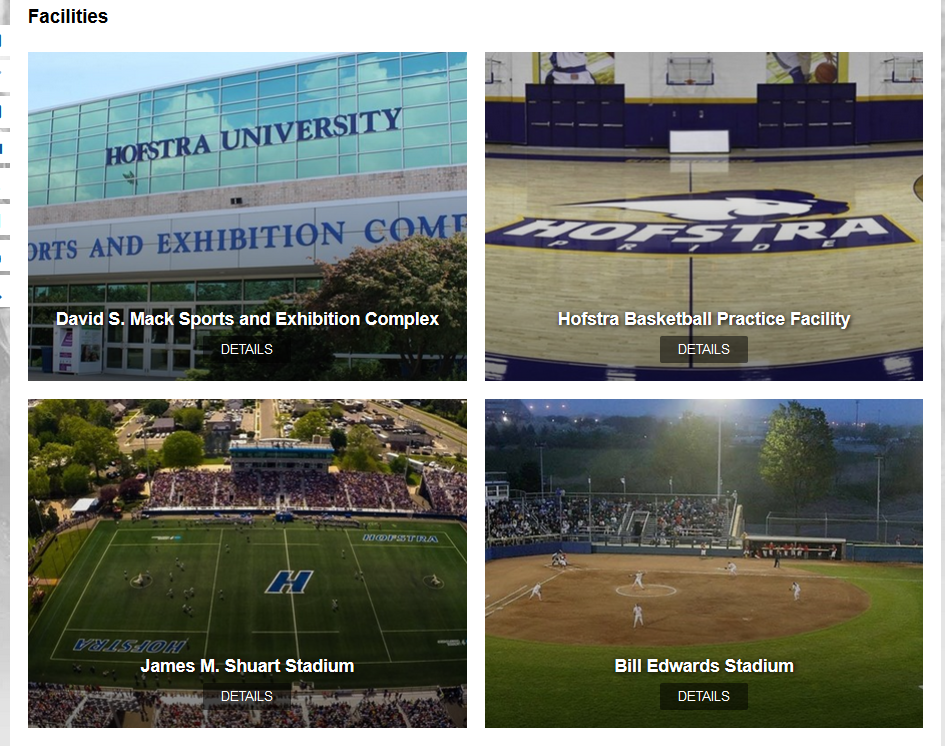
If you have more than four featured, the user can either use circle icons at the bottom of the page to rotate between panels, or clicking and using a swipe gesture with the mouse will allow the user to move between panels as well.
Facility Details Page
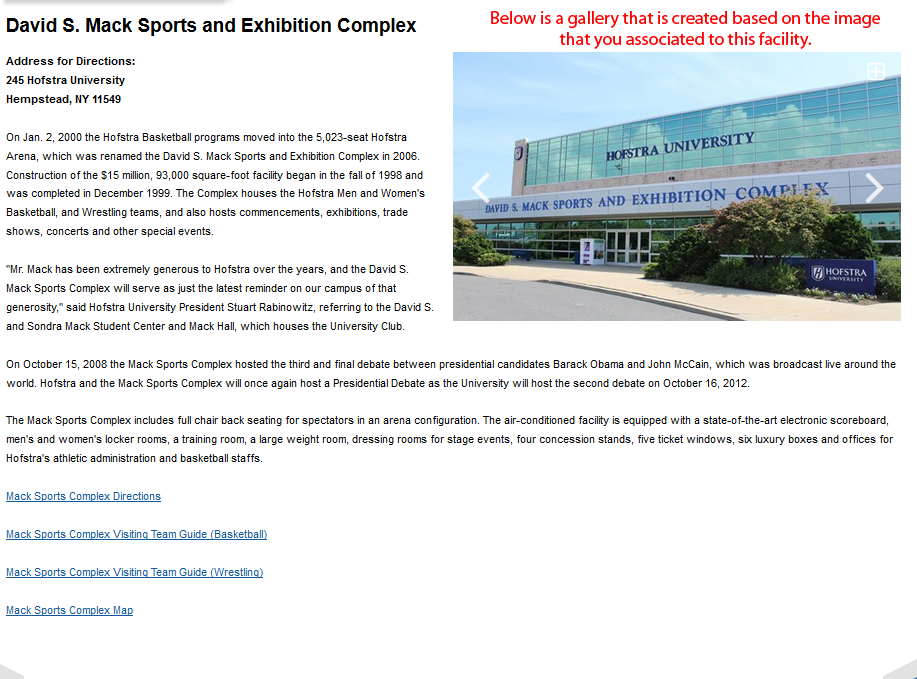
When a user clicks on the Details link, this will bring them to the page that features the information you entered into the description area, as well as a photo gallery that is automatically created using the images you associated to the particular facility.
Was this article helpful?
That’s Great!
Thank you for your feedback
Sorry! We couldn't be helpful
Thank you for your feedback
Feedback sent
We appreciate your effort and will try to fix the article