When scrolling down in the SIDEARM menu, under “Media” there is an option titled “YouTube Management”. This section displays all the sports you have in Site Settings>Sports and next to that is a dropdown menu containing the playlists you have created on YouTube.
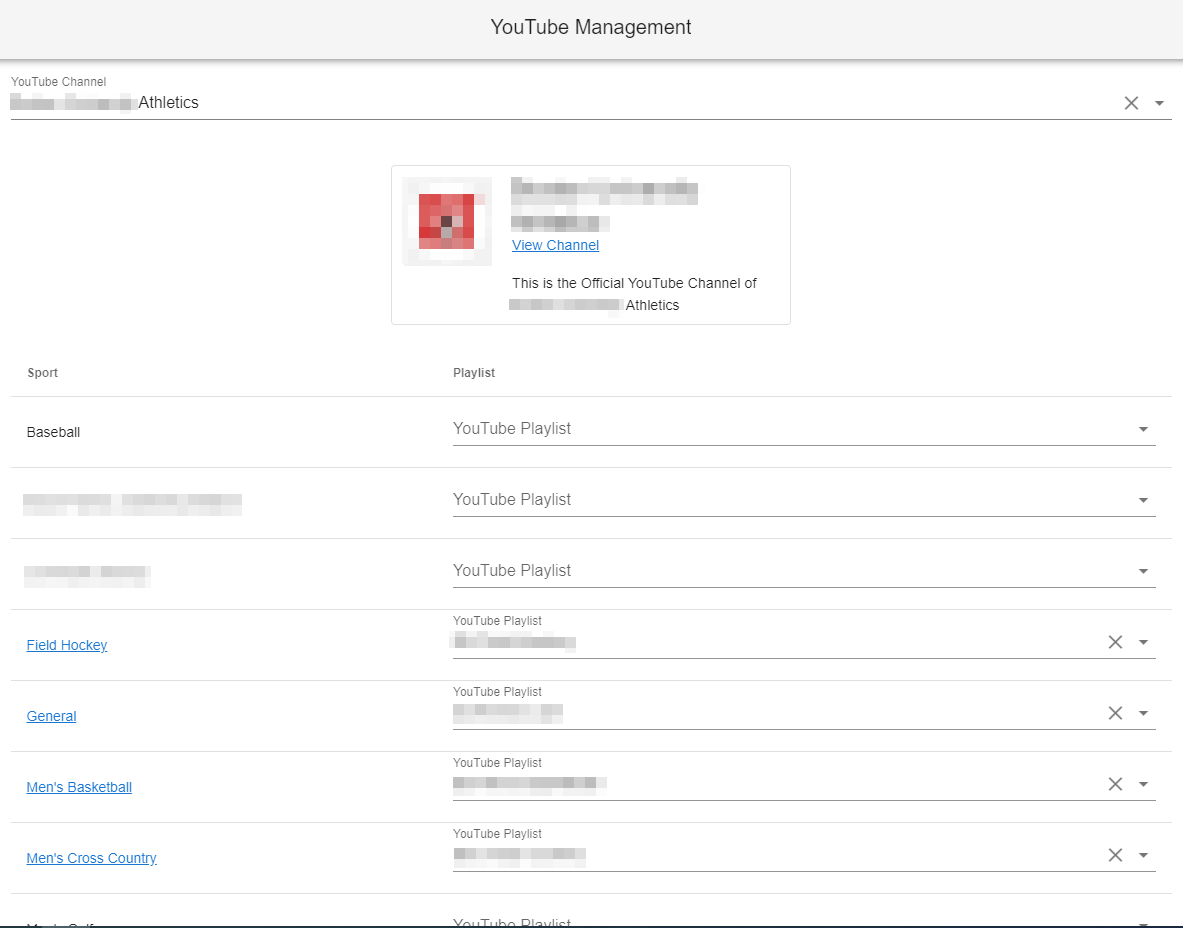
Here you can set the playlist that you want to have shown on the specific sport home page by choosing it from the list. Once you are finished choosing each playlist, simply go to the bottom of the page and click the “SAVE” button. In addition, to control the videos that appear on your home page, just choose a playlist for the sport “General”, and then the videos placed on this playlist will appear on the home page and pages associated with “general”.

Was this article helpful?
That’s Great!
Thank you for your feedback
Sorry! We couldn't be helpful
Thank you for your feedback
Feedback sent
We appreciate your effort and will try to fix the article