Step 1: SIDEARM admin gives client admin(s) permission and the client admin(s) click “Accept Invitation” in their email.
Step 2: Sign In to the Nota Dashboard from NOTA | Your Story, Multiplied.
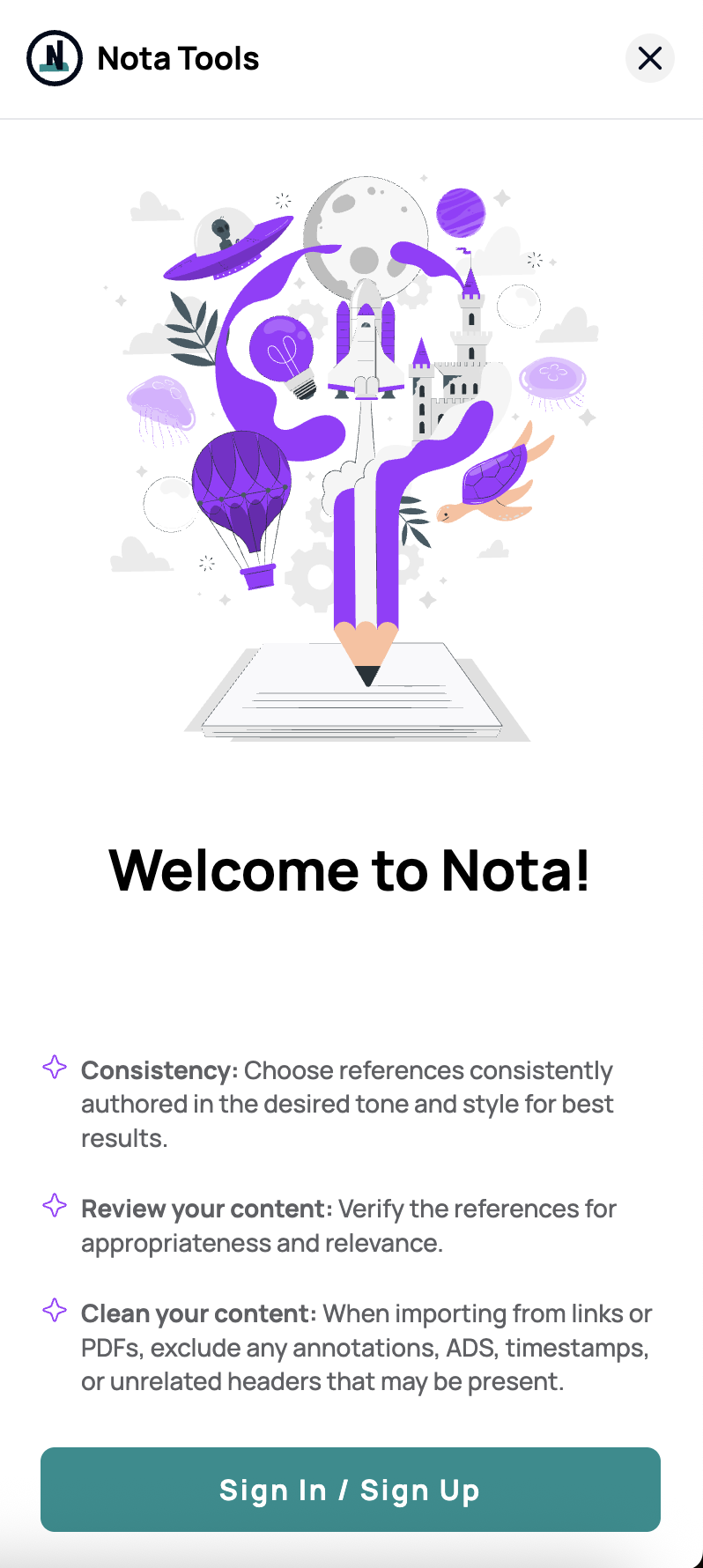
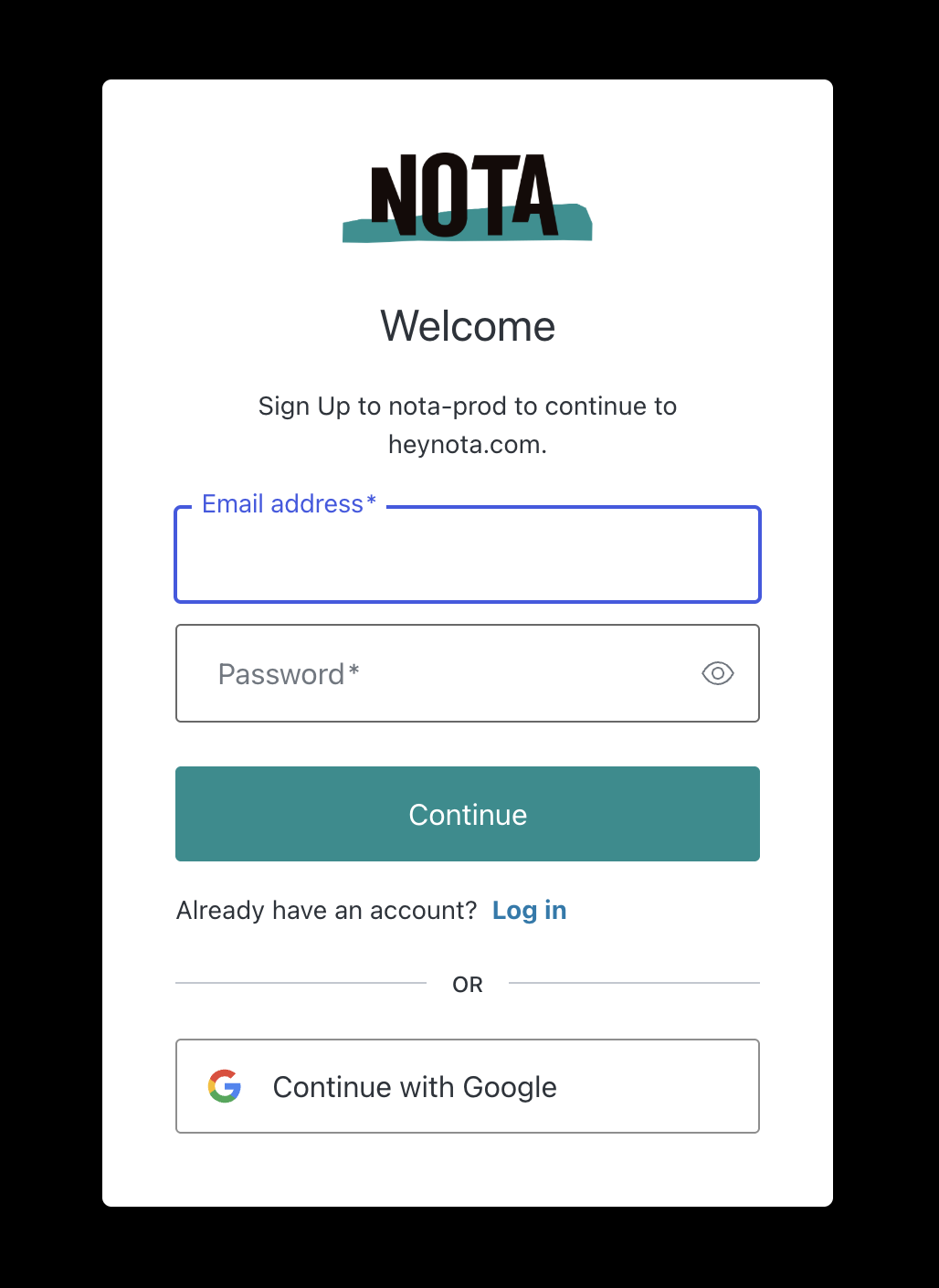
Step 3: Sign Up with Email that was invited to the dashboard
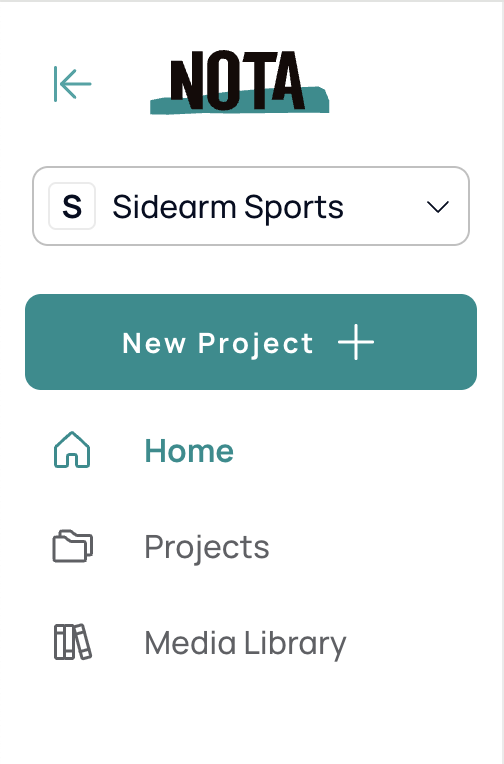
Step 4: Confirm dashboard access
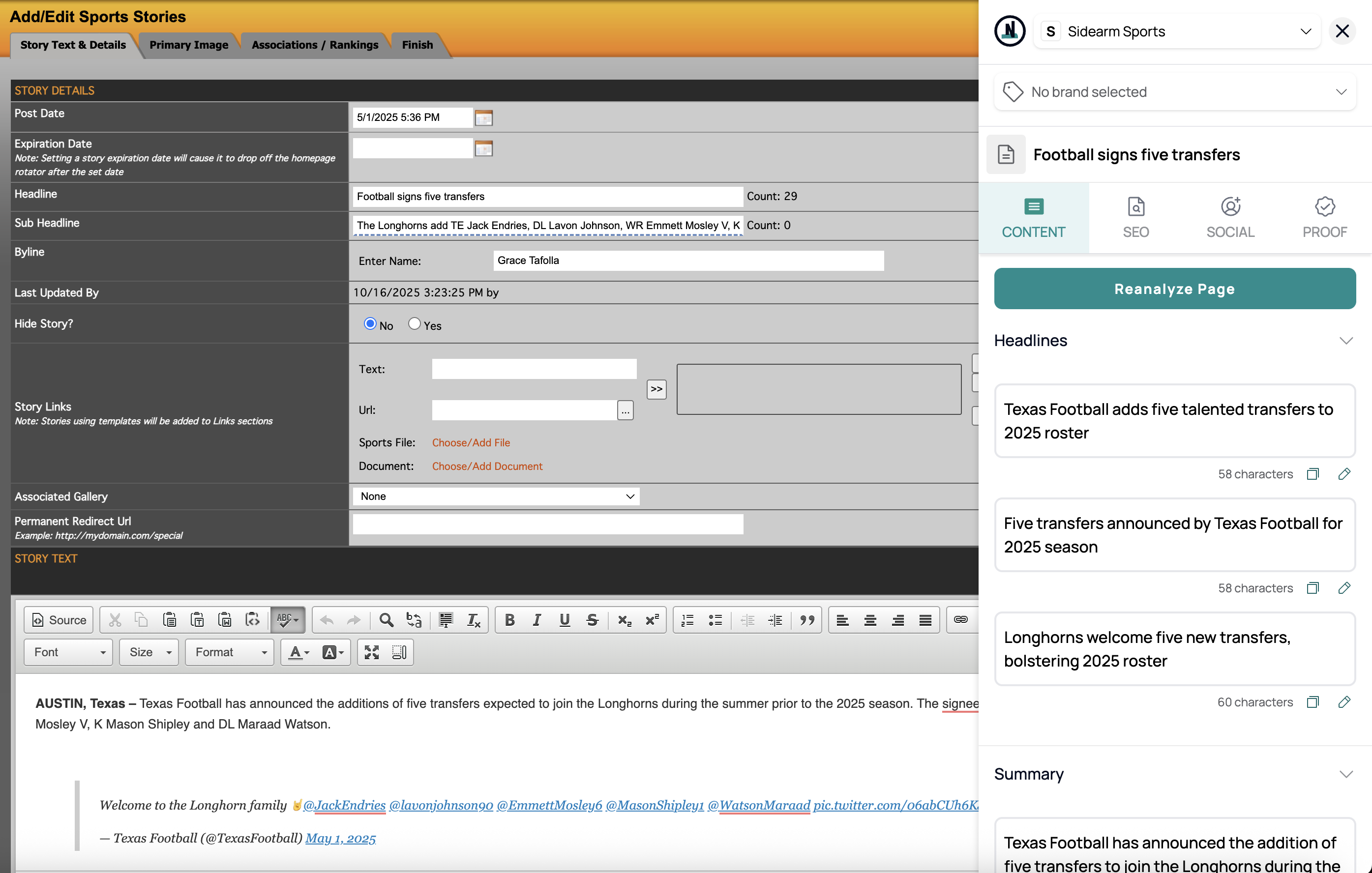
Step 5: Navigate back to CMS and confirm extension updates
Was this article helpful?
That’s Great!
Thank you for your feedback
Sorry! We couldn't be helpful
Thank you for your feedback
Feedback sent
We appreciate your effort and will try to fix the article