SIDEARM offers a basic QR code generator right in the CMS.
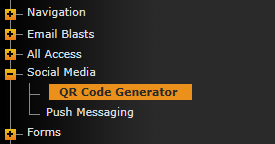
To utilize it, go to Social Media>QR Code Generator.
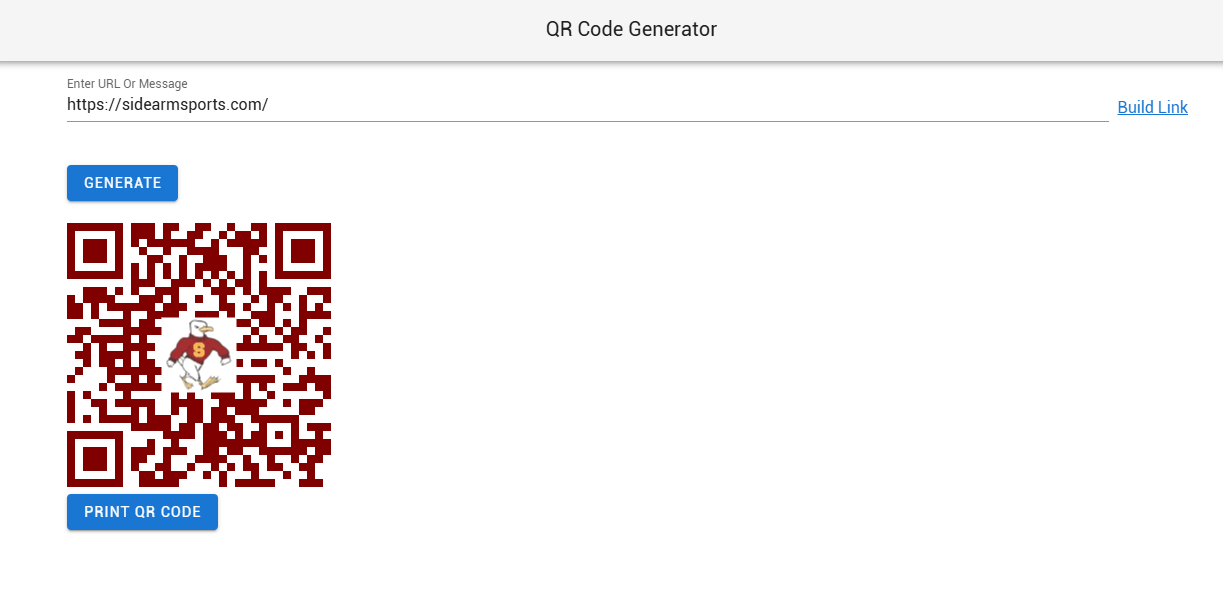
There, you will copy/paste your link into the top field or use the Build Link option and then click the "Generate QR Code" button.
You can then right-click the generated QR code to copy or save it. You will also have an option to "Print QR Code".
Was this article helpful?
That’s Great!
Thank you for your feedback
Sorry! We couldn't be helpful
Thank you for your feedback
Feedback sent
We appreciate your effort and will try to fix the article