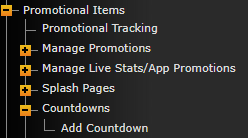
If you have a countdown available on your site you can create/edit a countdown by going to Promotional Items > Countdowns.
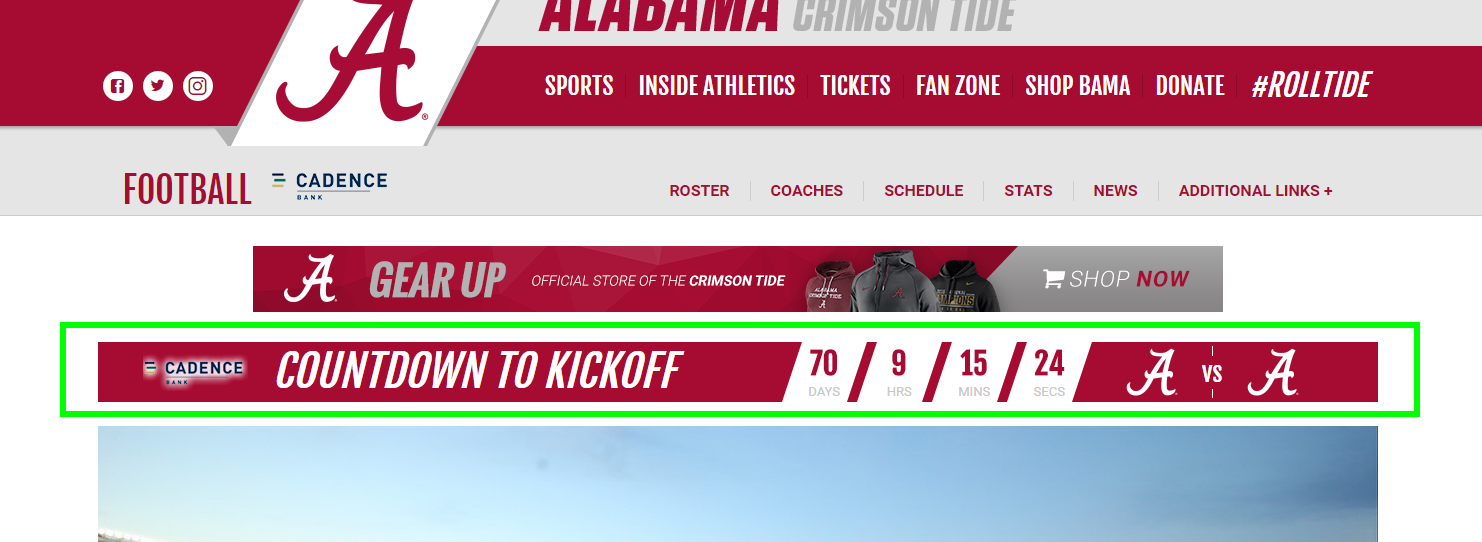
Example of a designed countdown on the live site. http://www.rolltide.com/index.aspx?path=football
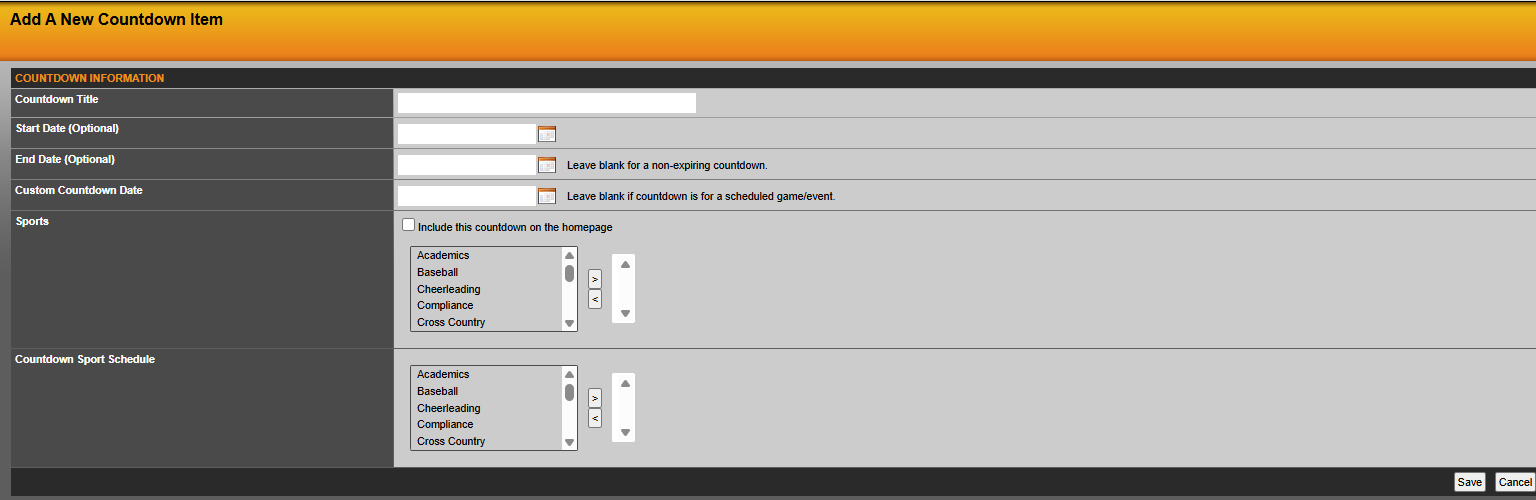
When adding/editing a countdown you will see the following screen where you can customize your countdown.
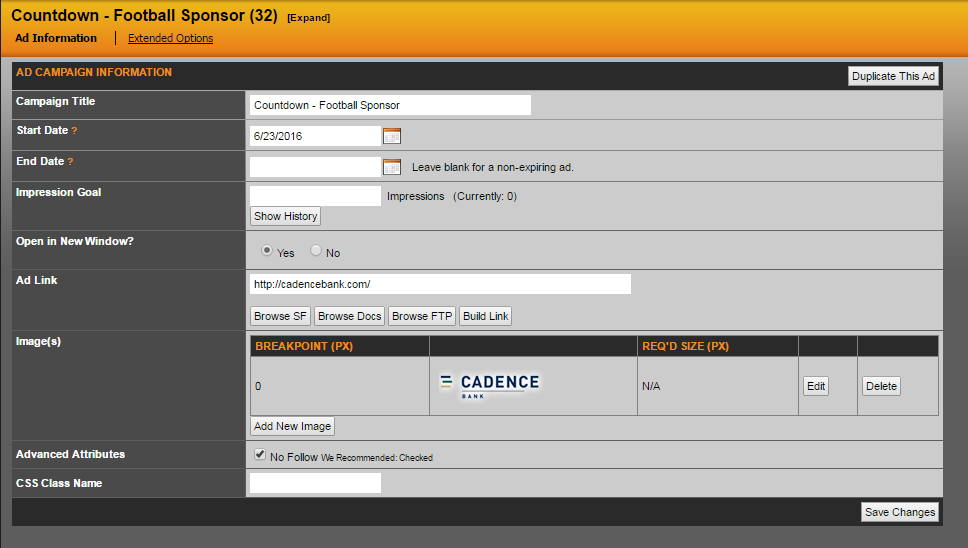
If needed/applicable you can use the Ad/Promotion section to add the countdown sponsor much like you would an ad space.
Was this article helpful?
That’s Great!
Thank you for your feedback
Sorry! We couldn't be helpful
Thank you for your feedback
Feedback sent
We appreciate your effort and will try to fix the article