After clicking on Voter Maintenance from the menu, there will be filters at the top of the page following by the New Voter button.
To add a new voter, click on that button and then fill out the following form: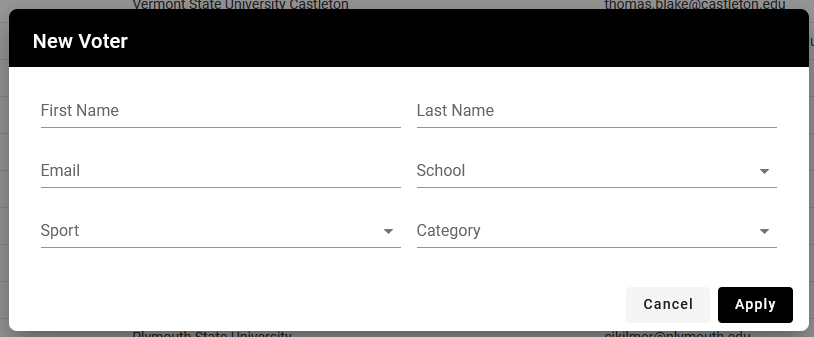
First/Last Name: Enter the first and last name of the voter.
Note: If choosing to create a generic school account, still be sure to enter content into the first and last name fields.
Email: Enter the e-mail address for the voter, this will be used as the username to login so must be unique per voter.
School: Choose the school the voter is associated with.
Sport (Optional): If the coach or staff member will only be voting for a single sport, choose from this list.
Category: Choose one of the category options.
Note: These are only used for filtering when creating an award.
When you have completed entering information, click the apply button.
This will then send an e-mail to voter who will have 48 hours to create their account using the temporary password that was sent to them.
Was this article helpful?
That’s Great!
Thank you for your feedback
Sorry! We couldn't be helpful
Thank you for your feedback
Feedback sent
We appreciate your effort and will try to fix the article