SIDEARM has a section under Roster Management that allows you to highlight your school's athletics history.
Most often used to display hall of fame information, this section and corresponding live page can be adjusted to fit your needs.
Under Roster Management>Hall of Fame you'll find several options to adjust and add content to your HOF.
Once set up on the admin side of the site, you'll use your site URL with /honors/hall-of-fame to view the live page.
Example: https://njcugothicknights.com/honors/hall-of-fame
Set Default Hall of Fame Template
One new option is the ability to set the default layout of your hall of fame landing page.
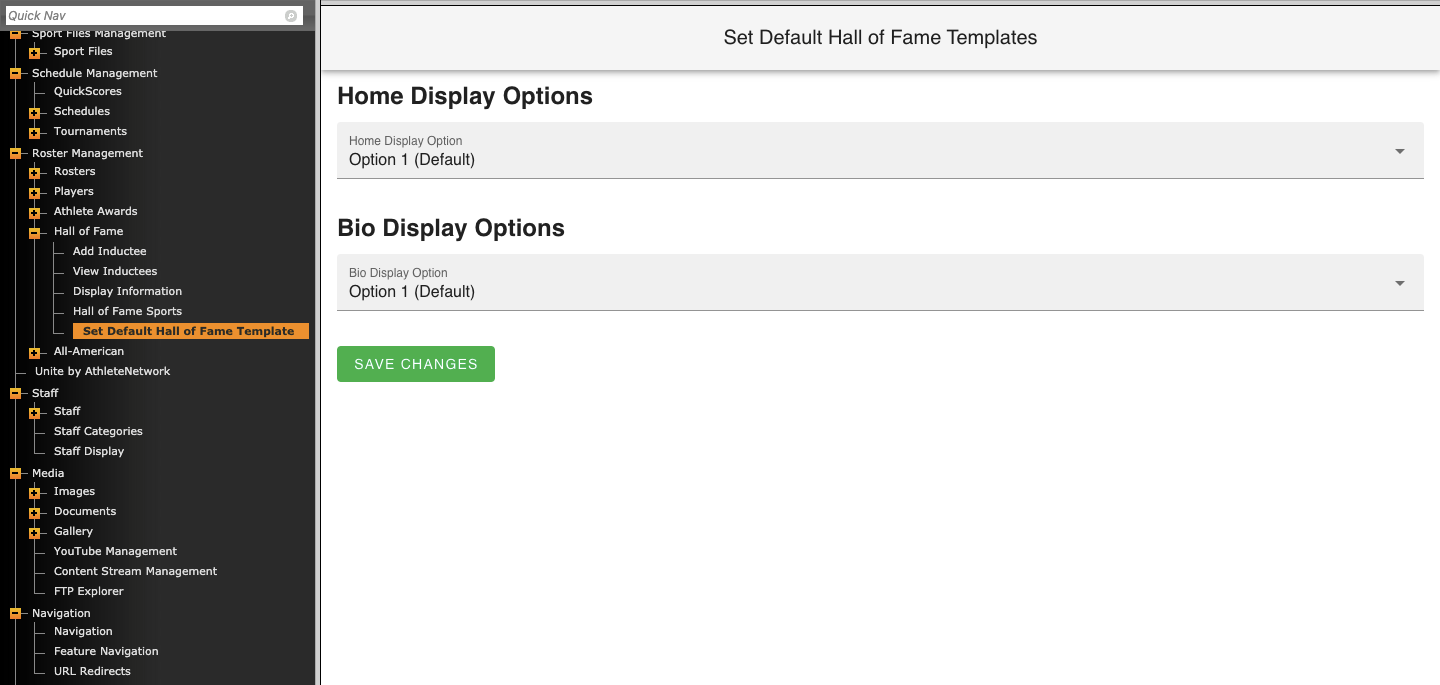
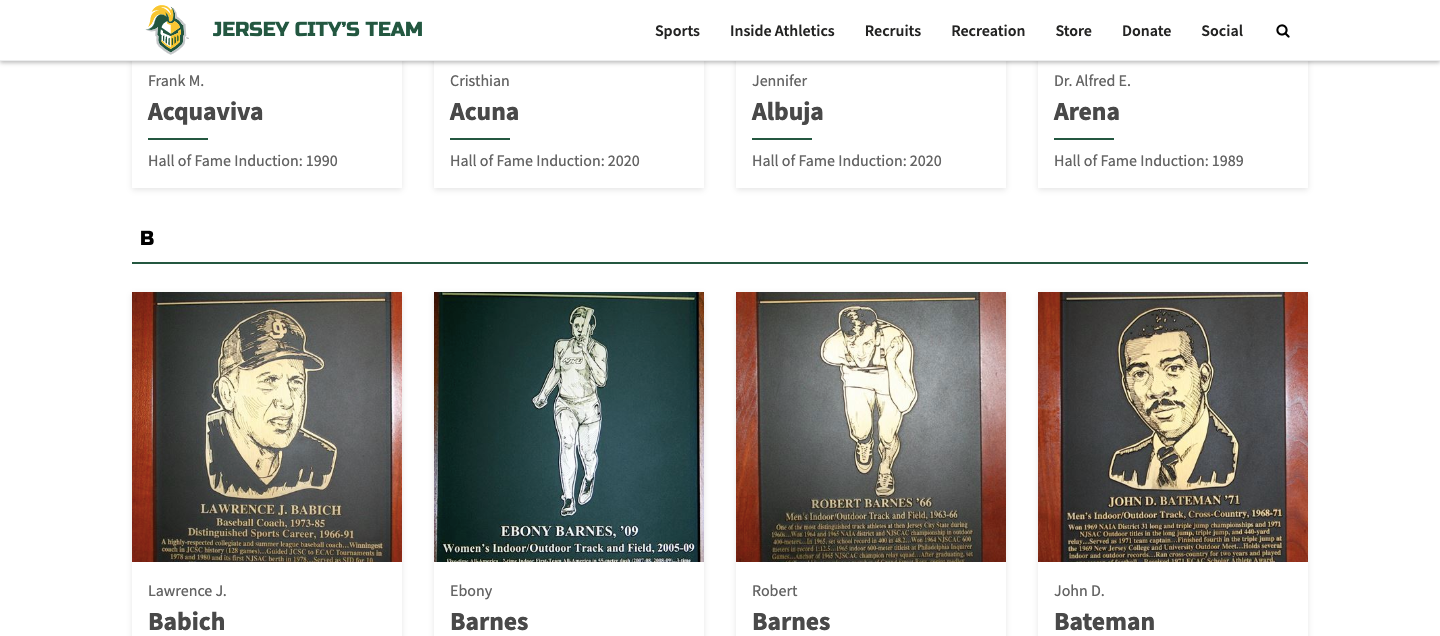
The Home Display Options now gives you a second option, enabling the new card view display. Example below:
Was this article helpful?
That’s Great!
Thank you for your feedback
Sorry! We couldn't be helpful
Thank you for your feedback
Feedback sent
We appreciate your effort and will try to fix the article