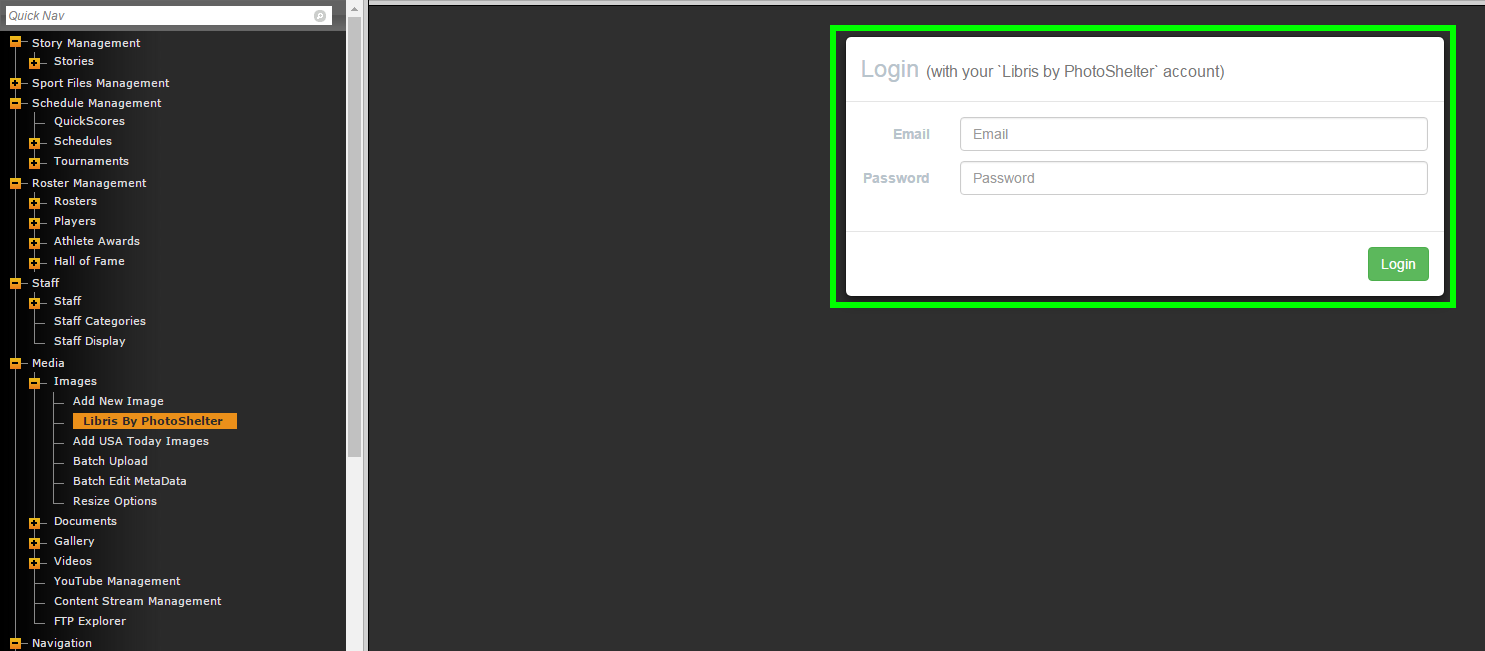
Once you have Libris by PhotoShelter activated on your site, you'll be able to use your Libris by PhotoShelter credentials to login.
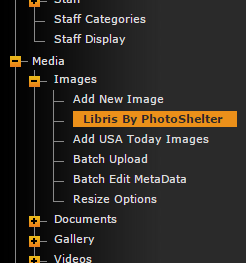
Start by going to Media>Images>Libris By PhotoShelter.
There you'll see the login screen where you can enter your Libris By PhotoShelter credentials.
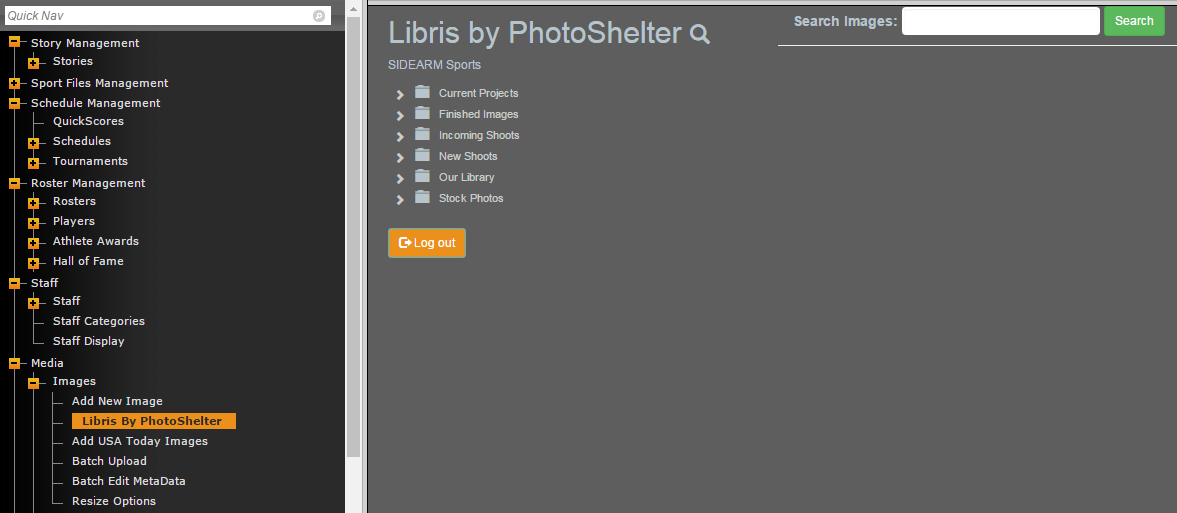
Once you're logged in you'll have the opportunity to browse all of the folders/files already uploaded to Libris by PhotoShelter.
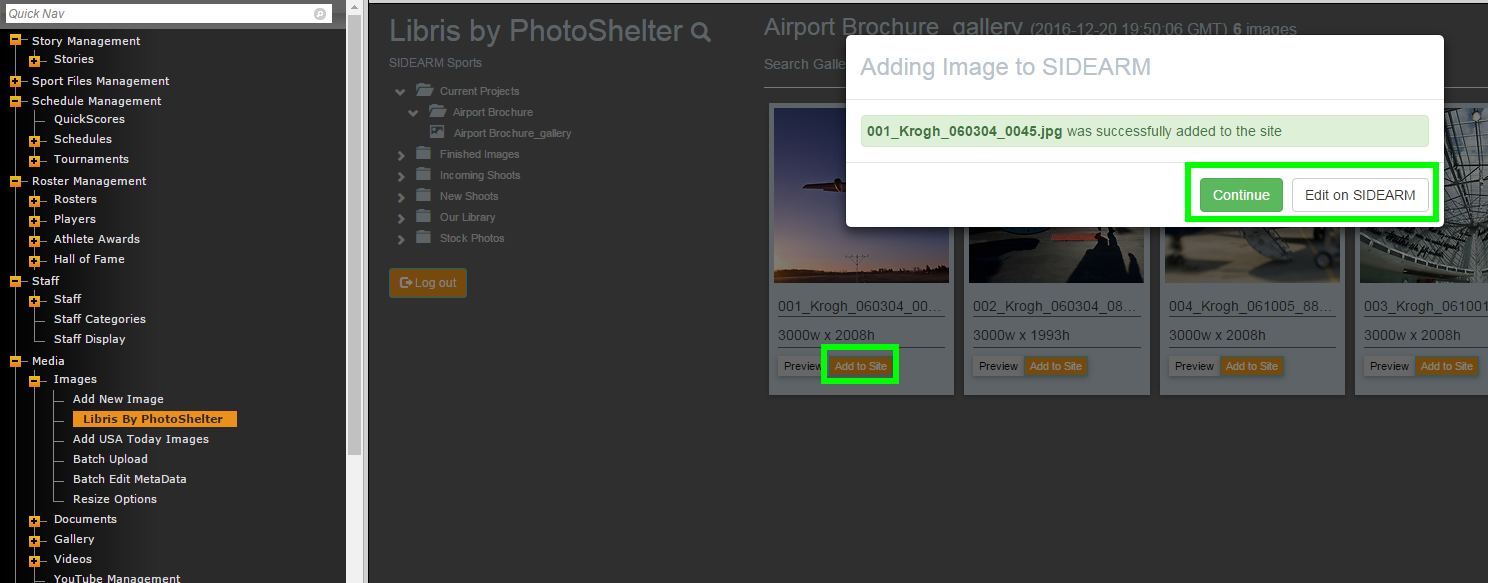
When you browse/select images, you'll have the option to Preview the image or Add to Site.
Clicking Add to Site will add the image to your SIDEARM site just like the traditional method of uploading an image. You'll be able to edit/associate the image just like you're used to.
You can click Continue to continue browsing Libris by PhotoShelter or Edit on SIDEARM to go directly to the image editor.
Was this article helpful?
That’s Great!
Thank you for your feedback
Sorry! We couldn't be helpful
Thank you for your feedback
Feedback sent
We appreciate your effort and will try to fix the article