To add a form/survey go to Forms > Forms/Surveys > Add Form/Survey.
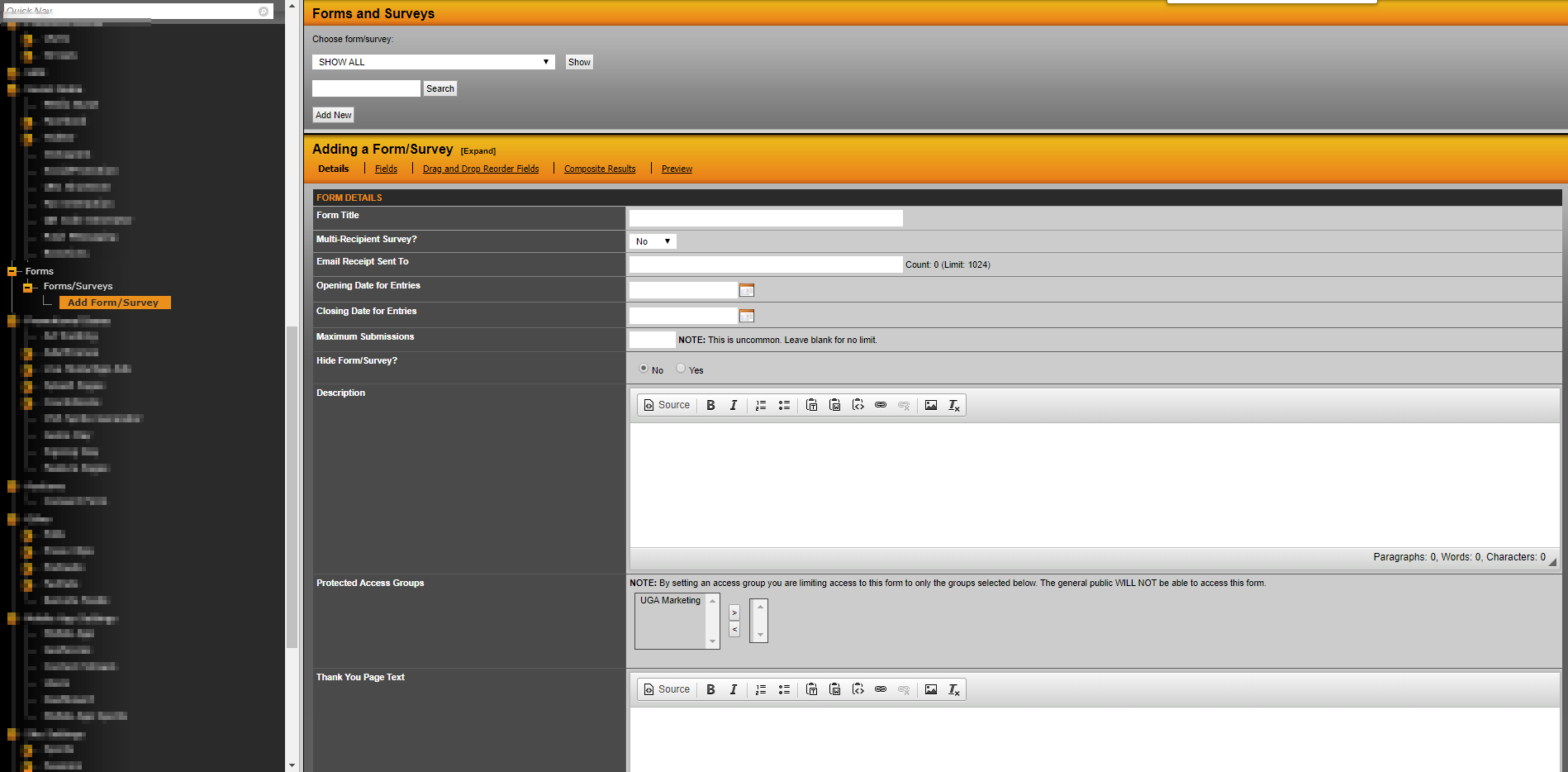
There you will fill out all applicable fields in the Details section before clicking Add Form at the bottom-right of the page.
That will save the form and you'll be taken to the Fields section.
This is where you'll add all applicable Fields for your new form/survey. There is a wide range of options including Text Box, Multiple Select, etc.
Once the form is created you can preview the live form and begin tracking you Composite Results.
Was this article helpful?
That’s Great!
Thank you for your feedback
Sorry! We couldn't be helpful
Thank you for your feedback
Feedback sent
We appreciate your effort and will try to fix the article